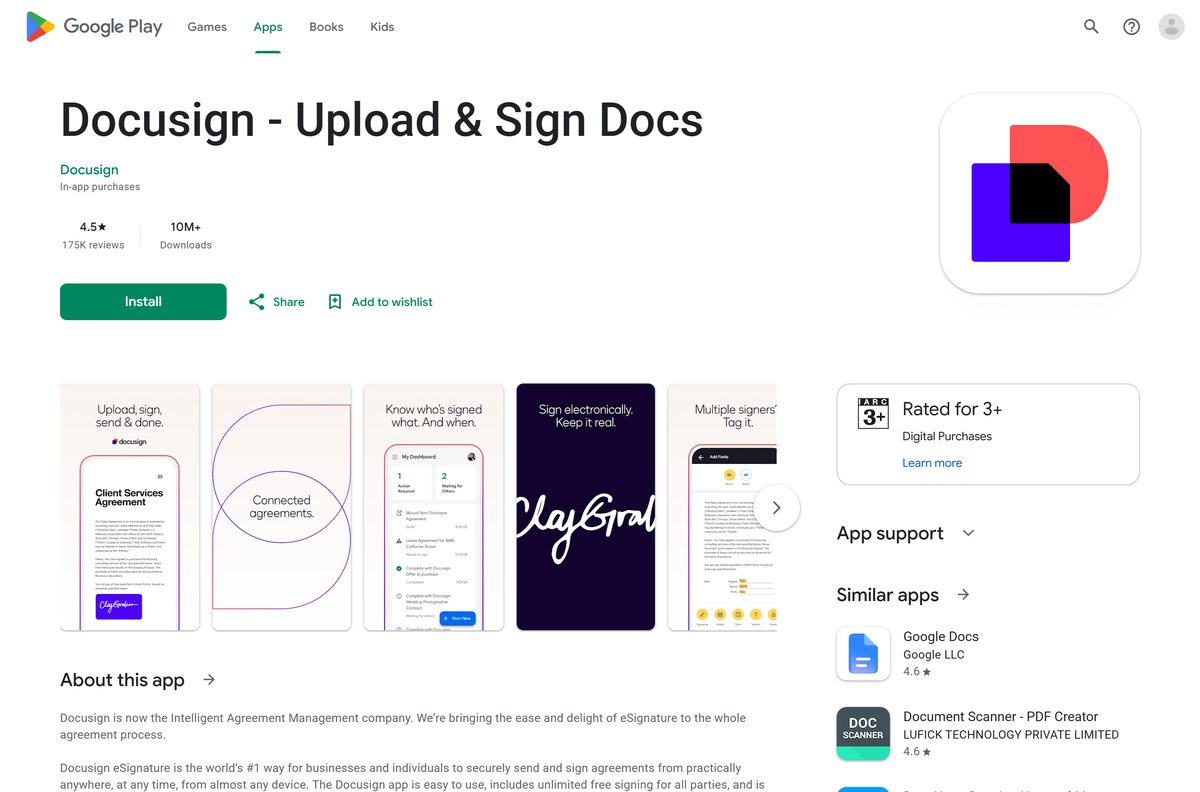
The Docusign app download is free, and you can have Docusign eSignature running as an app on your Windows 11 or Windows 10 PC, your Mac and your phone in a few minutes. Computers install the Docusign web app from Edge, Chrome or Safari, and phones get Docusign – Upload & Sign Docs from the App Store or Google Play.
Signing is free on every device, with no monthly limit. Sending documents for signature needs a paid plan, and Docusign offers a 30-day free trial with no credit card.
This guide covers the official links, installing Docusign on each device, what is free and what is paid, system requirements, and fixes for sign-in and signing problems.
Which Docusign download do you need?
Match your device to the row below. Phones run the native app, and computers run the Docusign web app in its own window.
| Your device | Get this | Size and notes |
|---|---|---|
| Windows 11 or Windows 10 PC or laptop | Docusign web app | Install it as an app from Edge or Chrome; nothing to download |
| Mac, Intel or Apple silicon | Docusign web app | Add it to the Dock from Safari on macOS Sonoma 14 or later |
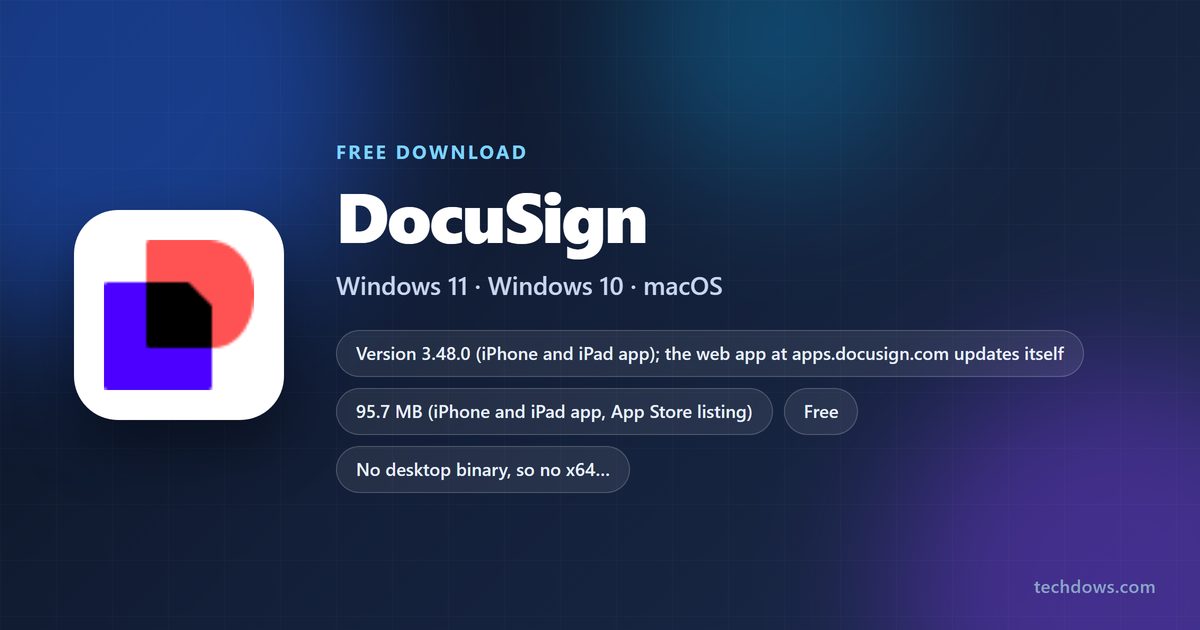
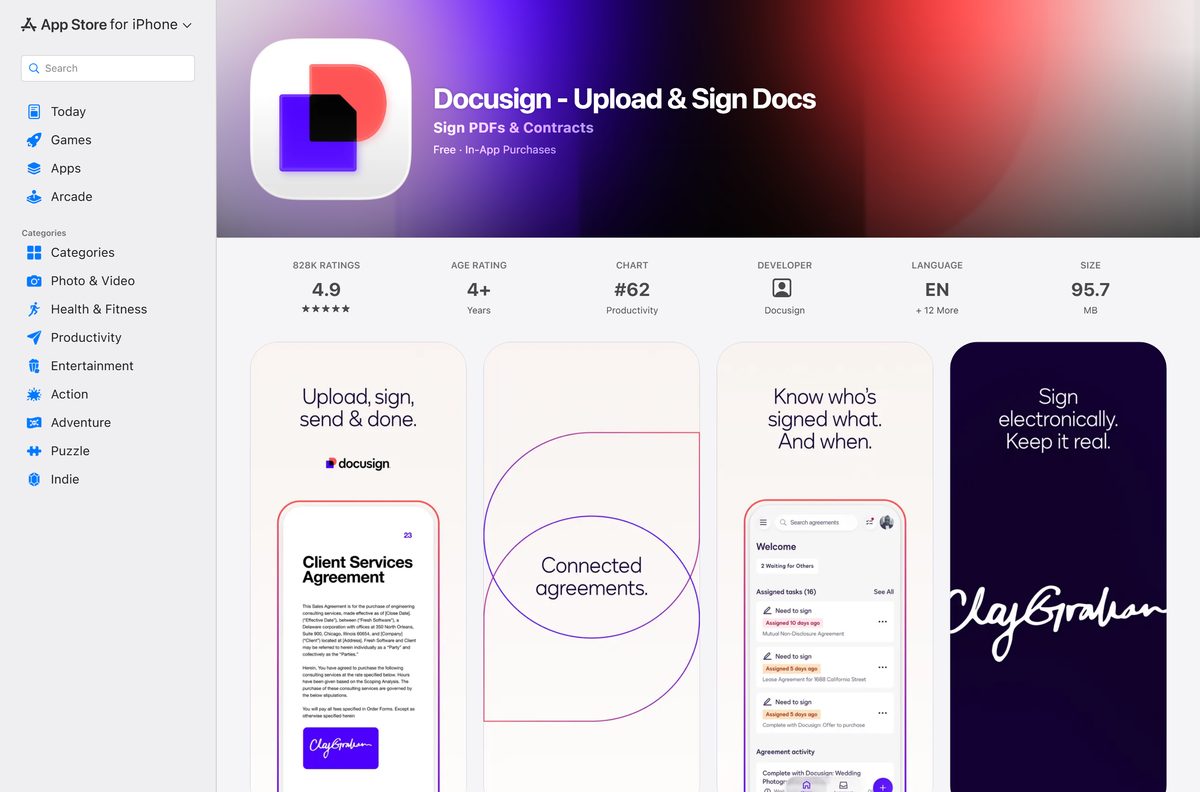
| iPhone or iPad with iOS 17.0 or later | Docusign on the App Store | 95.7 MB, version 3.48.0 |
| Android phone or tablet | Docusign on Google Play | Listed by Docusign, 10M+ downloads |
| You only need to sign one document someone sent you | Free Docusign account | No install and no account needed; sign from the email link |
Every row signs in to the same Docusign account, so envelopes you send from the phone appear on your PC too.
Download Docusign from the official links
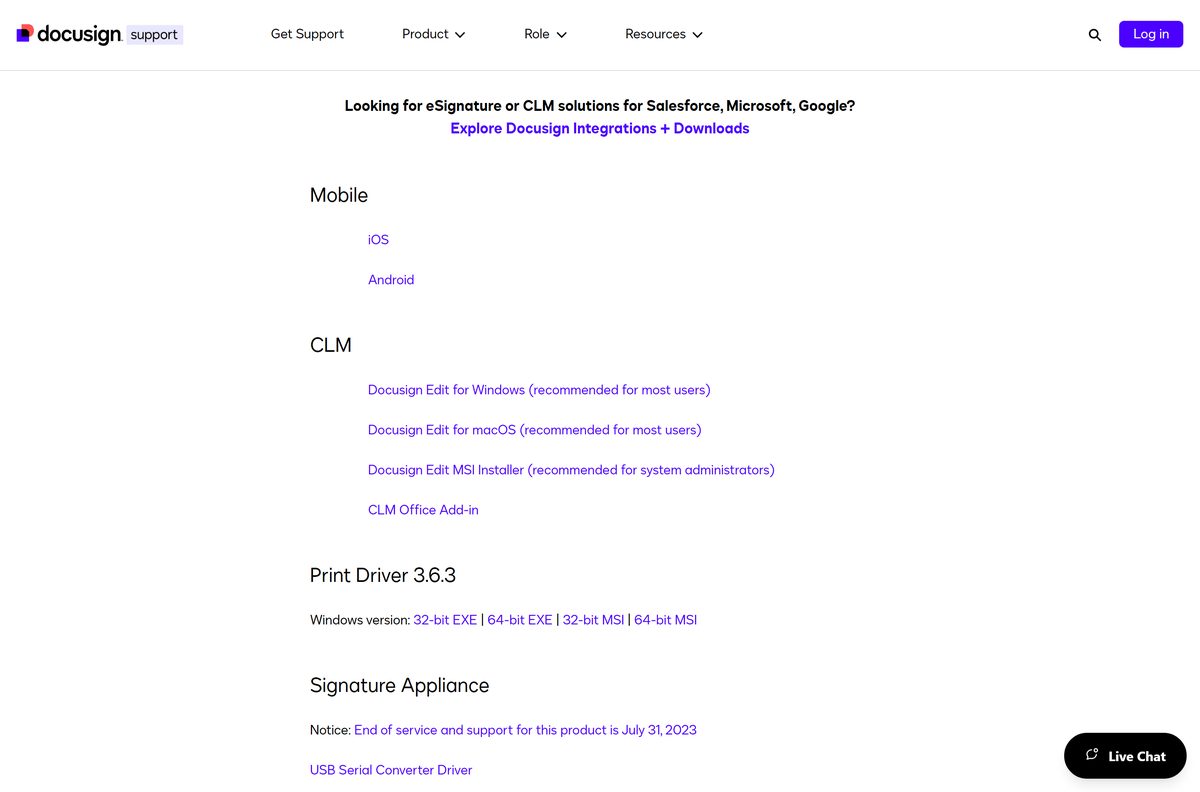
Docusign’s own downloads page lists its eSignature apps under Mobile: iOS and Android. On a computer, the official address is the Docusign web app.
- Docusign – Upload & Sign Docs on the App Store — 95.7 MB · iPhone and iPad, seller Docusign
- Docusign – Upload & Sign Docs on Google Play — Android, developer listed as Docusign
- Docusign web app — the desktop route for Windows 11, Windows 10 and Mac
- Docusign downloads page — Docusign’s own list of apps, drivers and add-ins
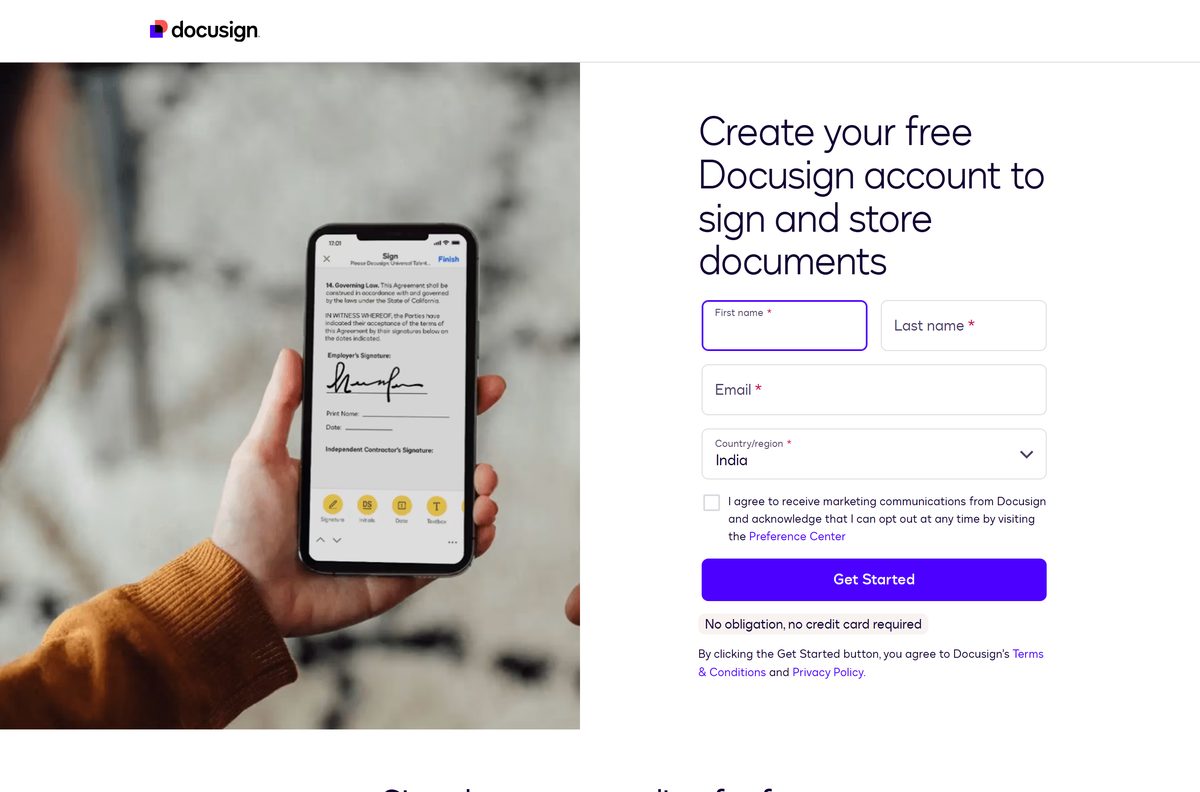
- Create a free Docusign account — for signing and storing documents
- Start the 30-day free trial — Business Pro features for sending, no credit card
The downloads page also carries Docusign Edit for Windows and macOS, which belongs to Docusign CLM, plus Print Driver 3.6.3. Neither one is the eSignature app, so skip them unless your company uses CLM.
How to install Docusign as an app on Windows 11 and 10
Microsoft Edge ships with Windows 11 and Windows 10, and it can turn the Docusign web app into an app with its own window, Start menu entry and taskbar icon.
- Open Microsoft Edge and go to apps.docusign.com.
- Sign in with your Docusign email and password, or create a free account first.
- Select Settings and more (the three dots) at the top right.
- Select More tools, then Apps, then Install this site as an app.
- Keep the name Docusign or type a shorter one, then select Install.
- Tick Pin to Start if the dialog offers it, then right-click the new taskbar icon and select Pin to taskbar.
In Chrome, open the same page, select the three-dot More menu, then Cast, save, and share, then Install page as app.
The installed app shows in Settings, Apps, Installed apps alongside your other Windows programs.
Install the Docusign app on your iPhone, iPad or Android phone
The phone app signs, sends and tracks agreements, and it can import a photo scan of a paper document. Install it from the store your device already uses.
- Open the App Store on an iPhone or iPad, or Google Play on Android.
- Search for Docusign and pick Docusign – Upload & Sign Docs.
- Check that the seller or developer reads Docusign.
- Tap Get on iPhone or Install on Android.
- Open the app and sign in, or create a free account.
- Allow notifications so the app can tell you when a document has been signed.
The iPhone and iPad app needs iOS 17.0 or later. Both store listings are free, with in-app purchases for the sending plans.
How to sign a Docusign document without installing anything
Signers do not need an account or an app. The email from the sender opens the document straight in your browser.
- Open the Docusign email on your PC, Mac or phone, and select the link to review the document.
- Select the Electronic Record and Signature disclosure checkbox if it appears, or select Continue.
- Fill in the required fields and select Sign on each signature tag.
- Draw or pick a signature the first time, then select Adopt and Sign.
- Select Finish to complete signing.
- Create a free Docusign account afterwards if you want your signed copies stored in one place.
Selecting Finish with a required field still empty takes you to that field instead. Every party receives a copy once all signers are done.
Which Docusign download do you need for your Mac?
Docusign lists no eSignature app for macOS. Safari can still give the Docusign web app its own Dock icon and window.
| Your Mac | What to use | How to set it up |
|---|---|---|
| macOS Sonoma 14 or later, Safari | Docusign web app | Choose File, then Add to Dock, then Add |
| Older macOS, or Chrome as your browser | Docusign web app | Chrome menu, Cast, save, and share, Install page as app |
| Company uses Docusign CLM for contract editing | Docusign Edit for macOS | A CLM add-on, not a replacement for eSignature |
| You also carry an iPhone | App Store listing | Keep the phone app for signing on the go and push alerts |
Apple saves Safari web apps in the Applications folder inside your home folder, so they open from Launchpad and Spotlight like any other app.
Is Docusign free?
Signing is free. Docusign states that a free signer account lasts forever and that it is always free to sign and store documents.
Sending is the paid part. A free account can send up to three envelopes, and the Personal plan sends up to 5 documents a month. The Standard, Business Pro and Real Estate plans add advanced fields, templates and in-person signing.
The free trial runs for 30 days on Business Pro and needs no credit card. When it ends, the account drops to a free account with nothing to cancel.
Yes for signing, no for regular sending. The app and the account are free, and a paid plan is needed only to send documents for signature beyond the free allowance. The App Store and Google Play list the app at no cost, with in-app purchases for the sending plans. Anyone selling a Docusign licence key or a paid Docusign installer is not Docusign.
Plan prices change with billing period and region, so check them on Docusign’s own plans page before you upgrade.
Should you use the old Microsoft Store Docusign app or the web app?
A Microsoft Store entry named DocuSign still exists in Microsoft’s catalog. It is a Windows 8.x-era package at version 2016.917.507.1713, and its listing was last changed in October 2020.
Docusign’s downloads page no longer lists a Windows eSignature app of any kind.
Use the Docusign web app, installed from Edge or Chrome, on Windows 11 and Windows 10. The web app is the version Docusign maintains and updates, and it carries every current sending and signing feature. The 2016 Store package predates those features and receives no listing updates.
How to check your Docusign app version and update it
The web app never needs updating, because apps.docusign.com loads the current version every time. Only the phone app has a version number.
- On iPhone or iPad, open the App Store and tap your profile picture at the top right.
- Scroll to the pending updates and tap Update next to Docusign.
- On Android, open Google Play, tap your profile picture, then Manage apps & device.
- Tap Updates available and select Update next to Docusign.
- Open the Docusign listing in either store to see the current version and update date.
- Turn on automatic app updates in the store settings so fixes arrive without a prompt.
Version 3.48.0 is the current iPhone and iPad release. Google Play shows the Android app was last updated on September 17, 2026.
Check whether your device meets the Docusign requirements
The phone app has a hard iOS minimum. On a computer, Docusign asks for a current browser and a few network settings.
| Field | Value |
|---|---|
| Software | Docusign eSignature (Docusign – Upload & Sign Docs) |
| Developer | Docusign, Inc. |
| Latest version | 3.48.0 on iPhone and iPad; the web app is always current |
| License | Free to sign; paid plans to send, with a 30-day free trial |
| Download size | 95.7 MB on iPhone and iPad; nothing to download on a PC or Mac |
| Supported OS | iOS 17.0 or later, Android; Windows 11, Windows 10 and macOS through a browser |
| Architecture | No desktop binary; runs on x64, Arm and Apple silicon through the browser |
| Browser | Latest stable Chrome, Firefox, Safari or Microsoft Edge |
| Screen | 1024 x 768 minimum on desktops and laptops |
| Network | Per-session cookies allowed; HTTP 1.1 through a proxy; access to docucdn-a.akamaihd.net |
| Official download source | App Store, Google Play and apps.docusign.com |
| Offline installer | No |
| Last verified | 2026-09-24 |
Update the browser first when a signing page will not load, since Docusign supports only the latest stable release.
Check which files Docusign can open for signing
Upload the file in its original format. You do not need to export a PDF first.
| File type | Examples |
|---|---|
| Contracts, forms and scanned paperwork | |
| Word | Offer letters, NDAs and proposals |
| Excel | Order sheets and price schedules |
| Images | JPEG, PNG and TIFF photos of paper documents |
| Text-based files | Plain text agreements and notes |
The phone app also imports from email, Google Drive, Dropbox, Box, Evernote, Salesforce and photo scans.
Fix Docusign not installing or not signing on Windows 11
Most problems come from the browser, a blocked network address or the phone’s system version rather than from Docusign.
Edge shows no Install this site as an app option
Edge is out of date, or the menu opened on a different tab.
- Open Settings and more, then Help and feedback, then About Microsoft Edge, and let it update.
- Restart Edge and open apps.docusign.com in the active tab.
- Select Settings and more, More tools, Apps, then Install this site as an app.
- Use Chrome’s Cast, save, and share menu if your organisation has disabled app installs in Edge.
The signing page stays blank or loads without buttons
Cookies are blocked, or a firewall stops Docusign’s content server.
- Allow cookies for docusign.com in your browser’s site settings.
- Ask your IT team to allow https://docucdn-a.akamaihd.net through the firewall.
- Turn off ad blockers and script blockers for docusign.com, then reload the email link.
Finish does nothing or jumps to another part of the page
A required field is still empty.
- Look for the field the page scrolled to and fill it in.
- Select Sign on every remaining signature tag.
- Select Finish again.
The App Store says Docusign is not compatible
The iPhone or iPad runs a release older than iOS 17.0.
- Open Settings, General, Software Update and install the latest iOS or iPadOS.
- Return to the App Store and tap Get again.
- Sign from the email link in Safari on a device that cannot update.
How to uninstall Docusign from your computer or phone
Removing the app leaves your account, envelopes and signed documents untouched.
- In Edge, go to edge://apps , select Details on the Docusign card, then Uninstall.
- In Chrome, open the Docusign app window, select More, then Uninstall Docusign, then Remove.
- On a Mac, open your home folder, open Applications, and drag the Docusign web app to the Trash.
- On iPhone or iPad, press and hold the Docusign icon, tap Remove App, then Delete App.
- On Android, press and hold the icon, tap App info, then Uninstall.
- Sign in at apps.docusign.com later to reach every stored document again.
Frequently asked questions
Is the Docusign app free to download?
Yes. The App Store and Google Play list Docusign – Upload & Sign Docs for free, and the web app costs nothing to install from Edge, Chrome or Safari. Signing and storing documents is always free. Sending documents for signature needs a paid plan after the free allowance.
Is there a Docusign desktop app for Windows 11?
Docusign’s desktop route is its web app. Open apps.docusign.com in Microsoft Edge, then choose Settings and more, More tools, Apps, and Install this site as an app. Docusign then runs in its own window with a Start menu entry.
Is there a Docusign app for Mac?
Docusign lists no eSignature app for macOS. On macOS Sonoma 14 or later, open apps.docusign.com in Safari and choose File, then Add to Dock, to get a standalone Docusign window. Docusign Edit for macOS belongs to Docusign CLM.
Do I need an account to sign a Docusign document?
No. Signers are not required to have an account. Open the email, agree to the disclosure or select Continue, fill in the required fields, adopt a signature and select Finish. A free account is optional and stores your signed copies.
How long is the Docusign free trial?
The trial lasts 30 days, covers Business Pro features and needs no credit card. When it ends, the account downgrades to a free account, so there is nothing to cancel. You can upgrade to a paid plan later from the same account.
How many documents can I send with a free Docusign account?
A free account can send up to three envelopes and holds one user. The Personal plan sends up to 5 documents a month, and the Standard, Business Pro and Real Estate plans are built for regular sending.
How big is the Docusign download?
The iPhone and iPad app is 95.7 MB on the App Store. Google Play does not display a size for the Android app. On a PC or Mac there is nothing to download, because the installed app is the web app in its own browser window.
Is there a Docusign offline installer or EXE?
No. Docusign publishes no EXE, MSI or DMG for eSignature. The EXE and MSI files on its downloads page are Docusign Edit for CLM and the Print Driver. Install the web app from Edge or Chrome instead.
What is the latest Docusign app version?
The iPhone and iPad app is at version 3.48.0, and Google Play shows the Android app was updated on September 17, 2026. The web app has no version to track, because it loads the current release on every visit.
Is the Docusign download safe?
Yes, when it comes from the App Store, Google Play or apps.docusign.com. Check that the seller or developer reads Docusign. Never install a Docusign APK, EXE or DMG from a download site.
How do I uninstall Docusign from my computer?
In Edge, go to edge://apps, select Details on the Docusign card, then Uninstall. In Chrome, open the Docusign window and select More, then Uninstall Docusign. Uninstalling leaves your account and stored documents untouched.