The Fitbit app download is free on Android phones, iPhones and iPads, and the app now carries the name Google Health. Install it from Google Play or the App Store, sign in with a Google Account, and your Fitbit tracker or watch syncs to it over Bluetooth.
On a Windows 11, Windows 10 or Mac computer, the same phone app does the syncing, and the computer handles your data exports. The app itself is 514.2 MB on iPhone and needs iOS 16.4 or Android 11 or later.
This guide covers which store to use, install steps for both phones, the PC and Mac route, what Premium costs, and fixes for setup and sync problems.
Which Fitbit app download do you need?
Match your device to a row, then use the link in that row. Every row ends at the same Google Health app.
| Your device | What to install | Size |
|---|---|---|
| Android phone on Android 11 or later | Google Health (Fitbit) on Google Play | Play states no size |
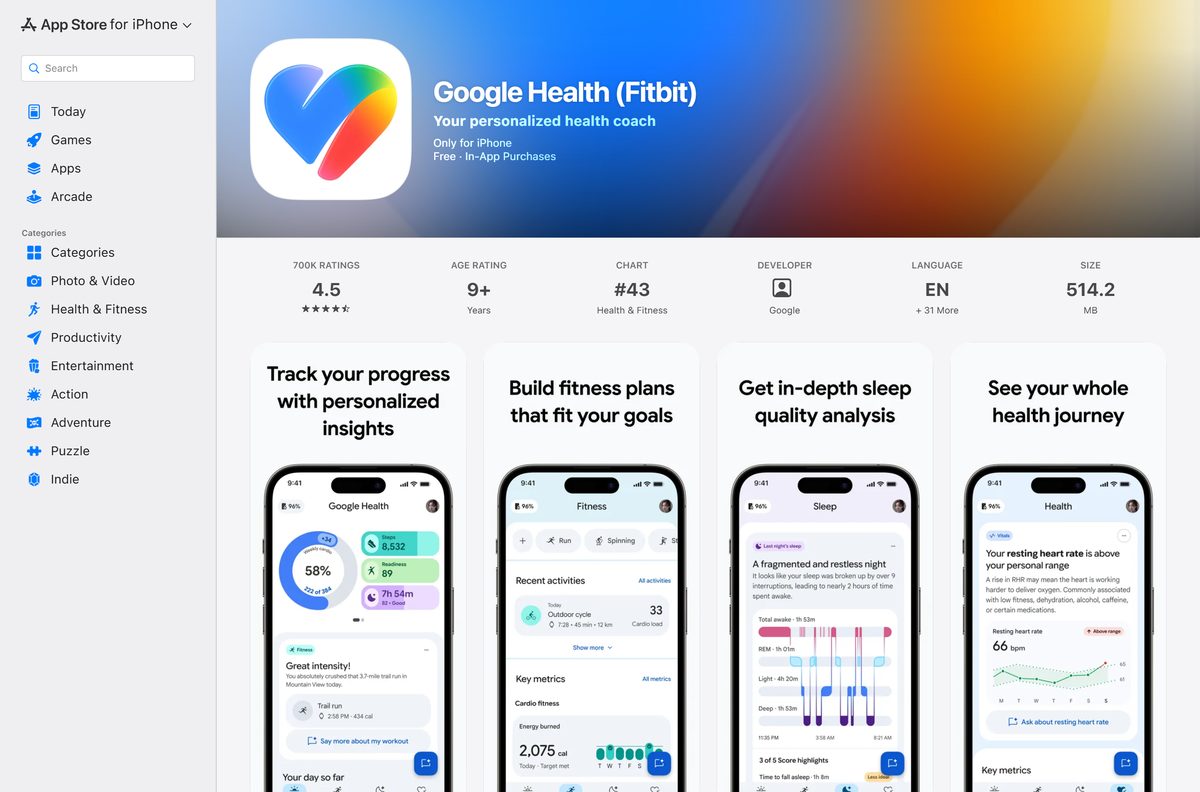
| iPhone or iPad on iOS 16.4 or later | Google Health (Fitbit) on the App Store | 514.2 MB |
| Windows 11 or Windows 10 PC | Install the phone app, then export data to the PC | Nothing to install on the PC |
| Mac | Install the phone app, then export data to the Mac | Nothing to install on the Mac |
Download the Fitbit app from the official stores
Google publishes the app under the seller name Google LLC in two places. Use these links and ignore any site offering a Fitbit setup file.
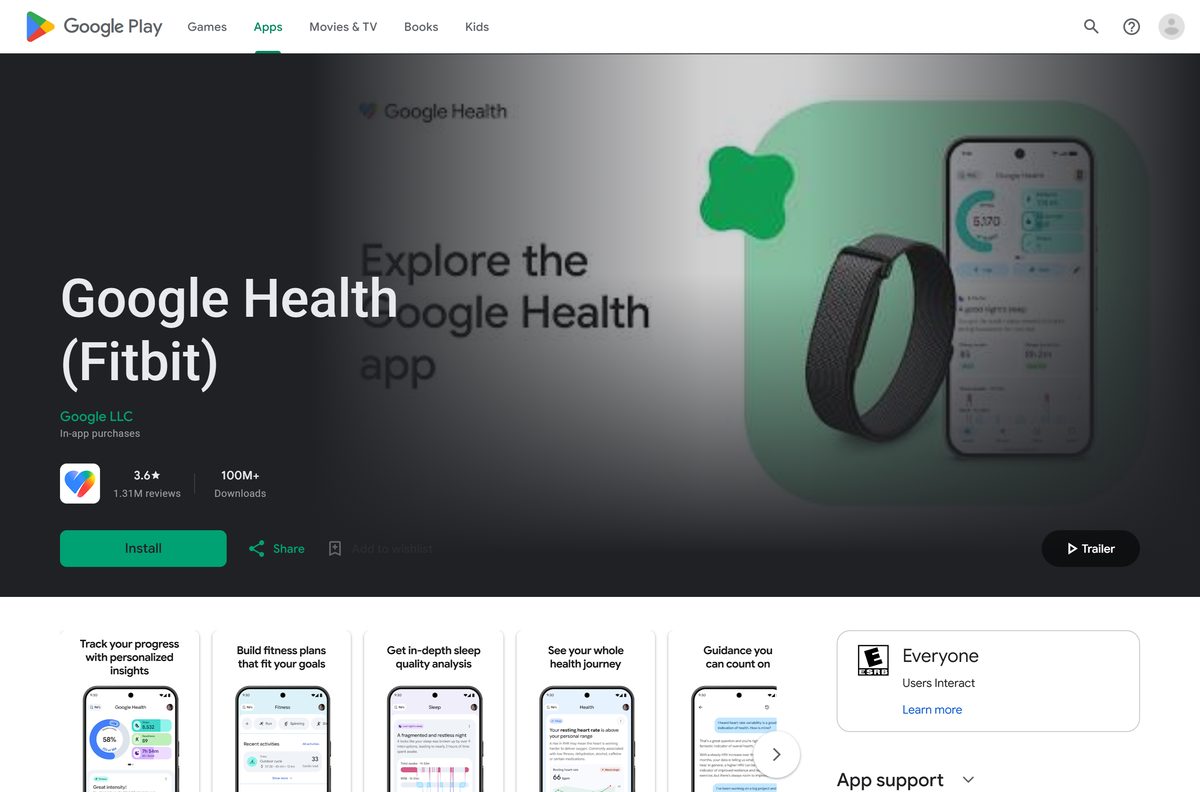
- Google Health (Fitbit) on Google Play — Google LLC, free with in-app purchases, 100M+ downloads
- Google Health (Fitbit) on the App Store — 514.2 MB · Google LLC, iPhone and iPad, iOS 16.4 or later
- Google Health app setup requirements — Google’s list of supported phones
Search either store for Google Health if the old name returns nothing. The listing title still ends in (Fitbit).
Check the Fitbit app system requirements
The phone is the only hard requirement. A Google Account is the second one, because Fitbit logins no longer open the app.
| Field | Value |
|---|---|
| Software | Google Health (Fitbit), formerly the Fitbit app |
| Developer | Google LLC |
| Latest version | 5.08.1 on iPhone and iPad (18 September 2026); Android updated 22 September 2026 |
| Price | Free, with optional Google Health Premium |
| Android | Android 11 or higher |
| iPhone and iPad | iOS 16.4 or higher |
| Windows and Mac | No desktop build; use the phone app |
| Download size | 514.2 MB on the App Store; Google Play states no size |
| Account | A Google Account |
| Offline installer | None |
| Official source | Google Play and the App Store |
| Last verified | 2026-09-24 |
Google flags the Huawei P8 Lite, P9 Lite, P20 Lite and Xiaomi Mi 6 as phones with known problems, even though they meet the version floor.
How to install the Fitbit app on an Android phone
Charge the tracker first. Setup runs over Bluetooth, and a flat battery stops the pairing.
- Open the Google Play Store on your phone.
- Search for Google Health and open the listing from Google LLC.
- Tap Install and wait for the download to finish.
- Tap Open and sign in with your Google Account.
- Allow Bluetooth and Location access when the app asks.
- Put the Fitbit tracker on its charger, then follow the pairing prompts in the app.
- Wait for the first sync, then open the Today tab to see your data.
Google’s setup fixes for Android include turning on location services and allowing the app to use them.
How to install the Fitbit app on an iPhone or iPad
The iPhone build is a 514.2 MB download, so start it on Wi-Fi.
- Open the Google Health (Fitbit) listing on your iPhone or iPad.
- Check that the seller reads Google LLC.
- Tap Get, then confirm with Face ID, Touch ID or your Apple Account password.
- Tap Open once the install finishes.
- Sign in with your Google Account.
- Allow Bluetooth and Notifications when iOS asks.
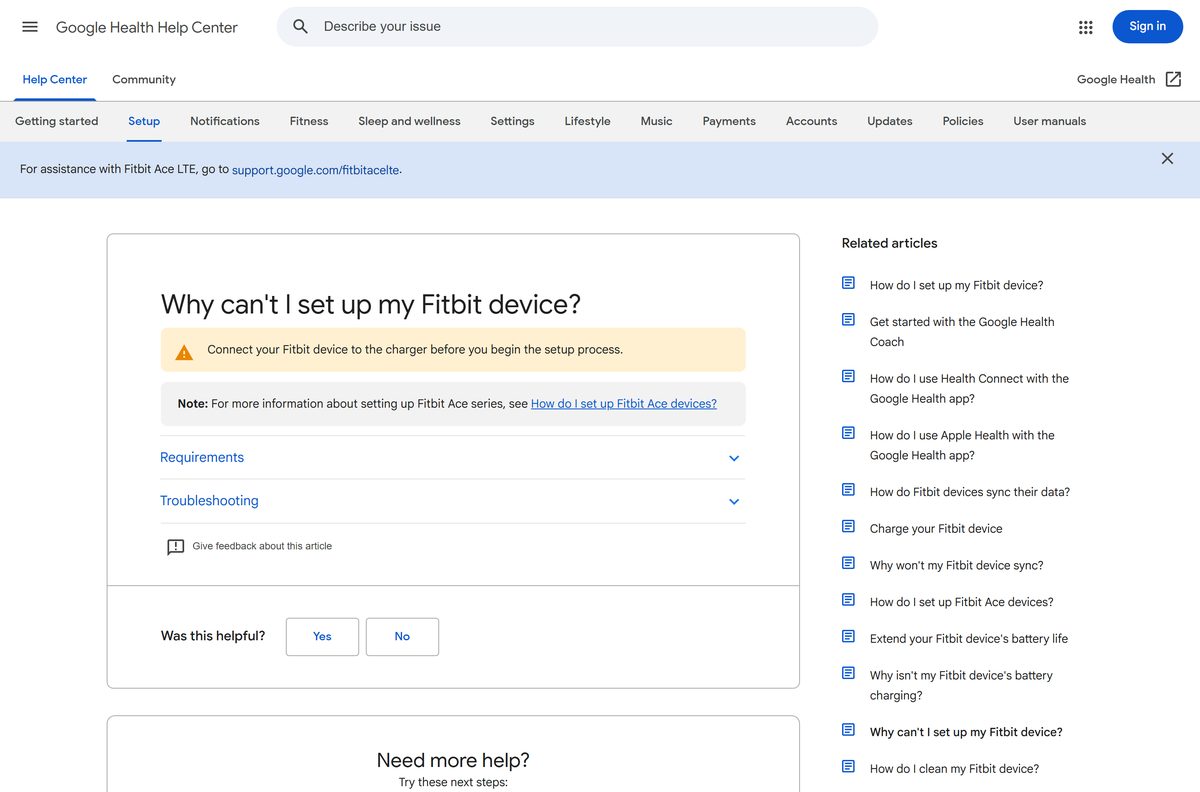
- Pair your Fitbit device from the setup prompts, then check the Today tab for your first sync.
Which Fitbit route works on a Windows PC or Mac?
Google now lists only Google Play and the App Store as download locations. The old Fitbit app for Windows 10 is gone: its Microsoft Store listing returns an error page, and the Mac App Store carries no Fitbit or Google Health app.
Google’s own sync guide reads: sync your device with the Google Health app on your iPhone or Android phone. The computer’s job is to hold your exported data.
| What you want on the computer | What to do |
|---|---|
| Sync a tracker or watch | Use the phone app; Google supports syncing only there |
| Set up a new Fitbit device | Use your phone, as Google’s setup guide directs |
| Keep a copy of your data on a PC or Mac (Google Account) | Google Takeout with Google Health selected |
| Keep a copy of your data (older Fitbit login) | Data Export on the Fitbit settings page |
| Install the old Fitbit Windows app | Not possible; the Store listing no longer loads |
Skip any site offering a Fitbit Connect or Fitbit for Windows installer. Google does not distribute either one.
Is the Fitbit app free?
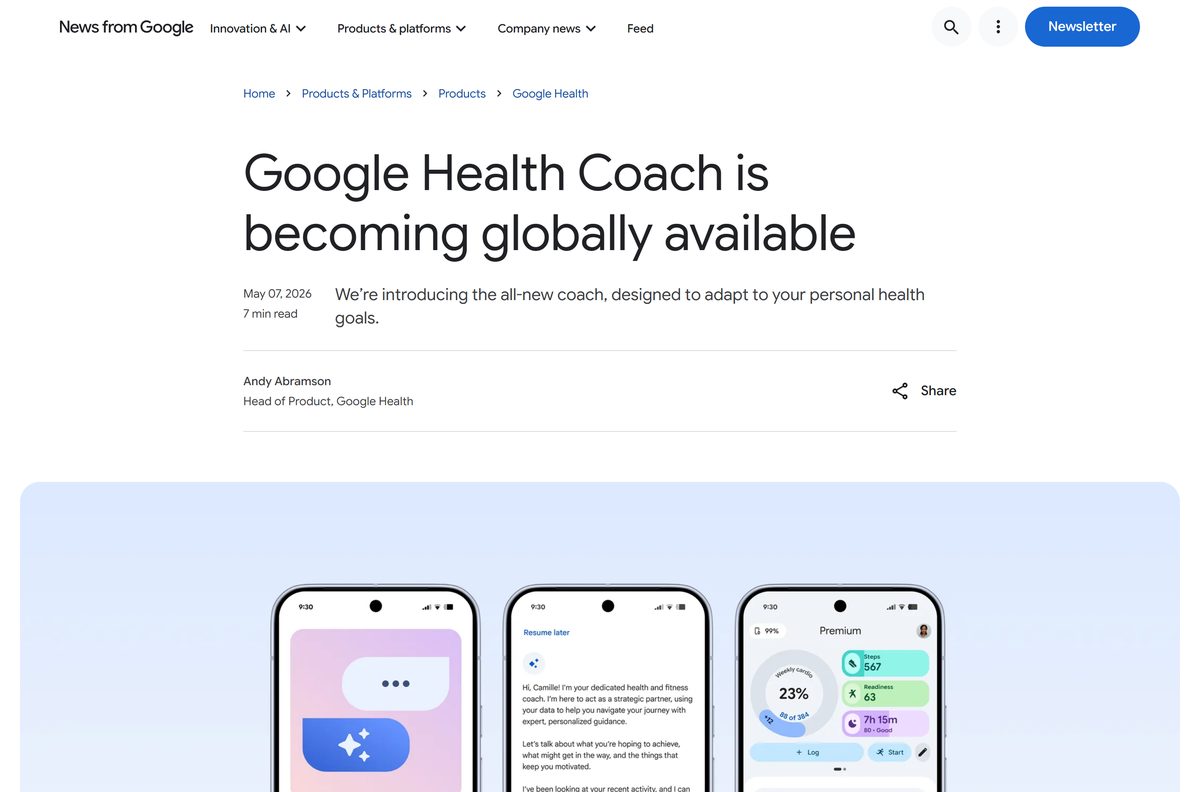
Yes. The app is free to download and use, and Premium is optional. Google Health Premium, formerly Fitbit Premium, is the paid layer. It starts at $9.99 per month or $99 per year and adds the Google Health Coach built with Gemini. New and returning Google Account users get a three-month trial, and Google AI Pro and Ultra subscribers get Premium at no extra cost.
Premium coaching needs a Fitbit or Pixel Watch, an age of 18 or over, and one of 37 supported countries, the United States included.
Should you move your Fitbit account to a Google Account?
Yes. Move the account before anything else, because the Google Health app does not open with a Fitbit login. Google’s setup requirements state that from May 19, 2026, Fitbit account users need a Google Account to reach the Google Health app. Google set July 15, 2026 as the date it began processing data deletions, so export anything you want to keep first.
Open the app after the move and confirm your devices and history appear under Connections.
How to check your Fitbit app version and update it
Google Health and its Coach need version 5.0 or above. Google warns that builds below 5.0 run into issues.
- Open the Google Health app.
- Tap the Today tab, then your profile picture.
- Tap Help and read the version at the bottom of the screen.
- On Android, open the Play Store, tap your profile icon, then Manage apps & devices, and update Google Health.
- On iPhone, open the App Store, tap your profile picture, and tap Update beside Google Health.
- Reopen the app and check that the version now reads 5.0 or higher.
What changed when the Fitbit app became Google Health
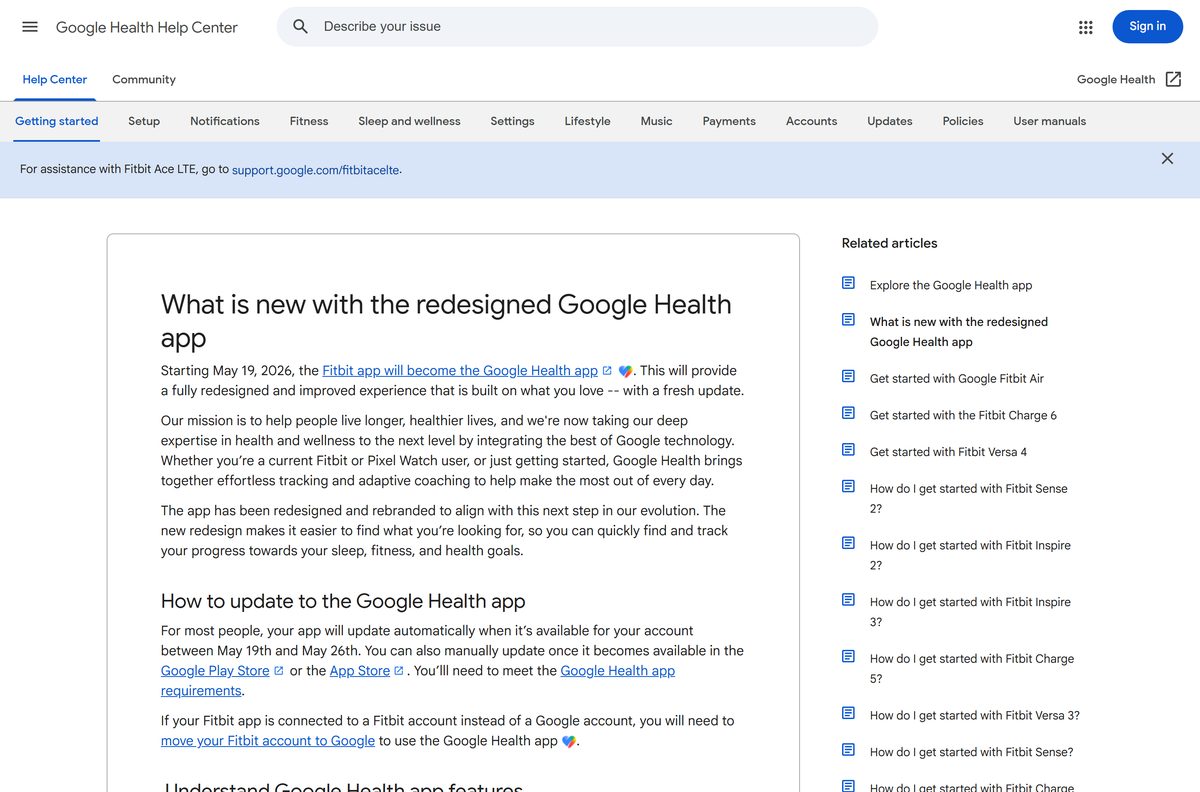
The change arrived as an ordinary app update between May 19 and May 26, 2026. Nothing new has to be installed.
| Before | After May 19, 2026 |
|---|---|
| Fitbit app | Google Health app, listed as Google Health (Fitbit) |
| Fitbit Premium | Google Health Premium, with the Google Health Coach |
| Fitbit login | Google Account required |
| Single app view | Today, Fitness, Sleep and Health tabs with a paired device |
| No paired device | A reduced view with the Today and Health tabs |
How to verify the Fitbit app is genuine
Fitbit has no installer file to checksum. The store listing itself is the proof.
- Open the listing from the official link, not from a search ad.
- Check that the developer reads Google LLC.
- On Google Play, check for 100M+ downloads and the Health & Fitness category.
- On the App Store, check for more than 700,000 ratings under Health & Fitness.
- Skip any listing whose developer is anything other than Google LLC.
Fix the Fitbit app not installing or syncing
The store says the app is not compatible with your phone
The phone runs a version older than Android 11 or iOS 16.4.
- On iPhone, open Settings, then General, then Software Update.
- On Android, open Settings, then About phone, and check the Android version.
- Install any pending update, then retry the store listing.
The app cannot find your Fitbit during setup
Bluetooth, battery or power saving is blocking the pairing.
- Put the Fitbit device on its charger.
- Turn Bluetooth off on the phone, wait 10 seconds, and turn it back on.
- Turn off Power Saving Mode, which disables Bluetooth.
- On Android, allow Google Health to use location.
- Restart both the Fitbit device and the phone, then retry setup.
Setup or sync still fails after those steps
A stale Bluetooth pairing or another Fitbit on the account is in the way.
- Remove all other Fitbit devices from your Google Account in the app.
- Open the phone’s Bluetooth settings and forget the Fitbit device.
- Uninstall and reinstall the Google Health app, then pair again.
The Microsoft Store shows no Fitbit app on your PC
The Windows app has been withdrawn, so no Store fix brings it back.
- Install the app on your phone from Google Play or the App Store.
- Sync the tracker there.
- Export your data to the PC with Google Takeout when you need it on the computer.
How to uninstall and reinstall the Fitbit app
Sync the tracker before you remove the app. Unsynced data on the device is lost when you remove it from the account.
- Open the app and let it finish a sync.
- On Android, open the Play Store, tap your profile icon, then Manage apps & devices and Manage.
- Select Google Health and tap Uninstall.
- On iPhone, touch and hold the Google Health icon, tap Remove App, then Delete App.
- Reinstall from the same store listing and sign in with the same Google Account.
Apple’s remove apps guide and Google’s delete apps guide cover the same steps.
What to use on a computer instead of a Fitbit desktop app
None of these syncs a tracker. Each one gets your Fitbit data onto a computer or into another service.
| Option | What it does | Link |
|---|---|---|
| Google Takeout | Downloads a copy of your Google Health data to a PC or Mac | How to download your Google data |
| Fitbit Data Export | Exports an archive or a date range for older Fitbit logins | Export your Google Health data |
| Google Health on a tablet | Runs the full app on an iPad alongside your phone | App Store listing |
Frequently asked questions
Is the Fitbit app free?
Yes. The Google Health (Fitbit) app is free on Google Play and the App Store. Google Health Premium is optional and starts at $9.99 per month or $99 per year, with a three-month trial for new and returning users.
What is the official Fitbit app download page?
Google Play for Android and the App Store for iPhone and iPad, both under the seller Google LLC. Google’s help center names those two stores as the only download locations for the Google Health app.
Is there a Fitbit app for PC or Windows 11?
No desktop build is offered now. The old Fitbit Windows app’s Microsoft Store listing no longer loads, and Google supports syncing only through the phone app. Export your data to a Windows 11 PC with Google Takeout.
How big is the Fitbit app download?
The iPhone and iPad app is 514.2 MB on the App Store. Google Play does not state a size for the Android app, which varies by phone. Download it over Wi-Fi to avoid using mobile data.
Is there an offline installer or EXE for Fitbit?
No. Google publishes no EXE, MSI, DMG or offline installer for Fitbit or Google Health. The app installs only through Google Play or the App Store, and any site offering a setup file is not Google.
Is there a Fitbit app for Mac?
No. The Mac App Store carries no Fitbit or Google Health app. Install the app on your iPhone or Android phone to sync, and use Google Takeout to copy your data to the Mac.
Does the Fitbit app have a 64-bit or ARM64 build?
The question does not apply, because there is no Windows or Mac build. The app runs on Android 11 or higher and iOS 16.4 or higher, and the stores deliver the right build for your phone automatically.
Is the Fitbit app safe to install?
Yes, from the official stores. Both listings are published by Google LLC, and the Play listing states data is encrypted in transit and not shared with third parties. Avoid any third-party site offering a Fitbit installer.
What is the latest Fitbit app version?
Version 5.08.1 on iPhone and iPad, released on 18 September 2026. Google Play shows the Android app updated on 22 September 2026. Find your own version under the Today tab, your profile picture, then Help.
Why won’t the Fitbit app install on my phone?
The phone is usually below Android 11 or iOS 16.4. Update the system software, then retry the store listing. Google also lists the Huawei P8 Lite, P9 Lite, P20 Lite and Xiaomi Mi 6 as phones with known problems.
Why is the Fitbit app now called Google Health?
Google renamed the Fitbit app to Google Health starting May 19, 2026, as an ordinary update. Fitbit Premium became Google Health Premium at the same time, and the store listings now read Google Health (Fitbit).
Do I need a Google Account to use Fitbit?
Yes. From May 19, 2026, Fitbit account users need to move to a Google Account to open the Google Health app. Move the account and export your data before signing in on a new phone.