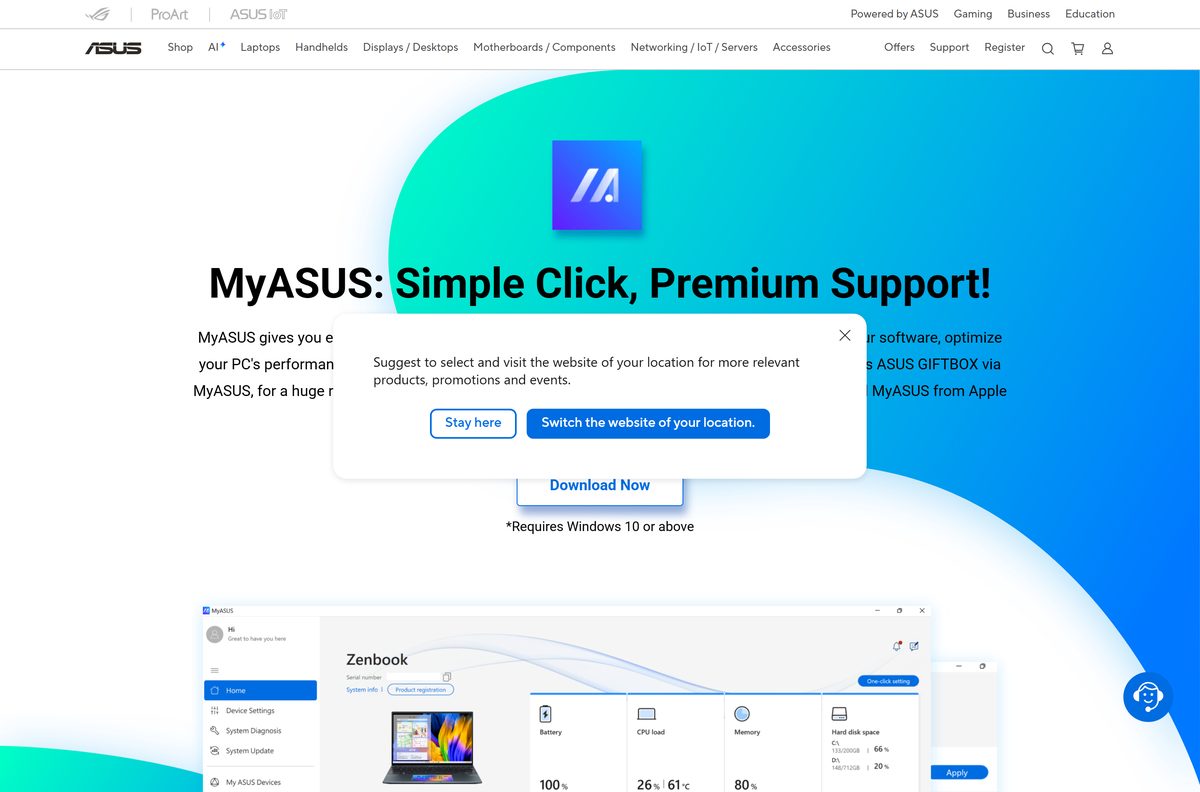
MyASUS download for Windows 11 and Windows 10 is free from the Microsoft Store, and it takes about five minutes on any ASUS laptop, desktop, All-in-One or gaming handheld. The app handles BIOS and driver updates, system diagnosis, warranty checks and hardware settings in one place.
Most ASUS computers ship with MyASUS already installed. If yours does not, or you reset Windows, the Store package plus the ASUS System Control Interface driver brings back every feature.
Below are the official links, the driver step most guides skip, install and update steps, and fixes for an app that shows missing features or will not open.
Which MyASUS download do you need?
Match your device to a row. Every route is free and comes from ASUS or Microsoft.
| Your device | What to get | Size |
|---|---|---|
| ASUS laptop, desktop, All-in-One or handheld with an Intel or AMD chip | MyASUS on the Microsoft Store (x64) | 199.8 MB |
| ASUS laptop with a Snapdragon (ARM64) chip | MyASUS on the Microsoft Store (ARM64) | 166.5 MB |
| Custom PC on a supported ASUS motherboard | Enable the MyASUS option in BIOS (ASUS FAQ) | Installs over the internet |
| Android phone or iPhone | ASUS guide to the MyASUS phone app | Separate app |
The Store picks the x64 or ARM64 package for you, so both PC rows lead to the same listing. On a supported ASUS motherboard, press F7 in the BIOS for Advanced Mode, open Tool and enable Download & Install MyASUS Service & app.
Download MyASUS from the official ASUS and Microsoft links
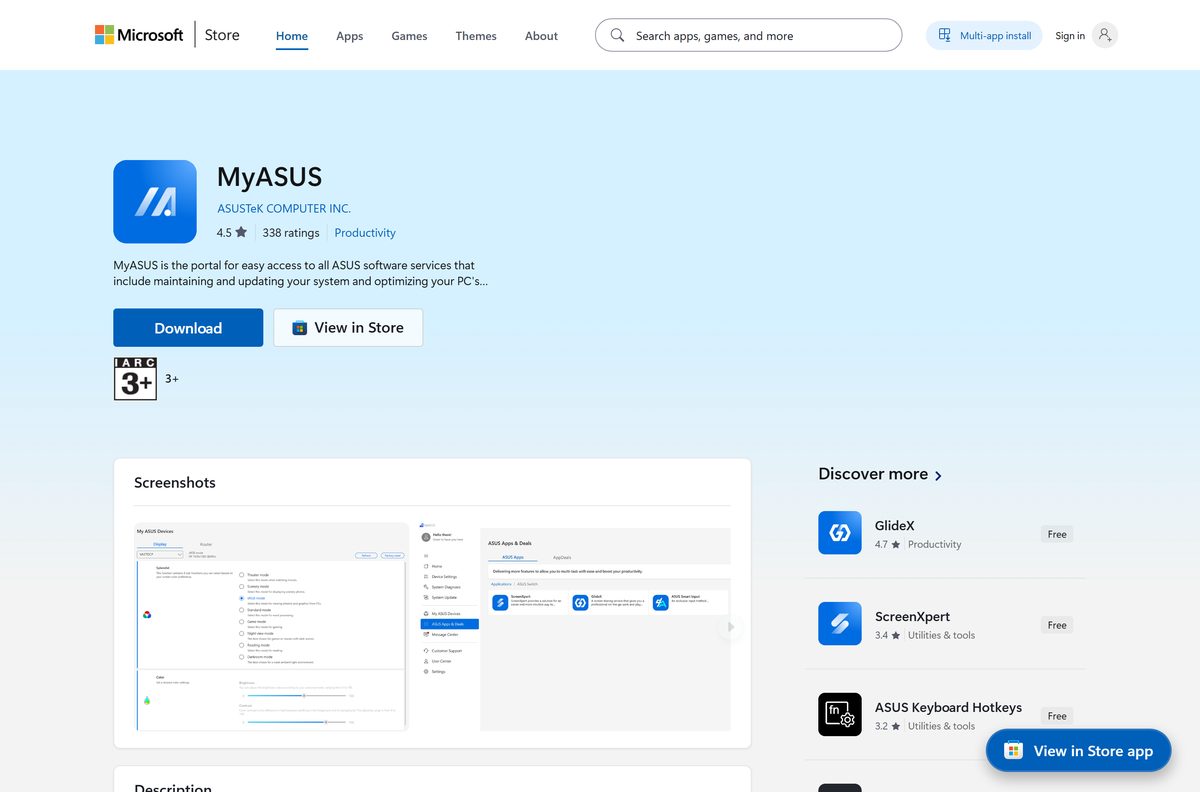
ASUS distributes MyASUS for computers only through the Microsoft Store. Use these links and nothing else.
- MyASUS on the Microsoft Store, product 9N7R5S6B0ZZH — 199.8 MB (x64), 166.5 MB (ARM64) · publisher ASUSTeK COMPUTER INC., updates through the Store
- MyASUS support page on asus.com — the ASUS download button, which opens the Store listing
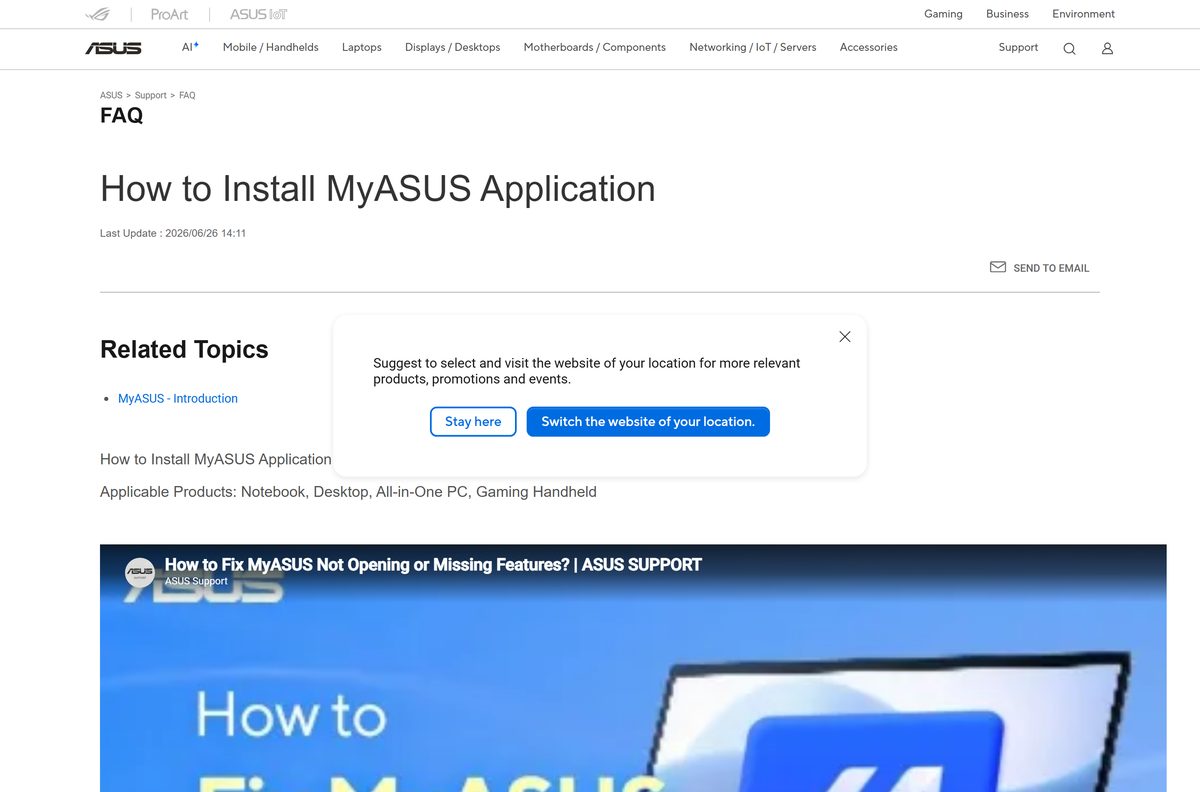
- How to install MyASUS, ASUS FAQ 1039718 — the official install steps and driver check
A MyASUS .exe on a download portal is not from ASUS. Check that the Store listing names ASUSTeK COMPUTER INC. before you select Install.
Check the MyASUS system requirements before you install
Any ASUS PC on Windows 10 version 1809 or newer clears the Store floor. Windows 11 uses the same package.
| Field | Value |
|---|---|
| Software | MyASUS |
| Developer | ASUSTeK COMPUTER INC. |
| Latest version | 4.0.73.0 (x64); 4.4.6.0 (ARM64) |
| Store listing updated | 13 August 2026 |
| License | Free |
| Supported OS | Windows 11, Windows 10 version 1809 (build 17763) or later |
| Supported hardware | ASUS notebooks, desktops, All-in-One PCs, gaming handhelds and selected motherboards |
| Architecture | x64 and ARM64 |
| Download size | 199.8 MB (x64); 166.5 MB (ARM64) |
| Installed size | 311.6 MB (x64); 269.3 MB (ARM64) |
| Required driver | ASUS System Control Interface, V1 or V3 |
| Microsoft Store product | 9N7R5S6B0ZZH |
| Offline installer | No |
| Last verified | 2026-09-19 |
Press Windows + R, type winver and select OK to read your Windows build. System Diagnosis and System Update do not run in Windows S mode.
Install the ASUS System Control Interface driver before MyASUS
MyASUS talks to ASUS hardware through this driver. Without it, the app opens with only a handful of pages.
- Right-click Start and select Device Manager.
- Expand System devices.
- Look for ASUS System Control Interface in the list. If it is there, skip to the next section.
- If it is missing, open the ASUS support site, search your model name and open Driver & Utility.
- Download the ASUS System Control Interface package from the Software and Utility category.
- Extract the file and double-click the installer to run it.
- Restart the PC when setup finishes.
ASUS makes this driver check step one of its official MyASUS install guide.
Install MyASUS from the Microsoft Store or with winget
The Store is the only official route, and it keeps MyASUS updated in the background.
- Open Microsoft Store from the Start menu.
- Search for MyASUS, or open product 9N7R5S6B0ZZH directly.
- Confirm the publisher reads ASUSTeK COMPUTER INC.
- Select Install, or Get if the Store shows that button instead.
- Wait for the download to finish, then select Open.
- Follow the first-run prompts and accept the privacy settings you want.
- For a command line instead, run winget install 9N7R5S6B0ZZH –source msstore in Terminal.
The winget command pulls the same Store package, so both routes end with an identical install.
Can you use MyASUS on a Mac or a non-ASUS PC?
MyASUS for computers is a Windows app built for ASUS hardware. Here is what to do on other devices.
| Your device | What to do | Where to go |
|---|---|---|
| Mac | There is no macOS version. Use the ASUS support site for drivers and warranty checks | ASUS support |
| Windows PC from another brand | Skip MyASUS. It needs the ASUS System Control Interface driver found only on ASUS hardware | ASUS feature table by driver |
| iPhone or Android phone | Install the separate MyASUS phone app for registration and support | ASUS phone app guide |
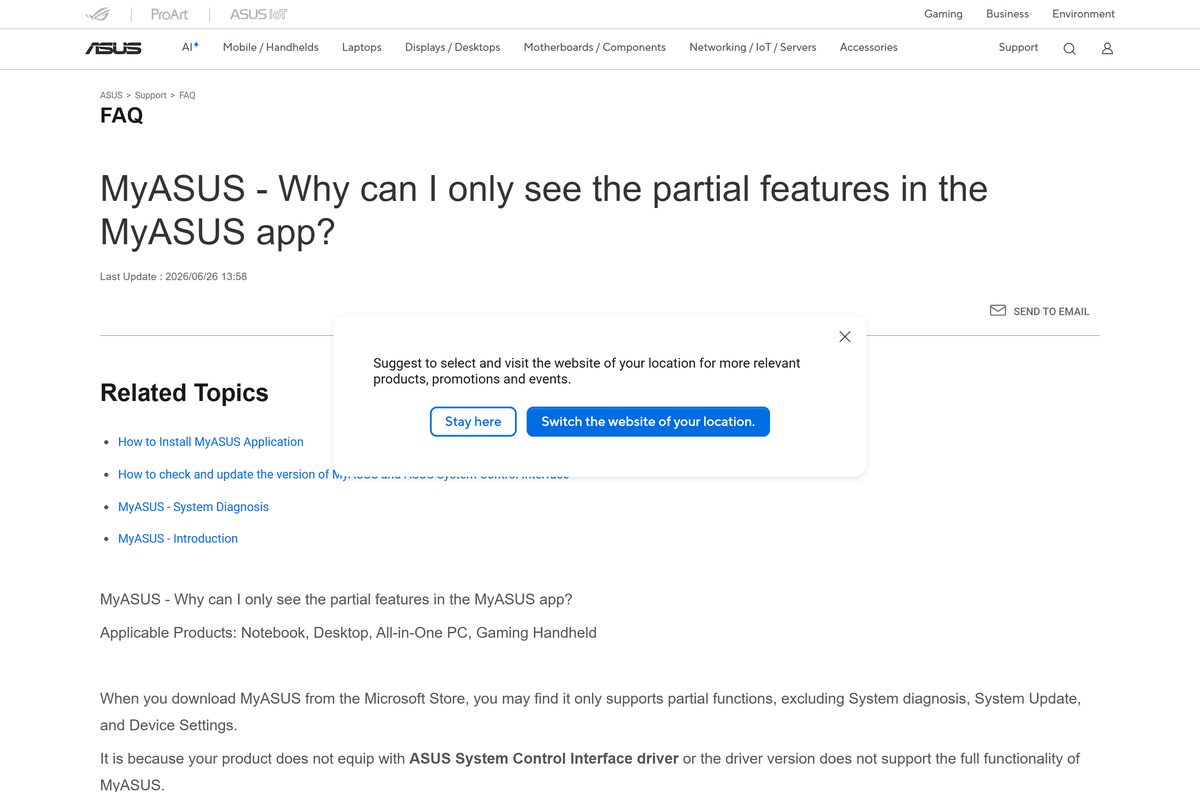
Without that driver, the app shows only Tutorial, System Info and Announcements.
Is MyASUS free?
Yes. MyASUS costs nothing to download or use. The Microsoft Store lists MyASUS at $0.00, and ASUS preinstalls it on every compatible ASUS computer. System Update, System Diagnosis and customer support are free. The only paid items are optional warranty extension packages ASUS sells through the app. A site charging for a MyASUS download is not ASUS.
Which ASUS System Control Interface driver should you install for MyASUS?
Your hardware ID decides the driver. Read it in Device Manager before you download anything.
Install ASUS System Control Interface V3 if the hardware ID reads ASUS2018. Install the original ASUS System Control Interface if it reads ASUS1000. ASUS ties each driver to a hardware ID. Open Device Manager, right-click the unknown device, select Properties, open the Details tab and choose Hardware Ids. Only V3 unlocks every MyASUS feature, including One-click Settings.
What MyASUS can do with each driver version
Feature coverage depends on the driver, and ASUS notes it also varies by model.
| Driver on your PC | MyASUS features available |
|---|---|
| No ASUS System Control Interface | Tutorial, System Info, Announcements |
| ASUS System Control Interface (V1) | Adds System Diagnosis, System Update and Device Settings |
| ASUS System Control Interface V3 | Every feature, including One-click Settings |
Device Settings covers Power & Performance, Audio & Visual, Connectivity, Input Device and Privacy & Security.
How to check your MyASUS version and update it
The Store updates MyASUS, while Windows Update refreshes the driver underneath it.
- Open MyASUS and select Settings in the sidebar.
- Open the About tab and read the app version.
- Open Microsoft Store and select Library in the sidebar.
- Select Get updates and install anything listed for MyASUS.
- Open Settings > Windows Update and select Check for updates to refresh the ASUS System Control Interface driver.
An x64 PC on a version below 4.0.73.0 has an update waiting in the Store.
Fix MyASUS not installing or not opening on Windows 11 and 10
MyASUS shows only Tutorial, System Info and Announcements
The ASUS System Control Interface driver is missing or outdated.
- Open Device Manager and expand System devices.
- Install the V1 or V3 driver that matches your hardware ID from the ASUS support site.
- Restart the PC and reopen MyASUS.
The Microsoft Store will not download MyASUS
A stale Store cache or an old Windows build.
- Press Windows + R, type winver and confirm the build is 17763 or higher.
- Press Windows + R, type wsreset.exe and select OK.
- Return to the Store listing and select Install again.
System Diagnosis or System Update is missing
Windows is running in S mode, which blocks these features.
- Open Settings > System > Activation.
- Under the switch-out-of-S-mode section, select Open Store, then select Get on the Store page.
- Restart the PC and reopen MyASUS.
MyASUS crashes or will not open
Outdated drivers or a damaged app install.
- Run Windows Update and install every driver update offered.
- Uninstall MyASUS using the steps below.
- Reinstall it from the Microsoft Store and restart the PC.
- If it still fails, send the problem to ASUS with Give feedback under Settings > MyASUS Instructions.
ASUS lists the update, driver and reinstall steps in this order in its MyASUS troubleshooting guide.
How to uninstall MyASUS
Removing MyASUS leaves your product registration and warranty with ASUS untouched.
- Close MyASUS.
- Open Settings, select Apps, then Installed apps.
- Select the three dots beside MyASUS and choose Uninstall.
- Confirm with Uninstall again.
- To remove the driver too, find ASUS System Control Interface in the same list and uninstall it.
- Restart the PC.
On Windows 10, the path is Settings > Apps > Apps & features.
How to get ASUS updates and support without MyASUS
Each MyASUS job has an official fallback if you prefer not to run the app.
| Task | Use instead | Link |
|---|---|---|
| Driver and BIOS updates | Windows Update, which also delivers ASUS drivers | ASUS MyASUS FAQ |
| Manual driver downloads | The Driver & Utility page for your model on asus.com | ASUS support |
| Registration and repair status on the go | The MyASUS phone app | ASUS phone app guide |
For hardware settings such as power modes and battery care, MyASUS remains the ASUS tool that covers them on most laptops.
Frequently asked questions
Is MyASUS free to download?
Yes. The Microsoft Store lists MyASUS at $0.00, and ASUS preinstalls it on every ASUS computer compatible with the app. Warranty extension packages offered inside the app are optional paid extras.
Where is the official MyASUS download?
The Microsoft Store listing for product 9N7R5S6B0ZZH, published by ASUSTeK COMPUTER INC. The download button on the ASUS MyASUS support page opens the same listing.
Does MyASUS work on Windows 11?
Yes. MyASUS runs on Windows 11 and on Windows 10 version 1809 (build 17763) or later. The same Store listing serves both systems.
How big is the MyASUS download?
The x64 package is a 199.8 MB download and takes 311.6 MB installed. The ARM64 package for Snapdragon ASUS laptops is 166.5 MB and takes 269.3 MB installed.
Is there a MyASUS offline installer?
No. ASUS ships the app only through the Microsoft Store, so you need an internet connection. The ASUS System Control Interface driver it depends on is a separate installer on the ASUS support site.
Can I install MyASUS on a Mac?
No. MyASUS for computers is a Windows app, and ASUS publishes no macOS version. ASUS offers a separate MyASUS phone app on Google Play and the App Store for product registration and support.
Does MyASUS support ARM64 laptops?
Yes. The Store listing carries separate x64 and ARM64 packages, and Windows installs the one that matches your ASUS laptop automatically. The current ARM64 build is 4.4.6.0.
Can I use MyASUS on a non-ASUS PC?
Not in any useful way. MyASUS needs the ASUS System Control Interface driver found only on ASUS hardware, and without it the app shows just Tutorial, System Info and Announcements.
Is MyASUS safe?
Yes, when installed from the Microsoft Store listing published by ASUSTeK COMPUTER INC. Avoid MyASUS setup files offered on third-party download sites, because ASUS does not distribute the app that way.
What is the latest MyASUS version?
The newest x64 Microsoft Store package is 4.0.73.0 and the newest ARM64 package is 4.4.6.0. Open MyASUS, then Settings and the About tab, to read your installed version.
Why does MyASUS show only a few features?
The ASUS System Control Interface driver is missing or too old. Install the V1 or V3 driver for your model from the ASUS support site, restart, and System Diagnosis, System Update and Device Settings appear.
Why won’t MyASUS install or open?
ASUS lists three fixes in order: update Windows drivers through Windows Update, update the ASUS System Control Interface driver, then uninstall and reinstall MyASUS from the Microsoft Store.