The Oracle SQL Developer download is free from oracle.com, with ready-to-run builds for Windows 11, Windows 10, Mac and Linux. Pick the Windows 64-bit zip, unzip it and double-click sqldeveloper.exe to start working with your Oracle Database.
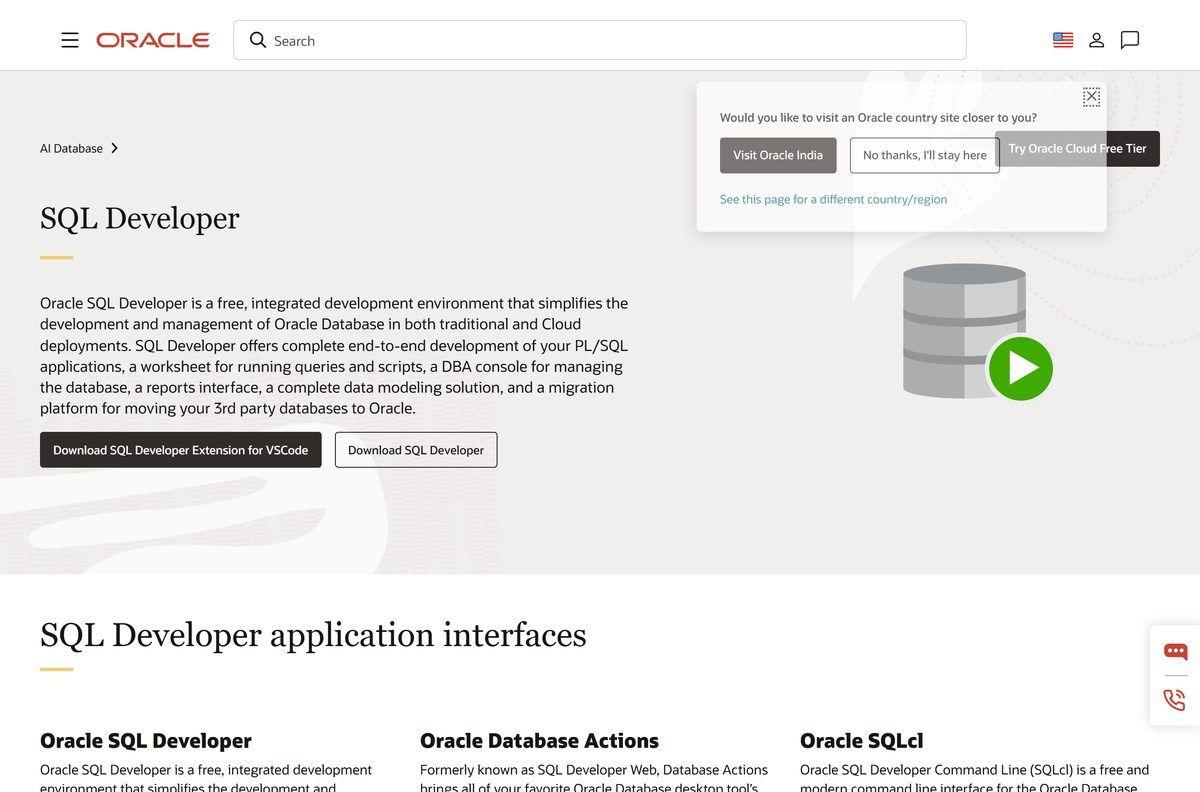
SQL Developer is Oracle’s desktop IDE for the database. It gives you a worksheet for queries and scripts, a PL/SQL editor, a DBA console, reports, data modeling and migration tools in one app.
This guide covers which file fits your computer, the official download, setup on Windows and Mac, checksums, updates, requirements, startup fixes and removal.
Which Oracle SQL Developer download do you need?
Oracle publishes four files for release 26.2. Two of them already include JDK 17, which is the Java version SQL Developer needs. Match your computer to a row and click that file.
| Your computer | Download | Size | Java |
|---|---|---|---|
| Windows 11 or Windows 10, 64-bit | sqldeveloper-26.2.0.186.2220-x64.zip | 475 MB | JDK 17 included |
| Windows PC that already has JDK 17, or 32-bit Windows | sqldeveloper-26.2.0.186.2220-no-jre.zip | 486 MB | Install JDK 17 yourself |
| Mac with Apple silicon (M-series chip) | sqldeveloper-26.2.0.186.2220-macos-aarch64.app.zip | 424 MB | JDK 17 included |
| Oracle Linux, RHEL or another RPM-based Linux | sqldeveloper-26.2.0-186.2220.noarch.rpm | 401 MB | Install JDK 17 yourself |
Most Windows users want the first row. It needs no separate Java install, so it runs straight after you unzip it.
The no-JRE build runs as 32-bit or 64-bit depending on the JDK you point it at. Check yours under Settings > System > About and read System type.
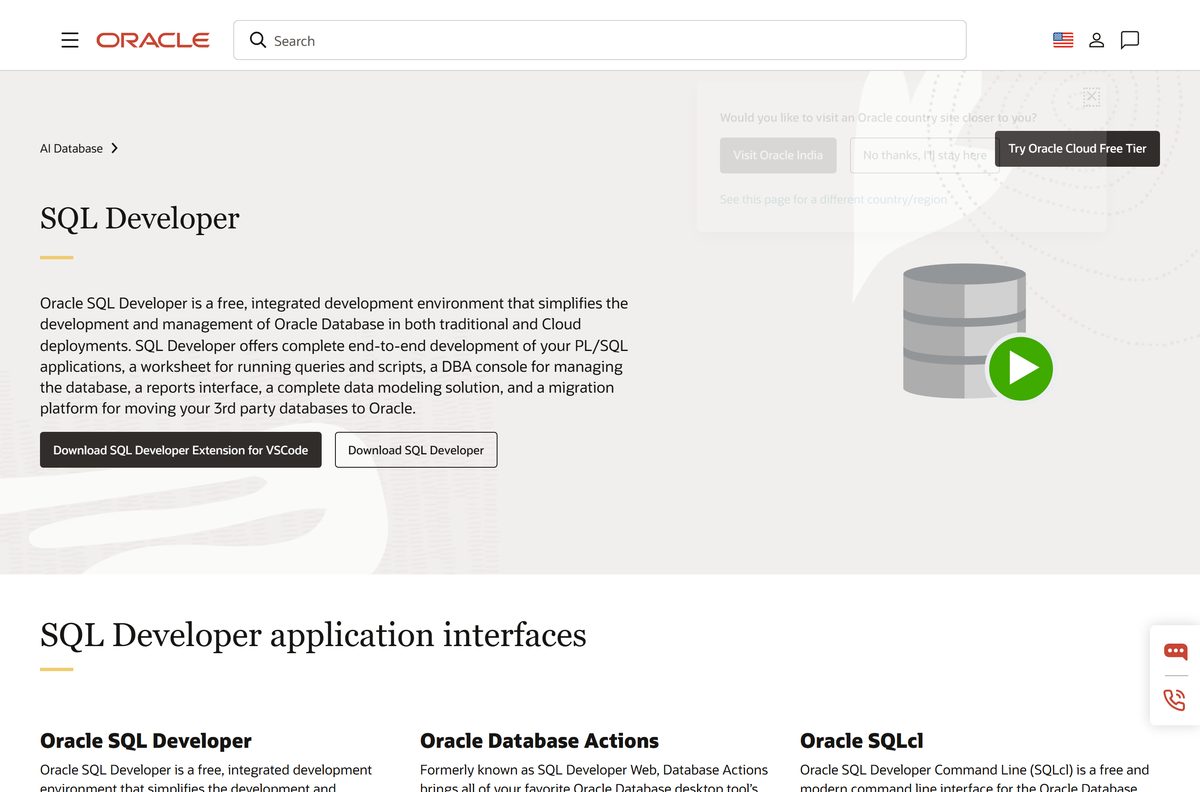
Download Oracle SQL Developer from oracle.com
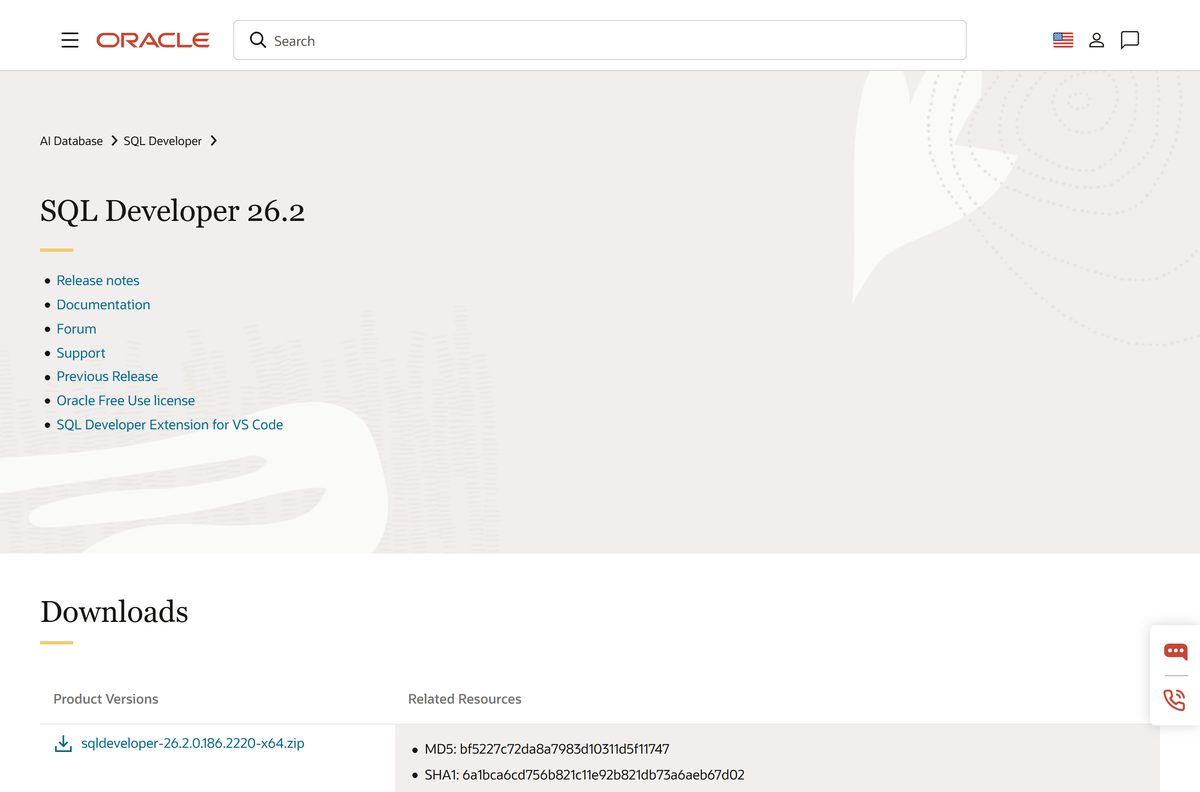
Oracle hosts every SQL Developer build on its own download page. The files come from download.oracle.com under the Oracle Free Use license, and the download starts without an Oracle account sign-in.
Release 26.2 is dated 14 July 2026. The same page links the release notes, the documentation and a Previous Release page for older builds.
- Oracle SQL Developer download page — Windows, macOS and Linux files with MD5 and SHA1 checksums
- Windows 64-bit zip with JDK 17 — 475 MB · Direct file link from the download page
- SQL Developer 26.2 release notes — July 2026: Java updates and security fixes
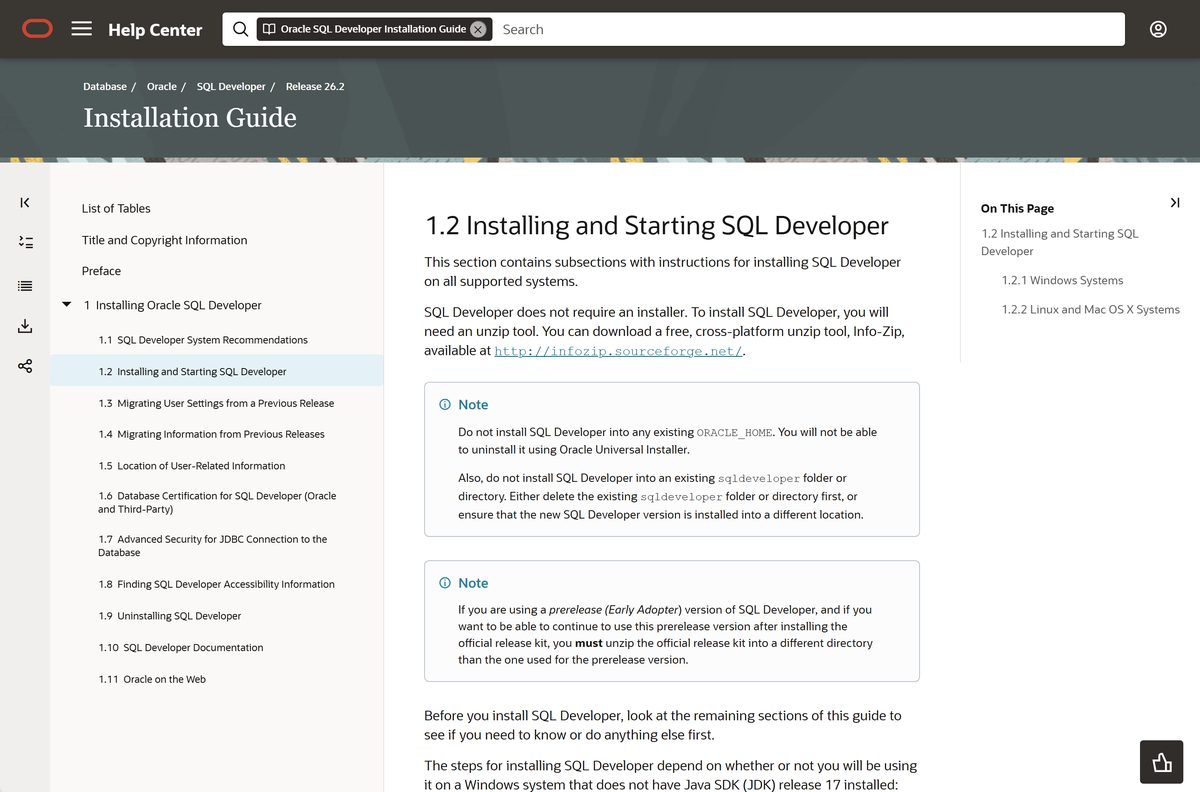
- Oracle SQL Developer Installation Guide 26.2 — Official setup steps for Windows, Linux and Mac
- Oracle Free Use license — The terms that cover the download
Skip download portals that repackage SQL Developer as a setup.exe. Oracle ships it only as a zip, an app archive or an RPM.
How to install Oracle SQL Developer on Windows 11 and 10
SQL Developer has no setup wizard on Windows. You extract the zip and run the program from the folder it creates.
- Open the SQL Developer download page on oracle.com.
- Click sqldeveloper-26.2.0.186.2220-x64.zip to download the Windows build with JDK 17.
- Right-click the zip in your Downloads folder and choose Extract All.
- Pick a destination such as C:\ , and click Extract. The zip creates a folder named sqldeveloper there.
- Open the sqldeveloper folder and double-click sqldeveloper.exe.
- If SQL Developer asks for a JDK path, click Browse and select your JDK 17 folder, such as C:\Program Files\Java\jdk-17 .
- When asked whether to migrate settings from a previous release, click Yes to bring old connections across, or No for a clean start.
- Right-click sqldeveloper.exe and choose Pin to Start so you can open it later without the folder.
Never extract a new release into an existing sqldeveloper folder. Delete the old folder first, or extract the new one to a different location.
How to verify the Oracle SQL Developer download
Oracle prints an MD5 and a SHA1 checksum under every file on the download page. Compare the SHA1 value with your copy before you extract it.
- Open Terminal or Command Prompt in your Downloads folder.
- Run certutil -hashfile sqldeveloper-26.2.0.186.2220-x64.zip SHA1 and wait for the hash to print.
- Compare the result with the SHA1 Oracle lists for the Windows zip: 6a1bca6cd756b821c11e92b821db73a6aeb67d02 .
- On a Mac, run shasum -a 1 sqldeveloper-26.2.0.186.2220-macos-aarch64.app.zip in Terminal and compare it with 12c2fc29eb6fe44c5567a183001d7d8fafdd5f42 .
- Delete the file and download it again from oracle.com if the values differ.
Which Oracle SQL Developer download do you need for your Mac?
Oracle’s 26.2 page offers one Mac file, built for Apple silicon, with JDK 17 inside. Open the Apple menu and choose About This Mac to see your chip.
| Your Mac says | Download | What to do |
|---|---|---|
| Chip: Apple M1, M2, M3, M4 or later | sqldeveloper-26.2.0.186.2220-macos-aarch64.app.zip | Download, extract the archive and run the app |
| Processor: Intel | Previous Release page | The 26.2 page lists no Intel Mac build; check Oracle’s older releases |
Drag the extracted SQL Developer app into your Applications folder. On first launch, macOS asks you to confirm that you want to open an app downloaded from the internet. Click Open.
Is Oracle SQL Developer free?
Oracle describes SQL Developer as a free IDE on its product page, and the download page links the Oracle Free Use license. There is no paid edition, trial or activation key.
The same applies to SQLcl, the command-line tool in the SQL Developer family, and to the VS Code extension.
Yes. Download it free from oracle.com. Oracle charges nothing for SQL Developer and needs no licence key. A site that asks for payment, a serial number or an activator is not selling Oracle’s software.
Should you install SQL Developer 26.2 or an older release?
Release 26.2 updates Java and fixes security bugs. It also deprecates the built-in ORDS feature and no longer bundles SQLcl, which Oracle now offers as separate downloads.
Install SQL Developer 26.2. It carries the latest security fixes and supports Oracle Database 11gR2, 19c, 21c and 23ai. Use the Previous Release page only when you rely on the ORDS feature or an older build your team has standardised on.
How to check your SQL Developer version and update it
SQL Developer does not overwrite itself. Each release lives in its own folder, and your settings move across when you first start the new one.
- Open C:\Users\
\AppData\Roaming\SQL Developer in File Explorer. Each system folder there is named after the build that created it. - Compare the highest build number with the one on the download page.
- Download the newer zip and extract it to a new location, not into your existing sqldeveloper folder.
- Start the new sqldeveloper.exe and click Yes when asked to migrate settings from a previous release.
- Accept the default option to copy settings from the most recent installation, or show all builds and pick an older one.
- Check that your connections appear, then delete the old sqldeveloper folder.
Migration brings across database connections, reports and most preferences set under Tools > Preferences. Re-enter any preference that does not carry over.
Check the Oracle SQL Developer system requirements
SQL Developer needs JDK 17. The Windows x64 and Mac builds include it, so you only install Java yourself for the no-JRE zip or the Linux RPM.
Oracle’s JDK 17 certification lists Windows 11 x64 and macOS 14, 15 and 26. Windows 10 now sits on its no-longer-supported list because Microsoft ended support for it.
| Field | Value |
|---|---|
| Software | Oracle SQL Developer |
| Developer | Oracle Corporation |
| Latest version | 26.2.0.186.2220, released 14 July 2026 |
| Licence | Free under the Oracle Free Use license |
| Windows | 64-bit zip with JDK 17; no-JRE zip for 32- or 64-bit Windows |
| macOS | Apple silicon build with JDK 17 |
| Linux | noarch RPM; JDK 17 required |
| Java | JDK 17 |
| Windows ARM64 | No separate build listed |
| Download size | 475 MB (Windows x64 zip) |
| Offline installer | Yes, every build is a complete archive |
| Databases | Oracle Database 11gR2, 19c, 21c and 23ai |
| Official source | oracle.com download page |
| Last verified | 2026-09-19 |
Fix Oracle SQL Developer not opening or not launching
Most startup failures trace back to Java or to a missing Windows library. Find the symptom that matches yours.
sqldeveloper.exe does nothing or closes straight away
The EXE found a 32-bit copy of MSVCR100.dll before a 64-bit one.
- Find a 64-bit copy of MSVCR100.dll on your PC.
- Copy it into the sqldeveloper\bin folder.
- Alternatively, edit your PATH so the folder with the 64-bit DLL comes first.
- Double-click sqldeveloper.exe again.
SQL Developer keeps asking for a JDK path
You installed the no-JRE build and JDK 17 is missing.
- Download JDK 17 from the Java Downloads page and install it.
- Start sqldeveloper.exe again.
- Click Browse at the JDK prompt and select a folder such as C:\Program Files\Java\jdk-17 .
- Or skip the prompt entirely by switching to the x64 zip, which includes JDK 17.
The new version starts with old errors or odd settings
The new release was extracted over an existing sqldeveloper folder.
- Close SQL Developer.
- Delete the sqldeveloper folder.
- Extract the zip again into a clean location.
- Start the new sqldeveloper.exe and migrate settings when asked.
The Mac app will not open on an Intel Mac
The 26.2 Mac build is for Apple silicon only.
- Open the Apple menu and choose About This Mac to confirm your processor.
- Visit the Previous Release page for older builds.
How to uninstall Oracle SQL Developer
SQL Developer never runs an installer, so it has no entry under Installed apps. Removing it means deleting its folders.
- Export any connections you want to keep before you start.
- Close SQL Developer.
- Delete the whole sqldeveloper folder, including every file and subfolder in it.
- To remove your settings too, delete C:\Users\
\AppData\Roaming\SQL Developer . - On a Mac or Linux, delete the app and the ~/.sqldeveloper folder in your home directory.
- Remove or update any shortcut that pointed to the old folder.
If you set the IDE_USER_DIR environment variable, your settings live in that location instead. Delete them from there.
Which Oracle SQL Developer alternative should you use?
Oracle offers three other free ways to work with the same database. Each suits a different setup.
| Tool | Runs in | Best for |
|---|---|---|
| SQL Developer extension for VS Code | Visual Studio Code | Developers who already work in VS Code |
| Oracle SQLcl | Command line, about 25 MB | Scripts, automation, Liquibase schema versioning |
| Oracle Database Actions | Web browser | Autonomous Database users and ORDS setups; formerly SQL Developer Web |
Stay with the desktop app for data modeling, database migrations and the full DBA console. It remains the most complete tool of the four.
Frequently asked questions
Is Oracle SQL Developer free?
Yes. Oracle SQL Developer is free under the Oracle Free Use license. Oracle sells no paid edition, and the download from oracle.com needs no licence key or activation.
What is the official Oracle SQL Developer download page?
The official page is oracle.com/database/sqldeveloper/technologies/download. It lists the Windows, macOS and Linux builds with their release date and MD5 and SHA1 checksums.
Does Oracle SQL Developer work on Windows 11?
Yes. Download the Windows 64-bit zip, which includes JDK 17, extract it and run sqldeveloper.exe. Oracle’s JDK 17 certification lists Windows 11 x64.
Can I install Oracle SQL Developer on Windows 10?
Yes. Oracle offers one Windows build for both Windows 10 and Windows 11. Oracle’s JDK 17 certification now lists Windows 10 as no longer supported, because Microsoft ended support for it.
How big is the Oracle SQL Developer download?
The Windows 64-bit zip with JDK 17 is 475 MB. The no-JRE Windows zip is 486 MB, the Apple silicon Mac build is 424 MB and the Linux RPM is 401 MB.
Is there an Oracle SQL Developer offline installer?
Yes. Every SQL Developer download is a complete archive rather than a web installer. Extract the zip on any Windows PC and run sqldeveloper.exe without an internet connection.
Is Oracle SQL Developer available for Mac?
Yes. Oracle offers a macOS build for Apple silicon Macs with JDK 17 included. Extract the archive and run the app. The 26.2 download page lists no Intel Mac build.
Is Oracle SQL Developer 64-bit, and is there an ARM version?
The main Windows build is 64-bit, and the no-JRE zip runs as 32-bit or 64-bit depending on your JDK. The only ARM build is for Apple silicon Macs; there is no Windows ARM64 file.
What is the latest version of Oracle SQL Developer?
The latest version is Oracle SQL Developer 26.2, build 26.2.0.186.2220, released on 14 July 2026. It updates Java, fixes security bugs and no longer bundles SQLcl.
Is Oracle SQL Developer safe to download?
Yes, when you download it from oracle.com. Compare the SHA1 checksum printed on the download page with your file, and avoid sites that offer a setup.exe version, because Oracle ships only zip, app and RPM files.
Why won’t Oracle SQL Developer open after installation?
Usually the EXE found a 32-bit MSVCR100.dll before a 64-bit copy, or the no-JRE build cannot find JDK 17. Copy a 64-bit DLL into the bin folder, or switch to the x64 zip that includes JDK 17.
How do I open SQL Developer after installation?
Open the sqldeveloper folder you extracted and double-click sqldeveloper.exe. Right-click it and choose Pin to Start so you can open SQL Developer from the Start menu next time.
Where is Oracle SQL Developer installed?
SQL Developer sits wherever you extracted the zip, in a folder named sqldeveloper. Your connections and settings are stored separately in C:\Users\