Windows 11 26H2 reaches ARM64 and Copilot+ PCs through Windows Update when they run 24H2 or 25H2, but Snapdragon X2 laptops that shipped with 26H1 are not offered it.
This guide shows which Arm and Copilot+ PCs get 26H2, how to install it, how to check your version, and which 26H2 changes matter on NPU hardware.
Which ARM64 and Copilot+ PCs get Windows 11 26H2
Your current Windows version decides the answer, not the chip brand. Find your PC in the table and follow the last column.
| Your PC | Gets 26H2? | What to do |
|---|---|---|
| Arm64 PC or Snapdragon X Copilot+ PC on Windows 11 24H2 or 25H2 | Yes, as a small enablement package | Wait for the offer in Settings > Windows Update |
| Snapdragon X2 PC that shipped with Windows 11 26H1 (build 28000) | No | Stay on 26H1; Microsoft promises an update path in a future release |
| Arm PC with a Snapdragon 850 processor on 24H2 or 25H2 | Yes, and it is the last version these devices support | Install 26H2 for support until October 2028 on Home and Pro |
| Intel Core Ultra 200V or AMD Ryzen AI 300 Copilot+ PC on 24H2 or 25H2 | Yes, like any x64 PC | Use Windows Update, or the x64 Installation Assistant for a full upgrade |
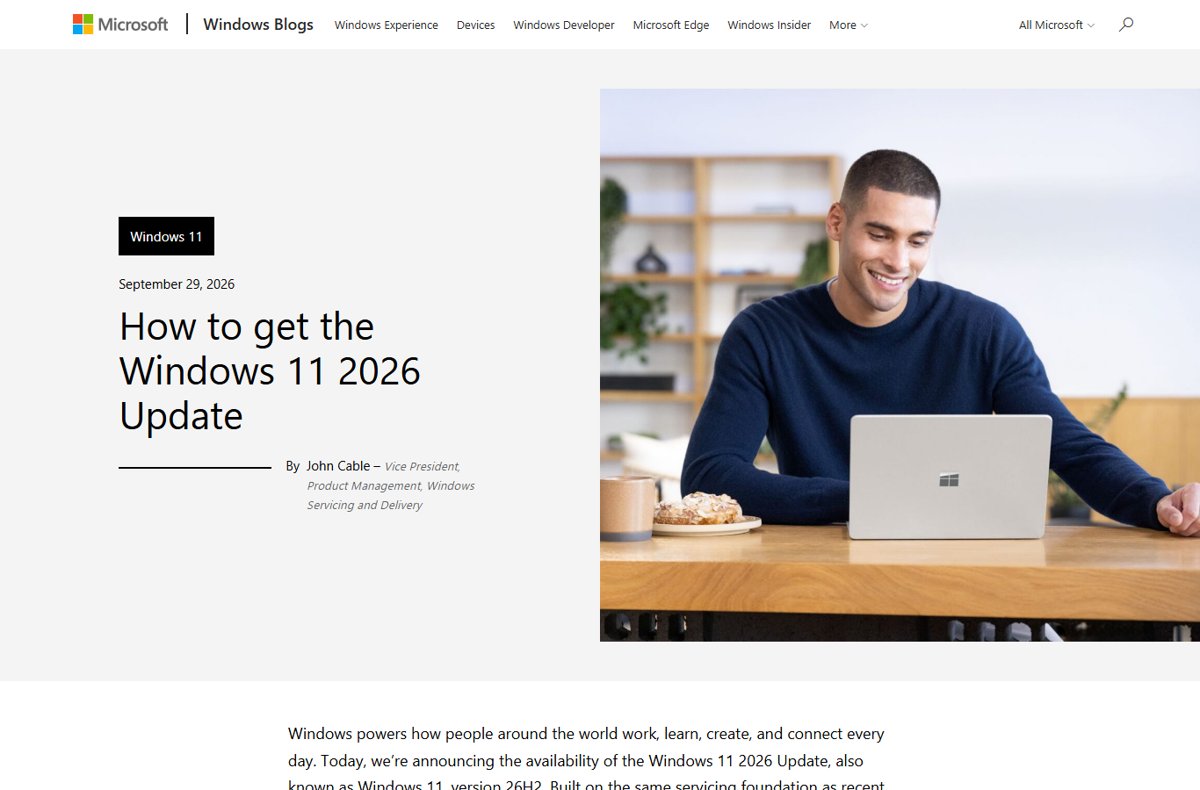
The rollout is phased over the next few months, so most PCs do not see the offer on day one. The Windows 11 26H2 overview covers the release for every PC type.
Difference between Windows 11 26H2 and 26H1
Two Windows 11 versions shipped in 2026, and both run on Arm hardware. 26H1 is a hardware-optimized release that comes only preinstalled on select new devices, starting with Qualcomm Snapdragon X2 Series PCs.
| Windows 11 26H2 | Windows 11 26H1 | |
|---|---|---|
| OS build | 26300 | 28000 |
| Released | September 29, 2026 | February 10, 2026 |
| Arm devices it targets | Existing Arm64 PCs on 24H2 or 25H2 | Select new devices, first with Snapdragon X2 Series |
| How you get it | Windows Update enablement package, or full install | Preinstalled only; never offered through Windows Update |
| Windows core | Shared with 24H2 and 25H2 | A different, higher development core |
| Hotpatch updates | Available | Not available |
| IoT Enterprise edition | Supported | Not supported |
| End of updates: Home and Pro | October 10, 2028 | March 14, 2028 |
Both versions still get the same monthly security update cadence. The 26H1 vs 26H2 explainer covers why Microsoft split the year into two releases.
Why 26H1 will not upgrade to 26H2
Microsoft's 26H1 documentation says those devices cannot update to the second-half 2026 feature update because 26H1 is based on a different Windows core than 24H2, 25H2 and 26H2.
Leave a 26H1 Snapdragon X2 PC on 26H1 and keep installing its monthly updates. 26H1 sits on a higher development core, so moving to 26H2 would be a downgrade that needs a clean reinstall, and Microsoft says these devices will get a path to update in a future Windows release. Microsoft has not published which release or when.
The same rule applies to Windows Insiders: a device that shipped with 26H1 cannot pick the 25H2/26H2 builds in the Insider advanced options.
How Windows 11 26H2 will be delivered
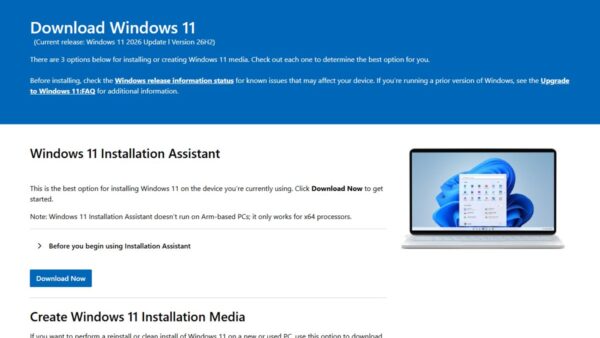
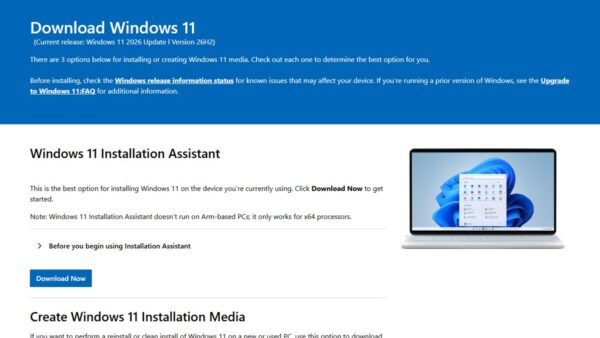
Arm PCs have fewer install routes than x64 PCs. Microsoft's own download page states that the Media Creation Tool cannot create media for Arm-based PCs and tells Arm users to wait for Windows Update.
| Route | Works on Arm64? | Result |
|---|---|---|
| Settings > Windows Update | Yes | Enablement package KB5121794, one restart, on 24H2 or 25H2 |
| WSUS, Windows Autopatch or the Microsoft 365 admin center | Yes, for managed PCs | Same enablement package through existing update rings |
| Windows 11 Installation Assistant | No, x64 only | Not an option on Arm |
| Media Creation Tool | No | Cannot build Arm installation media |
| Arm64 ISO from Microsoft | Yes, for clean installs and virtual machines | The page listed 25H2 as the current release on September 30, 2026; Windows Update then offers 26H2 |
Microsoft notes that a USB stick made from the Arm64 ISO may need drivers from the device maker before it boots. The official 26H2 ISO links track when each image changes.
Download Windows 11 26H2 Enablement Package (KB5121794) through Windows Update
There is no standalone KB5121794 download for Arm64 or x64. Microsoft's KB article says the package is only available through Windows Update and WSUS, and a Microsoft Update Catalog search for KB5121794 returns no results.
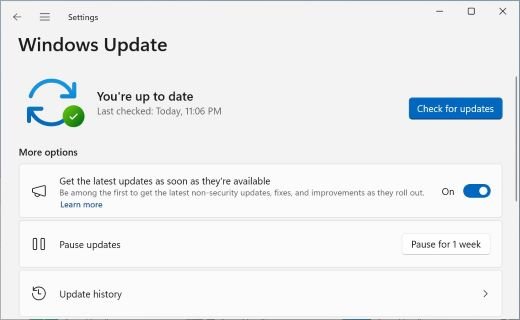
- Open Settings and select Windows Update.
- Select Check for updates and install every pending cumulative update; KB5121794 needs the September 22, 2026 update KB5124010 or later.
- Turn on Get the latest updates as soon as they’re available.
- When Windows 11, version 26H2 is available appears, select Download & install.
- Restart the PC when prompted to finish the move to build 26300.
Treat any site offering a direct KB5121794 file for Arm64 with caution, because Microsoft does not publish one. The enablement package explainer covers what the switch changes.
Check your Arm PC's version and architecture
- Select Start, then Settings > System > About.
- Read System type under Device specifications to confirm the processor architecture.
- Read Version and OS build under Windows specifications.
- Match the build: 26300 is 26H2, 26200 is 25H2, 26100 is 24H2, 28000 is 26H1.
A PC that shows build 28000 is on 26H1 and will not receive the 26H2 offer at all.
New features expected in 2026 on Copilot+ and NPU PCs
Most 26H2 features reached 24H2 and 25H2 through monthly updates and work the same on Arm and x64. A few items in Microsoft's 26H2 notes target Copilot+ PCs or PCs with an NPU.
| Feature | What changes | Hardware |
|---|---|---|
| Voice access natural language | Use filler words and synonyms instead of fixed commands; adds French, German, Spanish and Korean | Supported Copilot+ PCs |
| Windows Hello Enhanced Sign-in Security | Works with compatible external fingerprint sensors, not only built-in ones | Desktops and other Windows 11 PCs, including Copilot+ PCs |
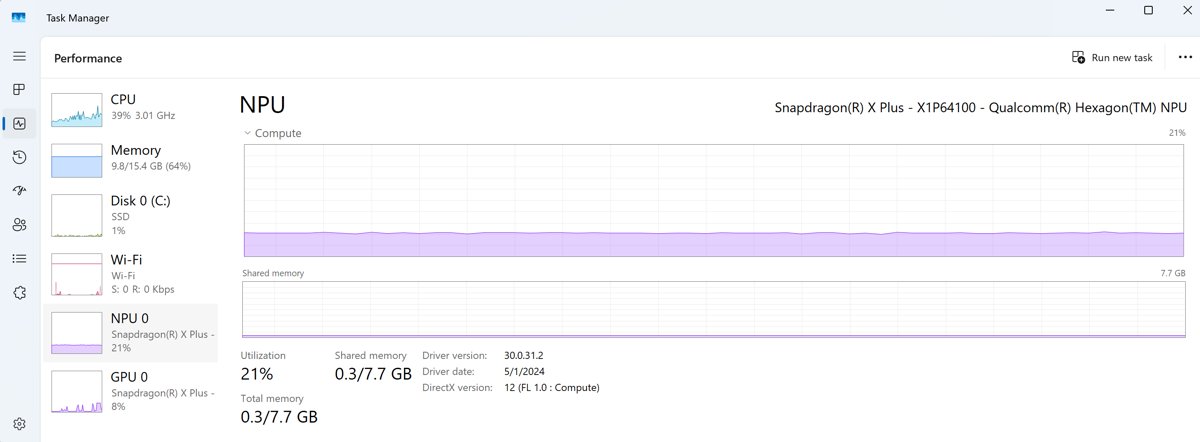
| Task Manager NPU columns | Optional NPU and NPU Engine columns, plus NPU dedicated and shared memory on Details | PCs with an NPU |
| AI actions in File Explorer | Edit supported images or summarize documents | Summarize needs a Microsoft 365 subscription and Copilot license |
| Movable taskbar and redesigned Start | Taskbar at any screen edge, smaller taskbar, new Start layouts | All Windows 11 PCs |
The 26H2 new features rundown lists every change, including the ones that are off by default.
What makes a PC a Copilot+ PC, and what Arm changes
Microsoft defines Copilot+ PCs as Windows 11 hardware with an NPU that performs more than 40 trillion operations per second (TOPS). Many use the Arm-based Snapdragon X Series, which Microsoft rates at 45 TOPS.
| Topic | What applies |
|---|---|
| Copilot+ processors | Snapdragon X Series (Arm), AMD Ryzen AI 300 series and Intel Core Ultra 200V series (x64) |
| Emulated x86 and x64 apps | The Prism emulator, included since Windows 11 24H2, runs them on Arm; it is tuned for Snapdragon X |
| Drivers | Hardware only works if its driver is built into Windows 11 or the maker ships an Arm64 driver |
| Anti-cheat games and some antivirus | Only work if built for Arm; Windows Security covers the PC otherwise |
| Windows Fax and Scan | Not available on Arm-based PCs |
| Snapdragon 850 devices | 26H2 is the last version they support |
None of these limits change with 26H2. If a driver or app worked on your Arm PC under 25H2, it runs on the same code after the enablement package.
Support lifecycle and upgrade path
Installing 26H2 resets the support clock to 24 months for Home and Pro and 36 months for Enterprise and Education. The dates below come from Microsoft's Windows 11 release information page.
| Version on your Arm PC | End of updates: Home and Pro | End of updates: Enterprise and Education | Upgrade path |
|---|---|---|---|
| 24H2 | October 13, 2026 | October 12, 2027 | 26H2 through Windows Update |
| 25H2 | October 12, 2027 | October 10, 2028 | 26H2 through Windows Update |
| 26H2 | October 10, 2028 | October 9, 2029 | Next annual feature update; not yet announced |
| 26H1 | March 14, 2028 | March 13, 2029 | A future Windows release, not yet named by Microsoft |
Snapdragon 850 owners get no version after 26H2, so October 10, 2028 is the last update date for those devices on Home and Pro. The 26H2 end of support guide covers the full timeline.
Fix 26H2 problems on Arm and Copilot+ PCs
Windows 11 26H2 is not offered on an Arm PC
The PC runs 26H1, the phased rollout has not reached it, or a prerequisite update is missing.
- Open Settings > System > About and check the OS build.
- If it starts with 28000, stop here: 26H1 is not offered 26H2.
- If it starts with 26100 or 26200, install all pending updates from Windows Update.
- Turn on Get the latest updates as soon as they’re available and select Check for updates.
Microsoft Teams or the new Outlook will not open on an Arm PC
A known issue from the August 2026 updates, most likely on new or freshly imaged Arm PCs, resolved by the September 8, 2026 update.
- Install the latest cumulative update from Windows Update.
- If the issue remains, open Microsoft Store.
- Select Downloads > Check for updates.
- Install the latest Auto Super Resolution Package update (version 1.0.19.0 or later).
A printer, scanner or other device stops working on Arm
The device needs a driver that is built into Windows 11 or an Arm64 driver from its maker.
- Check the device maker's support site for an Arm64 driver.
- For printers, check whether the model supports the Mopria standard or has a Printer Support App.
- If there is no Arm-specific guidance from the maker, follow Microsoft's standard steps to install a printer in Windows.
The 26H2 not showing fix guide covers missing offers in more depth.
Frequently Asked Questions
Is Windows 11 26H2 available for Arm64 PCs?
Yes. Arm64 PCs running Windows 11 24H2 or 25H2 are eligible for the 26H2 enablement package through Windows Update. The rollout is phased, so the offer can take weeks to appear on a given PC.
Do Snapdragon X2 PCs get Windows 11 26H2?
Not if they shipped with Windows 11 26H1. That version is built on a different Windows core, so Windows Update does not offer 26H2. Microsoft says these devices will get a path to a future Windows release.
Is 26H2 only for non-Arm PCs?
No. 26H2 is offered to both x64 and Arm64 PCs that run 24H2 or 25H2. The only Arm devices left out are those on 26H1, which follow their own update path.
Can I download a Windows 11 26H2 Arm64 ISO?
Microsoft's Arm64 ISO page still listed 25H2 as the current release on September 30, 2026. A clean install from that image can then move to 26H2 through Windows Update.
Is there a KB5121794 ARM64 download?
No. Microsoft's KB5121794 article says the enablement package is only available through Windows Update and WSUS, and the Microsoft Update Catalog returns no results for it.
Can I use the Media Creation Tool on an Arm PC?
No. Microsoft states that the Windows 11 Media Creation Tool cannot create installation media for Arm-based PCs, and the Installation Assistant is x64 only. Arm users should wait for Windows Update.
Does Windows 11 26H2 still support Snapdragon 850 devices?
Yes, but it is the last version that will. Microsoft's lifecycle page states that 26H2 is the final Windows 11 version supporting Snapdragon 850 processors, so those PCs get updates until October 10, 2028 on Home and Pro.
Do Intel and AMD Copilot+ PCs get 26H2 the same way?
Yes. Copilot+ PCs with Intel Core Ultra 200V or AMD Ryzen AI 300 processors are x64 PCs, so they get the enablement package through Windows Update and can also use the Installation Assistant.
Bottom Line
Install 26H2 through Windows Update on any Arm64 or Copilot+ PC running 24H2 or 25H2, and leave 26H1 Snapdragon X2 PCs where they are. On 24H2 and 25H2 the upgrade is a one-restart switch on code the PC already runs, and it extends Home and Pro support to October 2028. 26H1 sits on a newer core that Microsoft will move forward in a future release, and Snapdragon 850 owners should note that 26H2 is their final version.