A Strava download takes about a minute on any device. On an iPhone or Android phone, you get the free Strava app from the App Store or Google Play. On a Windows 11, Windows 10 or Mac computer, you install strava.com as an app from Chrome or Safari.
Every route signs in to the same Strava account, so your activities, routes and subscription follow you from phone to desk.
Below: which download fits each device, the official links, install steps for Windows and Mac, what the subscription adds, how to upload workout files, and fixes for common problems.
Which Strava download do you need?
Match your device to a row. Phones install from a store; computers install the website as an app from the browser.
| Your device | What to install | Size |
|---|---|---|
| iPhone on iOS 17.0 or later | Strava on the App Store | 457.2 MB |
| Apple Watch on watchOS 10.0 or later | Installs with the iPhone app from the App Store | Included |
| Android phone on Android 8.0 or higher | Strava on Google Play | Play states no size |
| Windows 11 or Windows 10 PC | strava.com, installed as an app from Chrome | Nothing to download |
| Mac on macOS Sonoma 14 or later | strava.com, added to the Dock from Safari | Nothing to download |
| Chromebook | strava.com in the browser | Nothing to download |
One Strava account works on every row, so a subscription bought on your phone also unlocks the premium features on strava.com.
Download Strava from the official sources
Strava Inc. publishes the app and the website at these addresses. Use these links and nothing else.
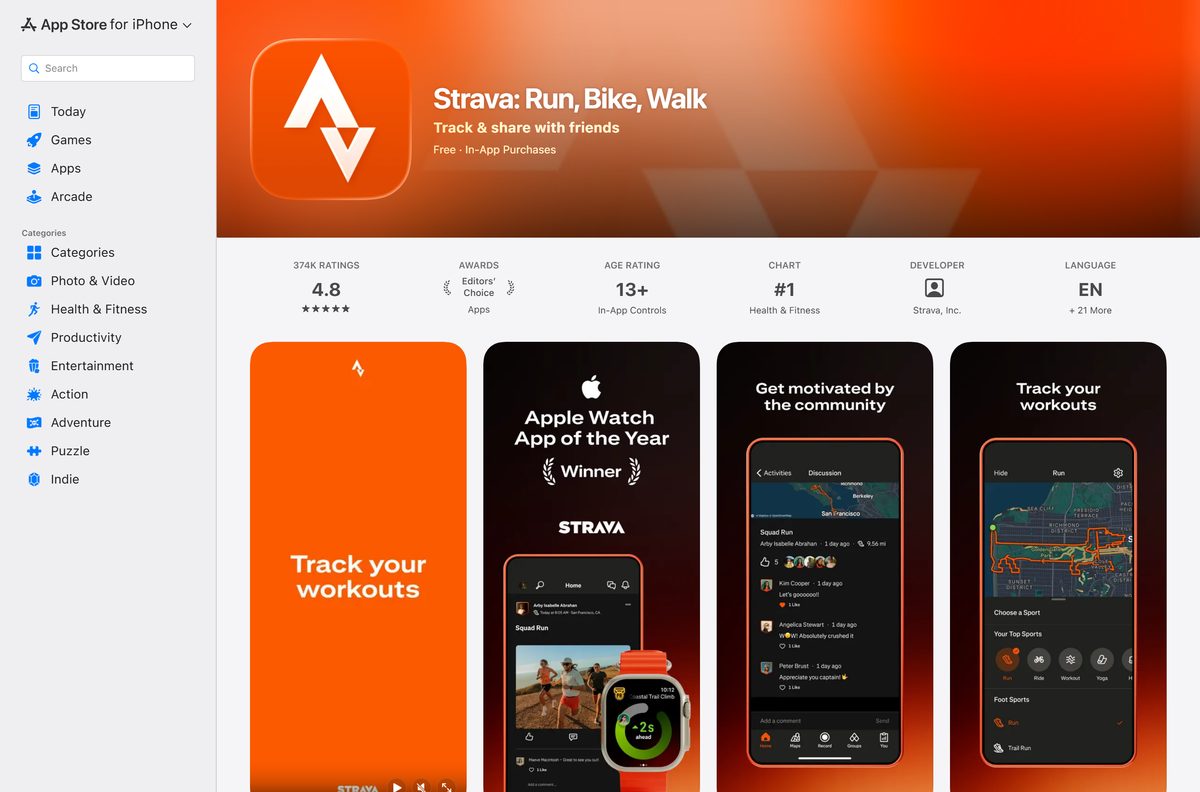
- Strava: Run, Bike, Walk on the App Store — 457.2 MB · Strava Inc., iPhone and Apple Watch
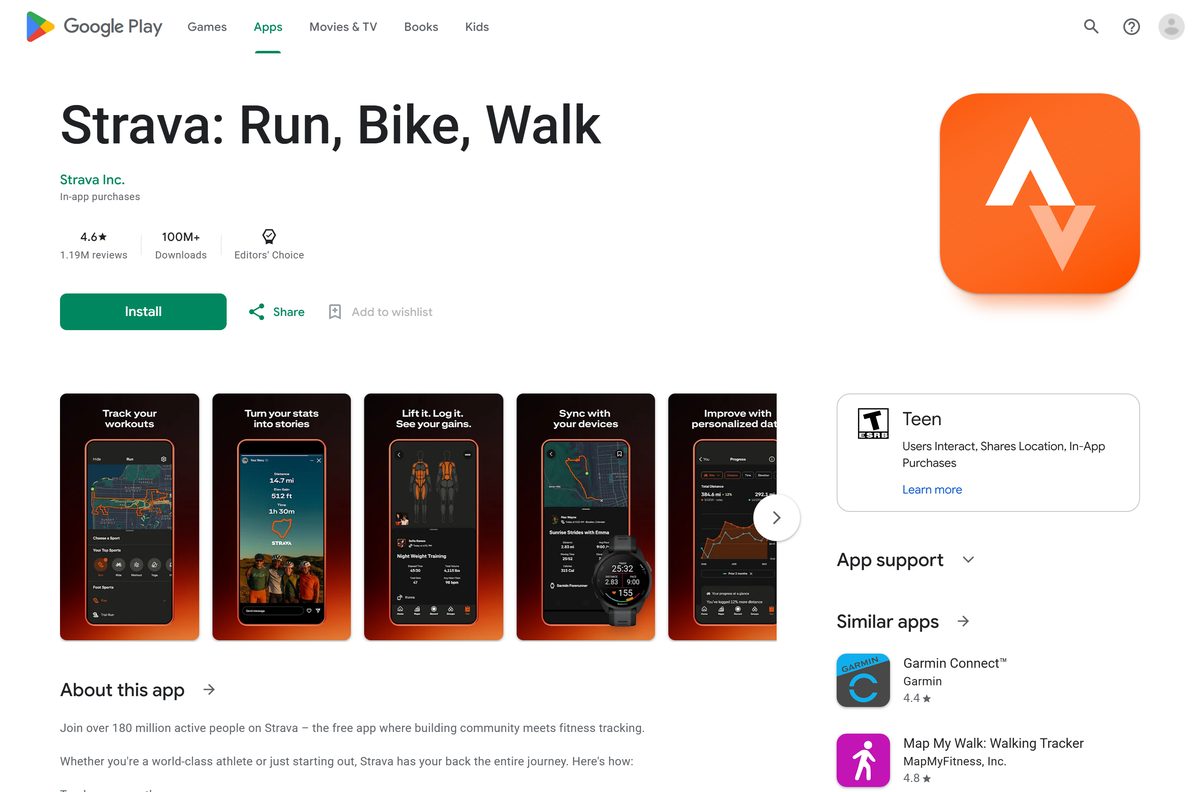
- Strava: Run, Bike, Walk on Google Play — Strava Inc., 100M+ downloads, Editors’ Choice
- Strava web sign-in — use it in a browser or install it as an app on Windows and Mac
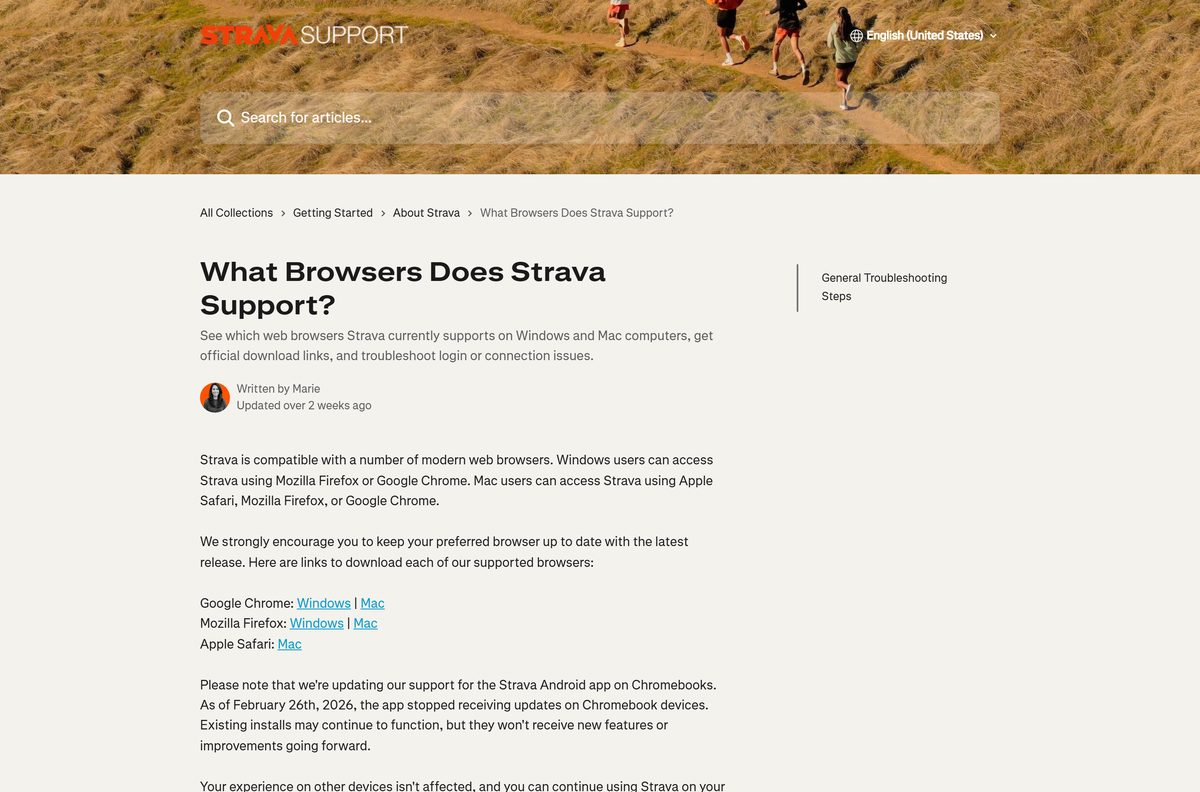
- What Browsers Does Strava Support? (Strava Help Center) — supported browsers on Windows and Mac
- Supported Android devices (Strava Help Center) — minimum Android version and unsupported phones
The App Store listing shows 4.8 stars from 374K ratings. Google Play shows 4.6 stars from 1.19M reviews.
How to install Strava on Windows 11 and 10 with Chrome
Strava supports Google Chrome and Mozilla Firefox on Windows. Chrome turns strava.com into a windowed app that opens from the taskbar, without tabs or an address bar.
- Open Google Chrome and go to strava.com/login.
- Select Sign In With Google, Sign In With Apple, or enter your email, using the same method as on your phone.
- Select Log In and wait for your activity feed to load.
- Select More, the three-dot button at the top right.
- Select Cast, save, and share, then Install page as app.
- Keep the name Strava and follow the on-screen prompt to install.
- Right-click the Strava icon on the taskbar and select Pin to taskbar.
Firefox users can keep strava.com in a pinned tab instead, since Firefox is on Strava’s supported list for Windows.
Which Strava download do you need for your Mac?
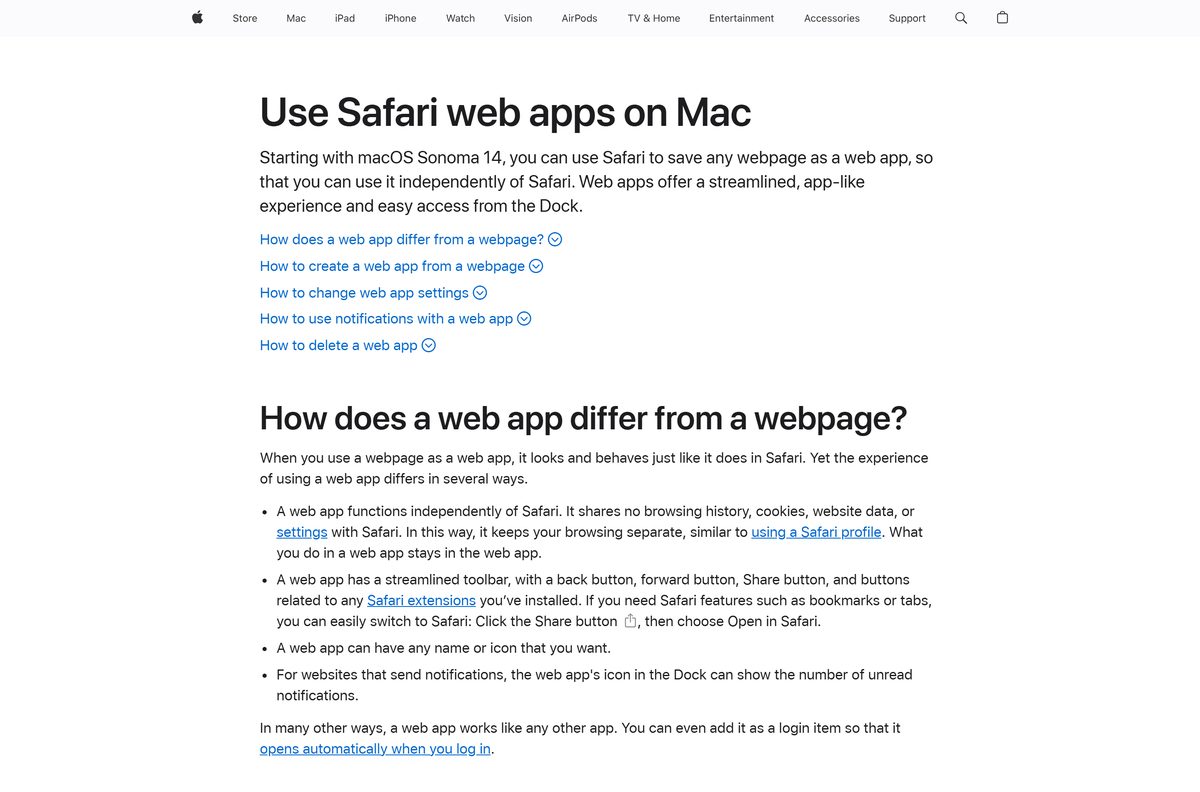
Strava has no Mac App Store version, so every Mac uses strava.com. Open the Apple menu and select About This Mac to see your macOS version.
| Your Mac runs | What to do | Source |
|---|---|---|
| macOS Sonoma 14 or later | Safari: File > Add to Dock on strava.com | Apple |
| An older macOS version | Chrome: More > Cast, save, and share > Install page as app | |
| Any macOS, no install | strava.com in Safari, Firefox or Chrome | Strava |
Safari saves the Strava web app in the Applications folder inside your home folder, and it opens from the Dock like any other app.
Is Strava free or do you need a subscription?
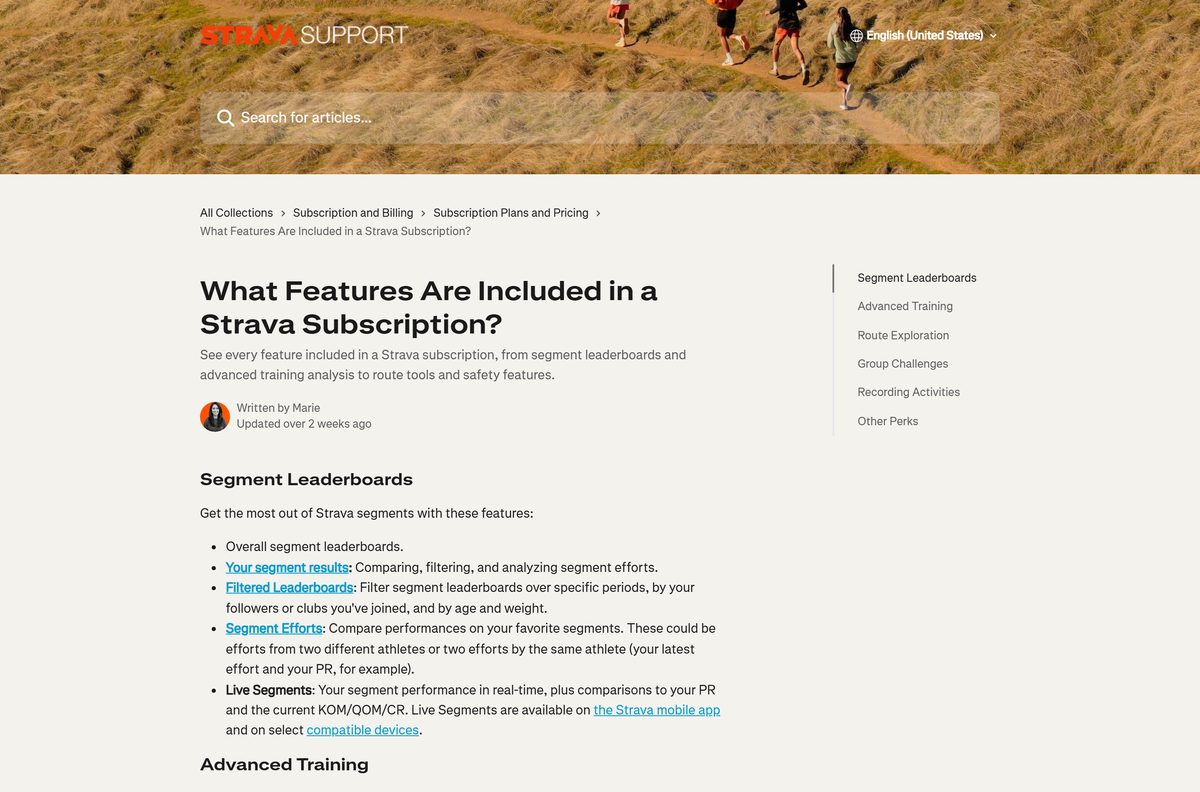
Start free. Recording and sharing activities on Strava costs nothing, and the subscription is optional. The US App Store lists the Strava Subscription at $11.99 a month or $79.99 a year, the Strava Family Plan Subscription at $139.99, and the Strava + Runna bundle at $149.99. Strava’s subscribe page lists a 30-day free trial for the individual plan. The subscription adds segment leaderboards, Live Segments, custom goals, Relative Effort, Fitness & Freshness, training plans, suggested routes, personal heatmaps, offline route maps and group challenges.
Strava Beacon live location sharing is free in the Strava app; subscribers can also use it on compatible watches and bike computers.
Should you use the Strava phone app or strava.com on your PC?
Record with the phone app or a GPS watch, and use strava.com on your PC to plan routes, review training and upload files. Strava’s help center describes recording in the iOS or Android app as the simplest way to get an activity onto Strava, with automatic upload at the finish. The website handles route creation, custom goals for select sport types, manual entries and file uploads. Best Efforts are available on mobile only.
Garmin, Apple Watch, COROS, Polar, Suunto and Wahoo devices sync to the same account once connected.
What workout files you can upload to Strava from a computer
Upload files at strava.com/upload/select after you sign in. This covers exports from Garmin Connect and older devices that no longer sync.
| File type | Accepted | Limit |
|---|---|---|
| GPX | Yes, with workout data | 25MB |
| TCX | Yes, with workout data | 25MB |
| FIT | Yes, with workout data | 25MB |
| No file (workout not recorded) | Yes, as a manual entry | Time and distance only |
For a manual entry on the web, select the plus sign icon at the upper right, then Add manual entry, pick your sport and click Create. Old activities from months ago upload the same way.
How to sign in to strava.com with your existing account
You do not need a new account for the computer. Use the same sign-in method you chose on your phone.
- Go to strava.com/login.
- Select Reject Non-Essential or Accept All on the cookie banner.
- Select Sign In With Google or Sign In With Apple if you created the account that way.
- Otherwise enter your email, then select Log In.
- Check that your feed shows your recent activities from the phone.
Select Create a New Account on the same page only if you have never used Strava before.
How to update the Strava app
strava.com on a computer has no version number. It loads the current Strava every time you open it.
- On an iPhone, open the App Store, tap your profile picture and scroll to pending updates.
- Tap Update next to Strava.
- On Android, open Google Play, tap your profile picture, then Manage apps & device, and update Strava.
- On a Windows PC or Mac, keep Chrome, Firefox or Safari up to date, as Strava recommends.
The App Store listed version 482.0.0, released on 23 September 2026. Google Play shows an update dated 22 September 2026.
Check the Strava system requirements
The computer route has no hardware floor of its own. A supported, current browser is the requirement.
| Field | Value |
|---|---|
| App | Strava: Run, Bike, Walk |
| Developer | Strava Inc. |
| Latest version | 482.0.0 on iPhone (23 September 2026); web-based and auto-updating on Windows and Mac |
| Price | Free; optional subscription $11.99 a month or $79.99 a year in the US |
| iPhone | iOS 17.0 or later, 457.2 MB |
| Apple Watch | watchOS 10.0 or later |
| Android | Android 8.0 or higher with Google Play services |
| Windows | Windows 11 and Windows 10 through strava.com in Chrome or Firefox |
| Mac | strava.com in Safari, Firefox or Chrome |
| Architecture | No Windows or Mac build; the browser version runs on x64, ARM64 and Apple silicon |
| Offline installer | None |
| Languages | English plus 21 more |
| Official source | strava.com, the App Store and Google Play |
| Last verified | 2026-09-25 |
Fix Strava not installing or not loading
The Microsoft Store and Mac App Store have no Strava app
Strava publishes its app for iPhone, Apple Watch and Android only.
- Open strava.com in Chrome on Windows or Safari on a Mac.
- Install the page as an app with the steps above.
- Ignore Strava .exe or .dmg files from download sites.
strava.com will not log in or load
A VPN, a browser extension or old cookies block the page.
- Toggle Wi-Fi off and on, or switch to mobile data.
- Disable your VPN and try again.
- Turn off extensions and ad or tracking blockers.
- Clear the browser cache and cookies, then sign in again.
The Android app will not install or log in
Strava 466 and later needs Android 8.0 or higher and Google Play services.
- Open Settings > About phone and check the Android version.
- Install system updates if the phone is below Android 8.0.
- On a phone without Google Play services, use strava.com in the browser.
The iPhone app will not install
Strava needs iOS 17.0 or later.
- Open Settings > General > About to check the iOS version.
- Update through Settings > General > Software Update.
- On an iPhone that cannot update, sign in at strava.com in Safari.
A workout file will not upload
The file is over 25MB, is not GPX, TCX or FIT, or holds no workout data.
- Check the file extension and size.
- Export the activity again from the device platform as a FIT or GPX file.
- Upload it at strava.com/upload/select.
How to uninstall Strava
Removing the app does not delete your Strava account or cancel a subscription made through Apple or Google Play.
- In Chrome, open the Strava app window, select More, then Uninstall Strava, and select Remove.
- Tick Also delete data from Chrome to clear the sign-in data too.
- On a Mac, open your home folder in Finder, open Applications, and drag the Strava web app to the Trash.
- On an iPhone or Android phone, press and hold the Strava icon and choose the remove or uninstall option.
- Manage an App Store or Google Play subscription from that store’s subscriptions page.
Frequently asked questions
Is Strava free to download?
Yes. Strava is free on the App Store and Google Play, and strava.com is free in a browser. Recording and sharing activities costs nothing. The Strava Subscription is optional and adds segment leaderboards, training analysis and route tools.
How much does a Strava subscription cost?
The US App Store lists the Strava Subscription at $11.99 a month or $79.99 a year. The Strava Family Plan Subscription is listed at $139.99, and the Strava + Runna bundle at $149.99. Strava’s subscribe page lists a 30-day free trial for the individual plan.
Can I download Strava on Windows 11?
Yes, as a web app. Open strava.com in Chrome, select More, then Cast, save, and share, then Install page as app. Strava then opens in its own window from the Start menu and the taskbar.
Is there a Strava .exe or offline installer for PC?
No. Strava publishes no .exe, .msi or offline installer for Windows. On a PC you use strava.com in Chrome or Firefox, which needs an internet connection. Treat any Strava .exe from a download site as unofficial.
Is there a Strava app for Mac?
Strava has no Mac App Store version; its App Store listing covers iPhone and Apple Watch. On macOS Sonoma 14 or later, open strava.com in Safari and choose File, then Add to Dock to get a Strava app in the Dock.
How big is the Strava download?
The iPhone app on the App Store is 457.2 MB. Google Play shows no size for the Android app. The Windows and Mac route downloads no installer, because strava.com runs in the browser.
What is the latest version of Strava?
The App Store lists Strava 482.0.0 for iPhone, released on 23 September 2026. Google Play shows an update dated 22 September 2026. The website at strava.com has no version number and updates on its own.
Can I upload activities to Strava from my computer?
Yes. Go to strava.com/upload/select and upload a GPX, TCX or FIT file up to 25MB that contains workout data. Exports from Garmin Connect and older devices that no longer sync work this way, even for months-old workouts.
Which Android version does Strava need?
Strava version 466 and later needs Android 8.0 or higher and Google Play services. Phones running GrapheneOS, LineageOS or another OS without Google Play services cannot log in to the app.
Does Strava work on a Chromebook?
Yes, through strava.com in the browser. The Strava Android app stopped receiving updates on Chromebooks on February 26, 2026. Existing installs keep working but get no new features.
Is it safe to download Strava?
Yes, from the official sources. Strava Inc. publishes the app on the App Store and Google Play, and the web app runs at strava.com. Avoid any Strava installer or APK hosted on a third-party download site.