The Universe Sandbox download comes from Steam, where Giant Army sells its space simulator for Windows 11, Windows 10 and Mac. One purchase covers both systems, and Steam keeps it updated.
You collide planets, boil away oceans, build star systems and watch black holes bend light, all driven by real gravity and climate physics.
Below are the official store links, install steps, the system requirements, and fixes for a copy that will not start.
Which Universe Sandbox download do you need?
Every official store sells the same Early Access game. Pick the row that matches how you want to install it.
| Your situation | Where to get it | What you get |
|---|---|---|
| Windows 11 or 10 PC (64-bit) | Universe Sandbox on Steam | Automatic updates, Workshop and Steam Cloud |
| Mac on macOS 11 or later | Same Steam listing (macOS build) | Included with the Steam purchase |
| Want a DRM-free copy with no launcher | Universe Sandbox on GOG | Windows and Mac, runs offline |
| Buying from the official site | Buy on universesandbox.com | A Steam key delivered by Humble Bundle |
| School or classroom | Educational pricing in the official FAQ | Discounts for teachers and schools |
Steam Workshop sharing needs the Steam version. Pick Steam unless running without a launcher matters more to you.
Where to get Universe Sandbox from official sources
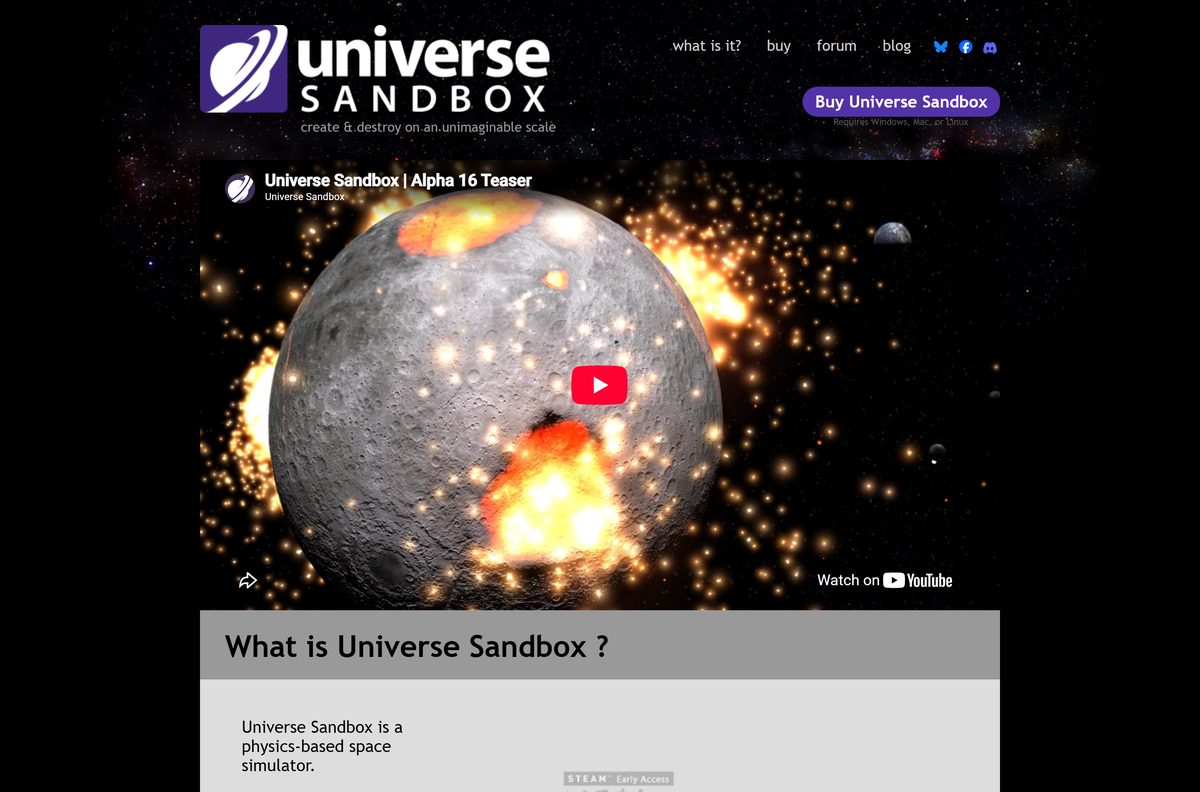
Giant Army develops and publishes Universe Sandbox. Its own site sends buyers to these stores.
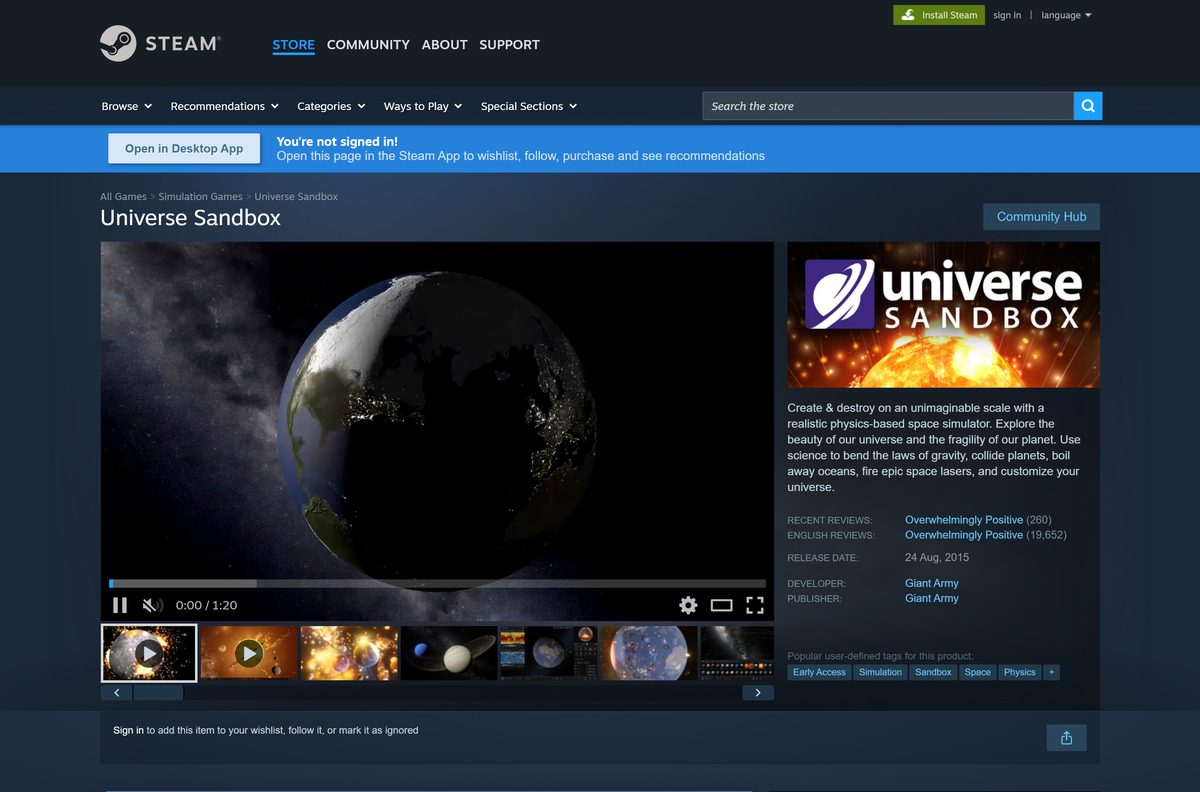
- Universe Sandbox on Steam — Windows and macOS, $29.99, Early Access
- Universe Sandbox on GOG — DRM-free Windows and macOS version
- Official Universe Sandbox site — Buy button, screenshots, videos and news from Giant Army
- Steam client — Install this first for the Steam version
The official FAQ also names itch.io as a DRM-free store. A site offering a free full version is not one of these sources.
How to install Universe Sandbox on Windows 11 and 10
Steam handles the purchase, the download and every update. Install the Steam client first if your PC does not have it.
- Download and install the Steam client, then sign in or create an account.
- Open the Universe Sandbox store page in Steam.
- Select Add to Cart under Buy Universe Sandbox.
- Select Purchase for myself and complete the payment.
- Select Install when Steam offers it, or find the game in your Library.
- Pick a drive with at least 4 GB free, then confirm with Install.
- Wait for the download to finish, then select Play.
- Open Home, then Guides, inside the game for the built-in tutorials.
Bought a key on universesandbox.com instead? Open Steam, select Add a Game, then Activate a Product on Steam, and enter the code from your Humble Bundle key page.
How to install Universe Sandbox on a Mac
The Mac version comes with the same Steam purchase. Install Steam for macOS, sign in, and the game appears in your Library.
| Your Mac | What to do | Link |
|---|---|---|
| Apple silicon Mac on macOS 11 or later | Install through Steam; 8 GB of RAM is recommended | Universe Sandbox on Steam |
| Mac where you want no Steam launcher | Buy the DRM-free GOG version for macOS | Universe Sandbox on GOG |
| Mac older than macOS 11 | Below the minimum; update macOS before you buy | System requirements in the FAQ |
Copy and paste work with Cmd+C and Cmd+V on a Mac to duplicate a selected planet or star.
Is Universe Sandbox free to download?
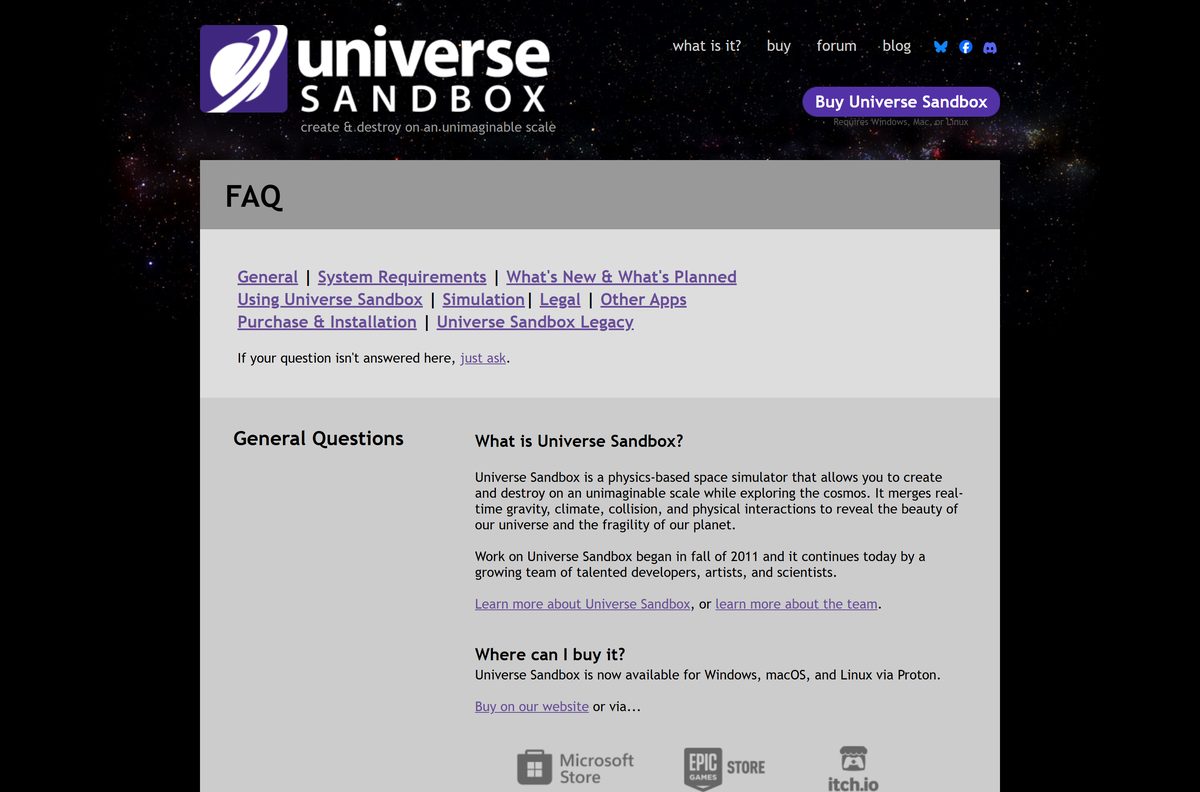
No. Universe Sandbox costs $29.99 USD, and Giant Army says it has no plans for a free version. There is no demo either.
Buy Universe Sandbox on Steam and use the Steam refund window as your trial; a free full download is not legitimate. Steam refunds a purchase within 14 days when playtime is under 2 hours, and one purchase includes the final release when Early Access ends.
The price may rise as major features arrive, according to the developer. Schools can ask for an educational discount, and VR arcades need a commercial licence.
Treat any site offering a cracked or repacked copy as a malware risk.
How to check your Universe Sandbox version and update it
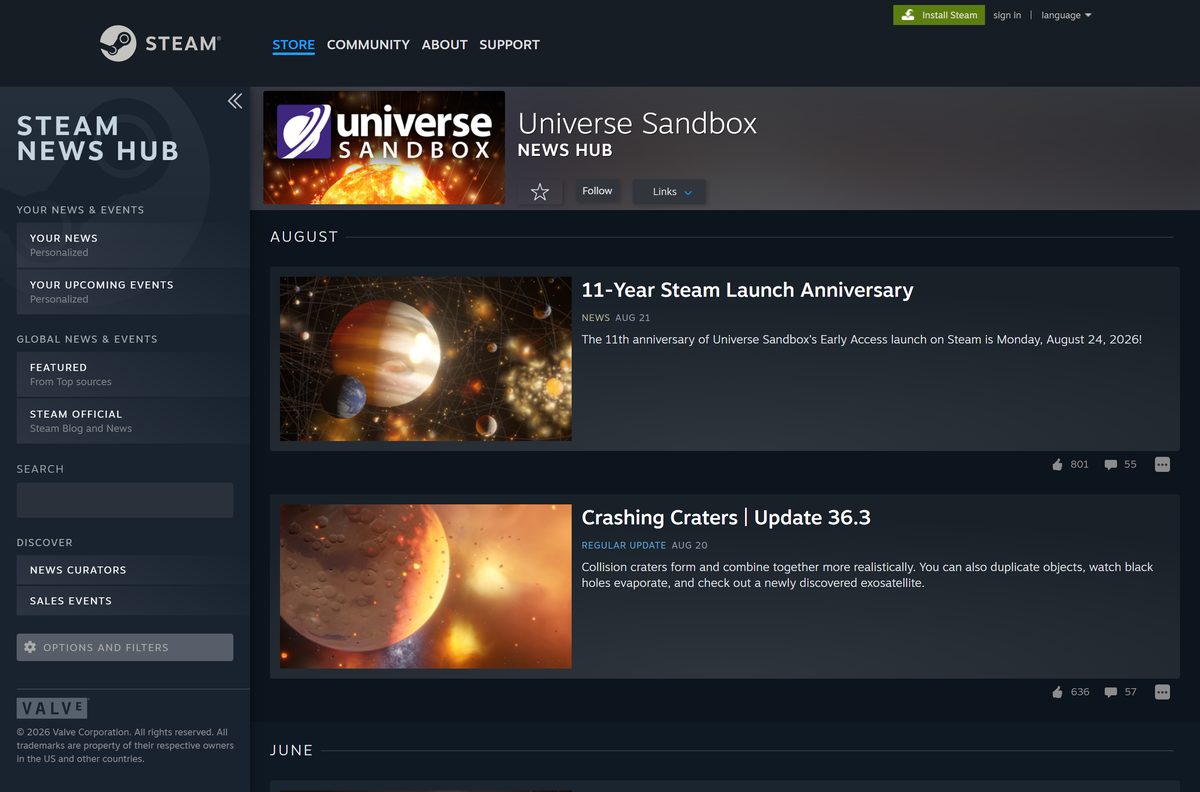
Update 36.3, Crashing Craters, is the latest release. It adds realistic central-peak craters, a Duplicate button and black holes that evaporate through Hawking radiation.
- Open the Universe Sandbox news hub on Steam to read the newest update notes.
- Close Universe Sandbox completely.
- Restart Steam so it checks for a new build.
- Open your Library and select Universe Sandbox.
- Let any pending update finish before you select Play.
GOG and itch.io copies update through their own apps, or by downloading the new build from your account page.
Check the Universe Sandbox system requirements before you buy
The Windows build needs DirectX 12, so an older graphics card can fail even with enough memory. Laptops with integrated graphics need DirectX 12 Feature Level 12_2.
| Field | Value |
|---|---|
| Game | Universe Sandbox |
| Developer | Giant Army |
| Publisher | Giant Army |
| Latest version | Update 36.3 (August 2026), Early Access |
| Price | $29.99 on Steam; no demo |
| Supported OS | Windows 10 21H1 or later (64-bit), Windows 11 recommended; macOS 11 or later |
| Processor | 1.6 GHz dual-core or Apple M1 minimum; 3.6 GHz quad-core recommended |
| Memory | 4 GB RAM minimum; 8 GB recommended |
| Graphics | 4 GB video memory with DirectX 12 and Shader Model 6.0 (Windows) or Metal (Mac); 8 GB recommended |
| Storage | 4 GB available space |
| Architecture | 64-bit x86 on Windows; Apple silicon on Mac |
| VR | Not supported; development paused |
| Released | August 24, 2015 in Early Access |
| Official sources | Steam, GOG, universesandbox.com |
| Last verified | 2026-09-25 |
To check your PC, open Settings, select System, then About. Installed RAM and System type show your memory and whether Windows is 64-bit.
Fix Universe Sandbox not installing or launching on Windows 11 or 10
Find the symptom that matches your screen and follow the fix under it.
The game crashes or shows a DirectX 12 error at start
The graphics card or driver does not meet the DirectX 12 requirement.
- Press Win+R, type dxdiag and press Enter.
- Open the Display tab and read Feature Levels; integrated graphics need 12_2.
- Update your graphics driver from NVIDIA, AMD or Intel, then restart your PC.
- On a laptop with two GPUs, set Universe Sandbox to High performance under Settings, System, Display, Graphics.
Steam says the game will not run on this version of Windows
Universe Sandbox needs 64-bit Windows 10 version 21H1 or later.
- Open Settings, select System, then About, and check System type and Version.
- Install pending updates from Windows Update.
- Use a 64-bit Windows 10 or 11 PC if your system is 32-bit.
A Humble Bundle key does not appear in Steam
The Steam code was not generated or not activated.
- Open the Humble Bundle email and select the link to your key page.
- Select the Steam button to reveal the code.
- In Steam, select Add a Game, then Activate a Product on Steam, and enter the code.
The game crashes after an update
A damaged file from an interrupted download.
- Right-click Universe Sandbox in your Steam Library and select Properties.
- Open Installed Files and select Verify integrity of game files.
- Launch the game again, then report persistent crashes in-game with Home, Send Feedback.
How to uninstall Universe Sandbox
Uninstalling removes the game files. Universe Sandbox stays in your Steam library, so you can reinstall at no cost.
- Open Steam and go to your Library.
- Right-click Universe Sandbox.
- Select Manage, then Uninstall.
- Select Uninstall again to confirm.
- For a GOG copy, open Settings, select Apps, then Installed apps, and uninstall Universe Sandbox from there.
Buy a GOG copy and you can reinstall it from your GOG account library at any time.
Should you buy Universe Sandbox, Kerbal Space Program or SpaceEngine?
The official FAQ points to both games for readers who want spaceflight or exploration rather than a gravity sandbox.
| Game | Best for | Steam price | Platforms | Link |
|---|---|---|---|---|
| Universe Sandbox | Colliding planets, climate and n-body gravity | $29.99 | Windows, Mac | Universe Sandbox on Steam |
| Kerbal Space Program | Building and flying rockets | $39.99 | Windows, Mac, Linux | Kerbal Space Program on Steam |
| SpaceEngine | Exploring a procedural galaxy | $29.99 | Windows | SpaceEngine on Steam |
Buy Universe Sandbox to change physics and watch the results. Pick Kerbal Space Program for rocketry, or SpaceEngine for sightseeing across the galaxy.
Frequently asked questions
Is Universe Sandbox free to download?
No. Universe Sandbox costs $29.99 on Steam, and Giant Army has no plans for a free version. There is no demo, but Steam refunds a purchase within 14 days if you have played less than 2 hours.
Where is the official Universe Sandbox download?
Steam is the main store, and universesandbox.com also links to GOG and itch.io. A purchase on the official site arrives as a Steam key through Humble Bundle.
Does Universe Sandbox work on Windows 11?
Yes. Windows 11 is the recommended system on Steam. The minimum is 64-bit Windows 10 version 21H1 with DirectX 12 and 4 GB of video memory.
How big is the Universe Sandbox download?
Plan for 4 GB of free space on Windows or Mac. Steam lists the same 4 GB for both systems.
Can you play Universe Sandbox on a Mac?
Yes. The same Steam purchase includes the macOS version, which needs macOS 11 or later. Apple M1 is the listed minimum chip, with 4 GB of RAM.
Is there a Universe Sandbox offline installer?
Not from Steam. GOG and itch.io sell DRM-free versions that run without an internet connection, but you download updates yourself unless you use the store’s app.
Does Universe Sandbox support VR?
Not at the moment. Giant Army paused development of Universe Sandbox VR, and the current Steam listing shows no VR support.
Is Universe Sandbox on iPhone or Android?
Not yet. Giant Army is building a mobile version for phones and tablets, with no release date announced. For now, you need a Windows PC or a Mac to run Universe Sandbox.
What is the latest version of Universe Sandbox?
Update 36.3, Crashing Craters, is the latest release, published on Steam in August 2026. The game is still in Early Access, and Steam installs each update automatically.
Do I have to buy Universe Sandbox again when it leaves Early Access?
No. One purchase covers the Early Access version and the final release, and every update along the way.
Is Universe Sandbox Legacy the same game?
No. Universe Sandbox Legacy is the older 2008 gravity simulator. The current Universe Sandbox is a separate product built in Unity, and owning Legacy does not unlock it.