A MyFitnessPal download for a Windows 11 or Windows 10 PC or a Mac is the myfitnesspal.com web app, which installs from Edge, Chrome or Safari into its own window. iPhone and Android users get the free app from the App Store and Google Play, both published by MyFitnessPal, Inc.
One login covers every device, so a meal logged on the phone shows up in the food diary on the computer.
This guide covers the right build for each device, install steps for Windows and Mac, what Premium adds, and fixes when MyFitnessPal will not load.
Which MyFitnessPal download do you need?
Match your device to a row. Computers use the website; phones get the native app.
| Your device | What to install | Size |
|---|---|---|
| Windows 11 or Windows 10 PC | myfitnesspal.com, installed as an app in Edge or Chrome | Nothing to download |
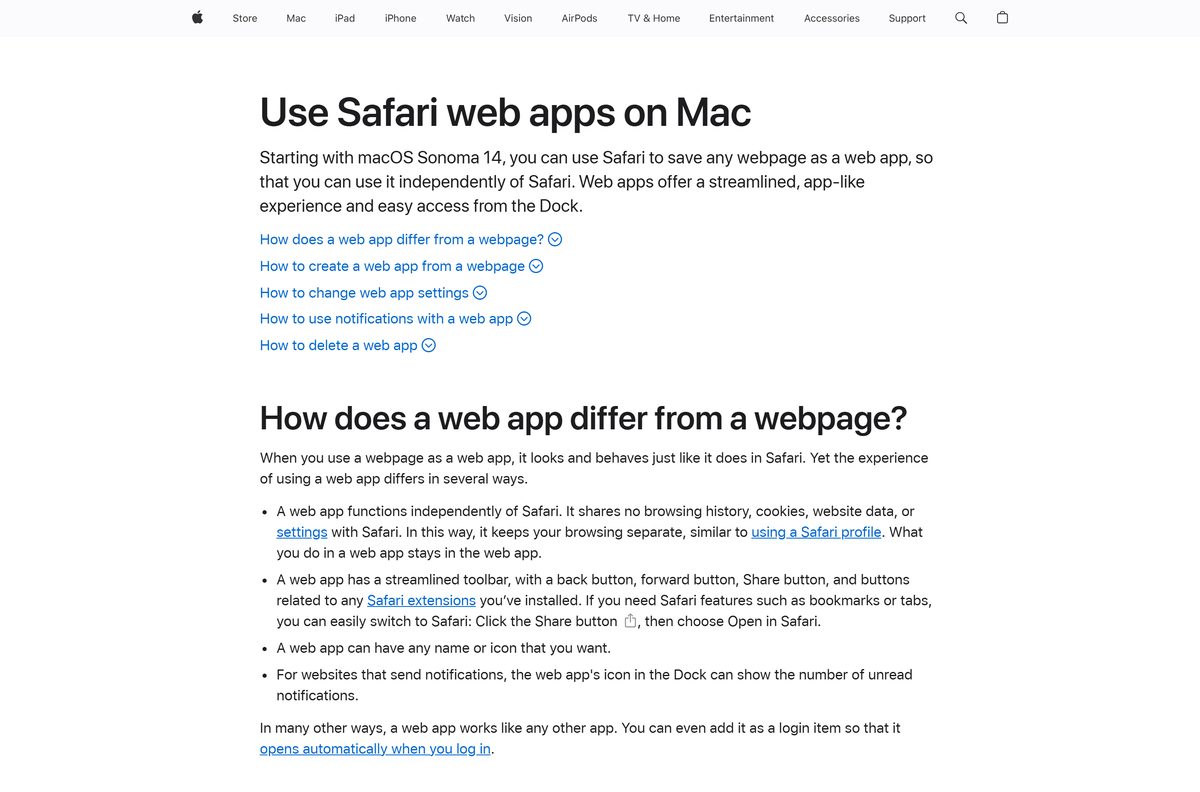
| Mac on macOS Sonoma 14 or later | myfitnesspal.com, added to the Dock from Safari | Nothing to download |
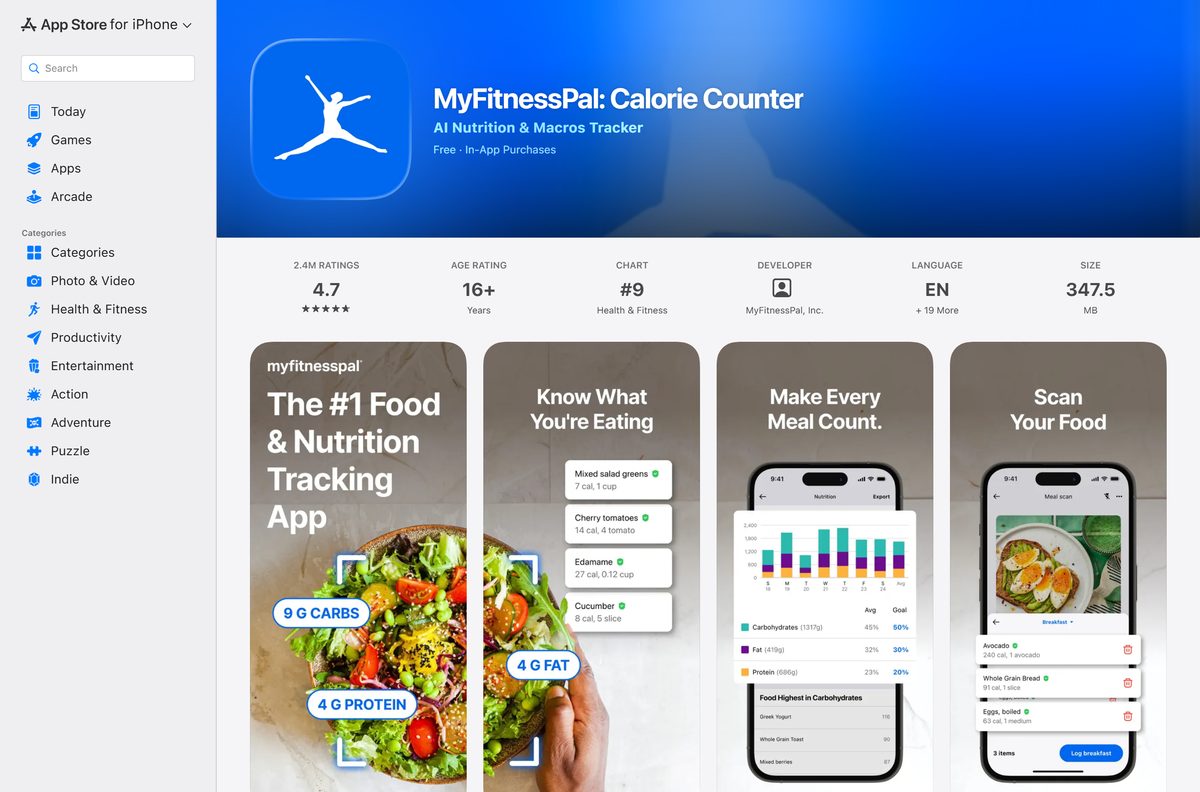
| iPhone or iPad on iOS 18 or later | MyFitnessPal: Calorie Counter on the App Store | 347.5 MB |
| Apple Watch | Installs from the iPhone app through the Watch app | Included with the iPhone app |
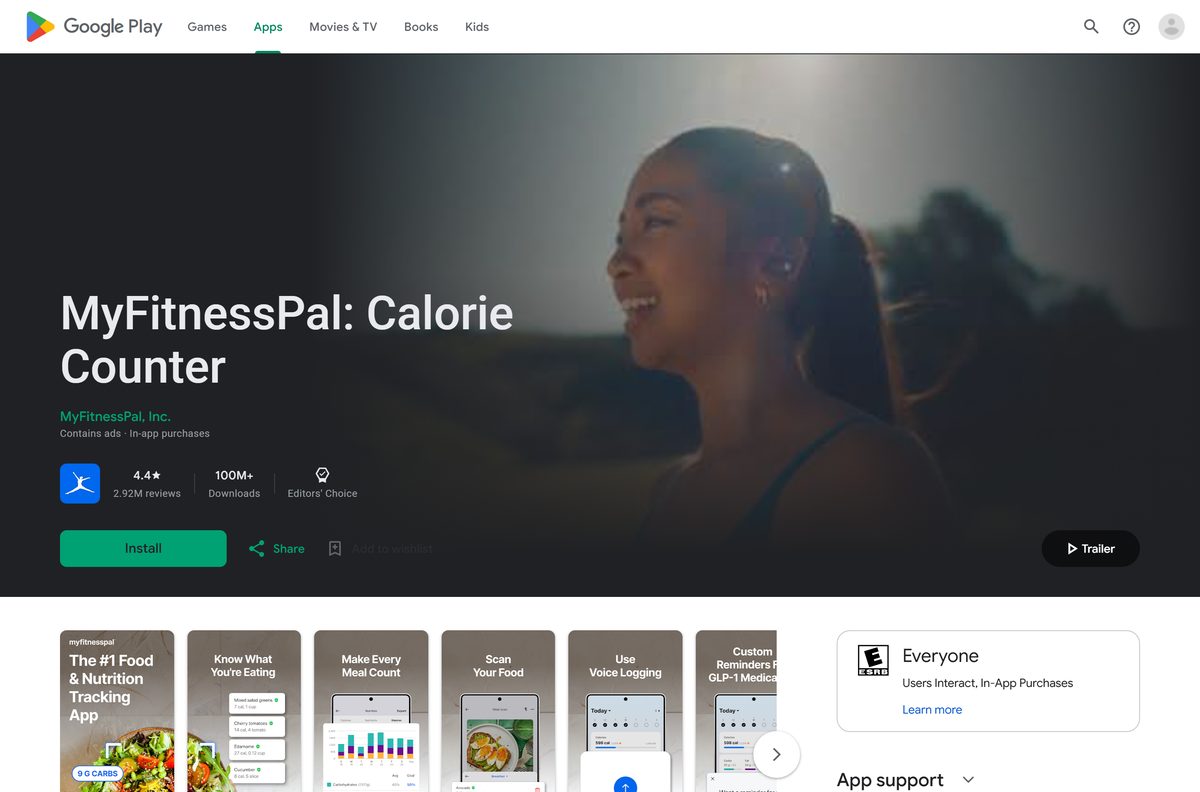
| Android 13 or later with Google Play | MyFitnessPal: Calorie Counter on Google Play | Play states no size |
Phones below iOS 18 or Android 13 may keep limited access for a while, then need the website.
Download MyFitnessPal from the official sources
Three addresses cover every device. MyFitnessPal, Inc. publishes all of them.
- www.myfitnesspal.com — the Windows and Mac version, with the food diary, exercise log, reports and account settings
- MyFitnessPal: Calorie Counter on the App Store — 347.5 MB · version 26.38.0, Free with In-App Purchases, 4.7 stars from 2.4M ratings, iPhone, iPad and Apple Watch
- MyFitnessPal: Calorie Counter on Google Play — 100M+ downloads, Editors’ Choice, 4.4 stars from 2.92M reviews; contains ads
MyFitnessPal does not support the app when it comes from a third-party APK or an app store that was not pre-installed on the phone.
How to install MyFitnessPal on Windows 11 and 10
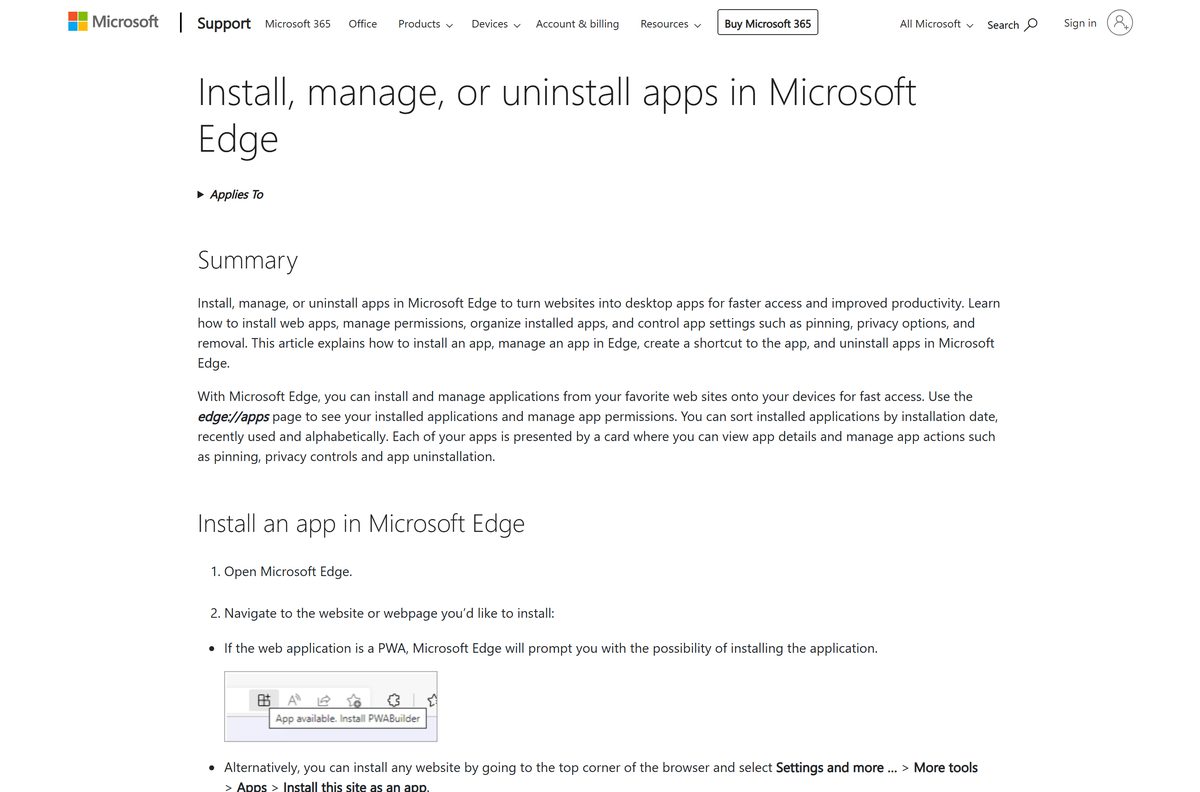
Edge turns any website into an installed app with its own window, taskbar button and entry in edge://apps.
- Open Microsoft Edge and go to www.myfitnesspal.com.
- Select Log In at the top of the page and sign in with your email address and password.
- Select Settings and more, the three-dot button at the top right.
- Select More tools > Apps > Install this site as an app.
- Name it MyFitnessPal and select Install.
- In the new window, open the Food tab and select Add Food under a meal to log it.
- Right-click the MyFitnessPal taskbar button and select Pin to taskbar.
In Chrome, the same install is More > Cast, save, and share > Install page as app.
How to install MyFitnessPal on iPhone and Android and sync it with your PC
The phone does the fast logging; the computer shows the same diary once both use one login.
- Open the App Store listing on an iPhone or the Google Play listing on Android.
- Check that the developer reads MyFitnessPal, Inc., then tap Get or Install.
- Open the app and create an account, or log in with your existing email address and password.
- Tap the plus button at the bottom of the Today view to log a food or an exercise.
- On the computer, log in to myfitnesspal.com with the same email address and password.
- Open the Food tab to see the entries from your phone.
With auto-install turned on in the iPhone’s Watch app, MyFitnessPal also installs on a paired Apple Watch.
How to use MyFitnessPal on a work or library computer without installing it
The website needs no install, so a locked-down PC still reaches your diary.
- Open any current browser and go to www.myfitnesspal.com.
- Select Log In and enter your email address and password.
- Open the Food tab and select Add Food under the meal you want to log.
- Open the Exercise tab and select Add Exercise under cardio or strength.
- Log out and close the browser before you leave a shared computer.
Entries sync to the phone app as soon as it next goes online.
Which MyFitnessPal download do you need for your Mac?
The App Store listing covers iPhone, iPad and Apple Watch only. On a Mac, the browser supplies the app.
| Your Mac | What to do | Menu path |
|---|---|---|
| macOS Sonoma 14 or later | Add myfitnesspal.com to the Dock from Safari | File > Add to Dock, then Add |
| Chrome installed | Install myfitnesspal.com as a Chrome app | More > Cast, save, and share > Install page as app |
| No install wanted | Open myfitnesspal.com in a tab | None |
The Mac App Store app named Calorie Counter: MyFitnessPal is sold by Saba Farooq, not MyFitnessPal, Inc. Skip it.
Is MyFitnessPal free?
The download and the core diary cost nothing; the faster logging tools sit behind a subscription.
Yes. The apps and a basic account are free, and Premium is optional. The free plan logs food and exercise, tracks weight and measurements, saves your own foods, meals and recipes, shows macros and links partner apps. Premium adds Barcode Scan, Meal Scan, Voice Log, custom macro goals, data export and no ads. Premium+ adds meal plans and grocery lists. New users can start a free Premium trial, and the price shows at checkout for your region.
Pay on the website or as an in-app purchase. Cancel on the same platform you paid on.
Should you log MyFitnessPal on the website or the phone app?
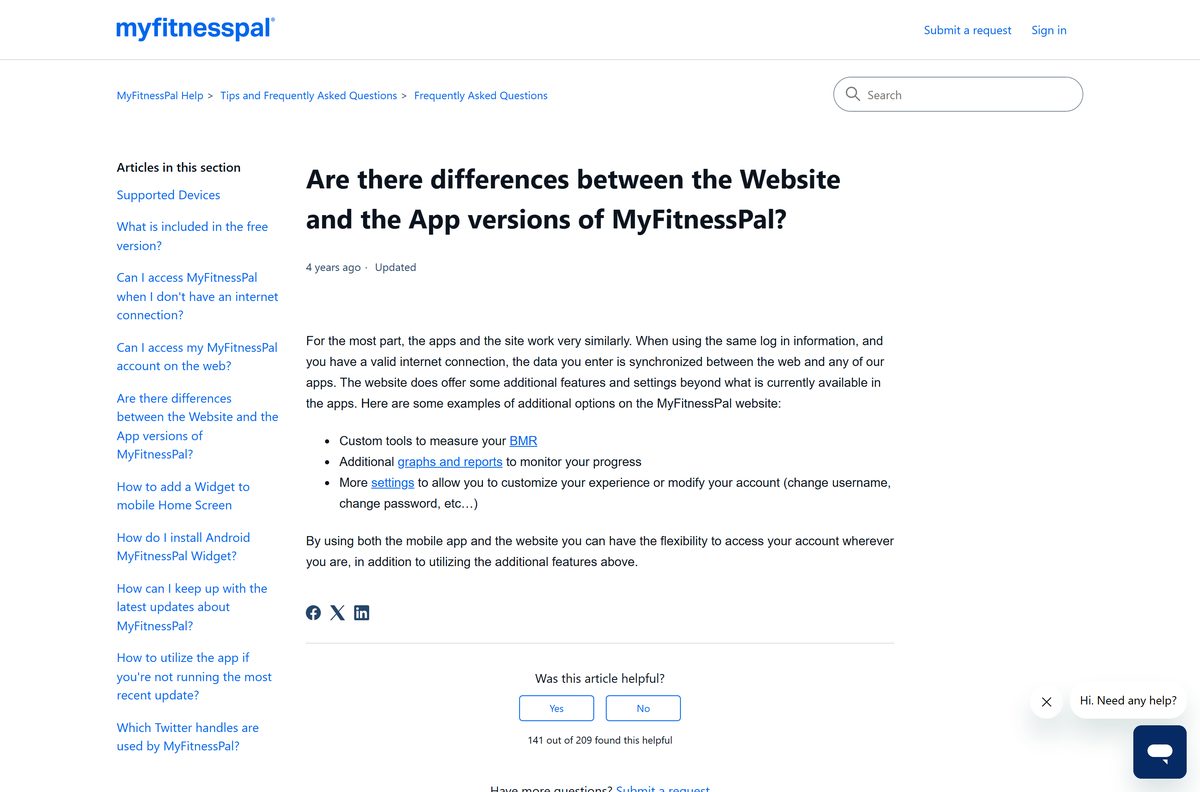
Both edit the same account, but each side has tools the other lacks.
Log meals on the phone, and use the website for reports and account settings. Barcode Scan, Meal Scan and the Apple Watch app live on the phone. The website adds BMR tools, extra progress graphs, username and password changes, and the printable food report, which free accounts can only create there.
Open Food > View Full Report (Printable) on the website to print or save a date range as a PDF.
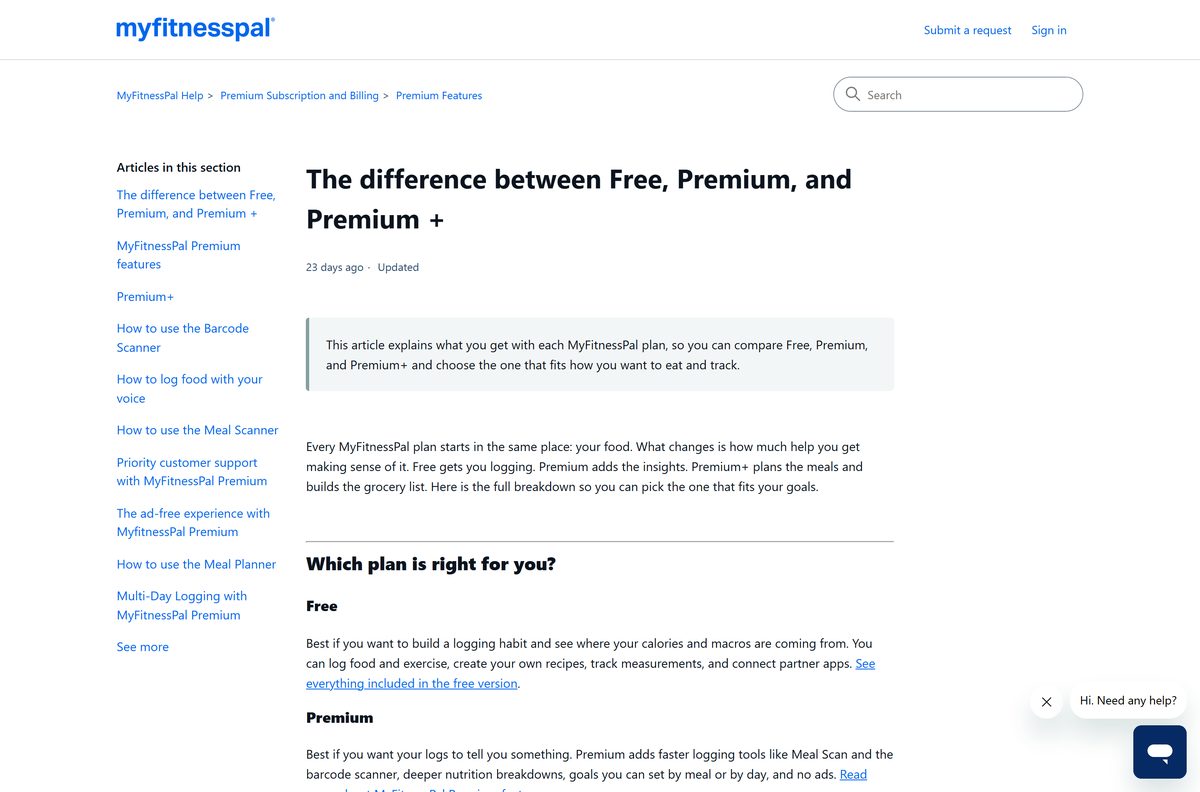
Pick a MyFitnessPal plan: Free, Premium or Premium+
Check this table before you start a trial.
| Feature | Free | Premium | Premium+ |
|---|---|---|---|
| Food and exercise logging | Yes | Yes | Yes |
| Custom foods, meals and recipes | Yes | Yes | Yes |
| Barcode Scanner and Meal Scan | No | Yes | Yes |
| Ad-free logging | No | Yes | Yes |
| Macros by gram and by meal | No | Yes | Yes |
| Different goals by day | No | Yes | Yes |
| Data export | No | Yes | Yes |
| Net Carbs mode | No | Yes | Yes |
| Meal Plan Builder and grocery lists | No | No | Yes |
Premium is HSA/FSA eligible for those who qualify.
Check the MyFitnessPal system requirements before you install
The only computer requirement is a current browser.
| Field | Value |
|---|---|
| App | MyFitnessPal: Calorie Counter |
| Developer | MyFitnessPal, Inc. |
| Latest version | 26.38.0 on iPhone and iPad; the website updates itself |
| Price | Free, with optional Premium and Premium+ subscriptions |
| Windows and Mac | www.myfitnesspal.com in a compatible desktop browser |
| iPhone and iPad | iOS 18 or later, 347.5 MB |
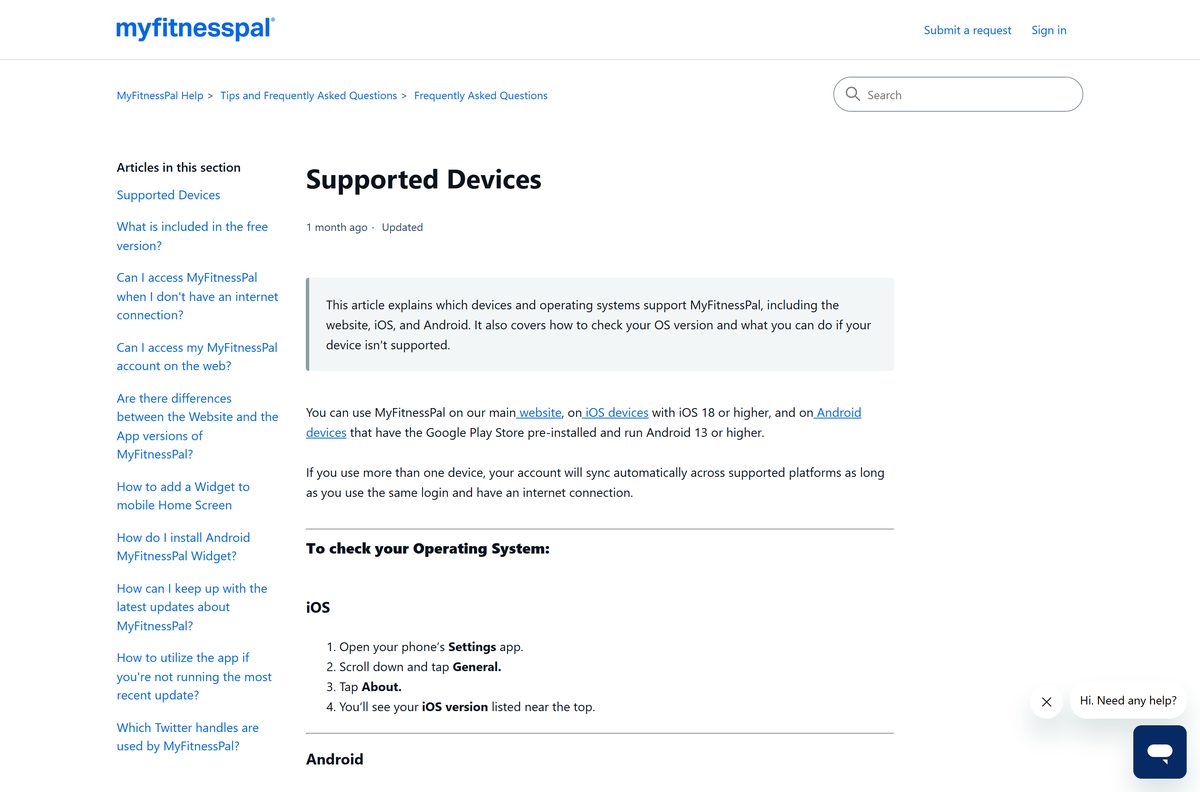
| Android | Android 13 or later with Google Play pre-installed |
| Watches | Apple Watch and Wear OS |
| Architecture | No native desktop build; the browser supplies it |
| Offline installer | None |
| Official source | myfitnesspal.com |
| Last verified | 25 September 2026 |
Fix MyFitnessPal not loading or installing
Match the symptom to the fix.
The website looks broken or some features do nothing
The browser is holding an outdated copy of the site.
- Open myfitnesspal.com/diagnostics and run the tests.
- If they pass, clear the browser cache.
- Quit and restart the browser, then log in again.
The login fails with the right password
An HTTPS add-on in the browser interferes with the site.
- Open the browser’s extensions page.
- Exclude myfitnesspal.com from any HTTPS add-on, or turn the add-on off.
- Reload the page and log in.
The app will not install or update on the phone
The phone runs a version below iOS 18 or Android 13.
- Check the version in Settings > General > About on iPhone.
- On Android, check Settings > About Phone > Software information.
- Update the phone, or log in on the website from a computer.
Food search returns nothing on the phone
The food database needs an internet connection.
- Connect to Wi-Fi or mobile data.
- Search again; entries made offline sync to the website once the phone reconnects.
How to uninstall MyFitnessPal and cancel Premium
Removing the app keeps your diary on the account. Cancel Premium first if you pay for it.
- On the website, open Settings > Subscription Settings and set Auto-Renewal to Off.
- For App Store or Google Play billing, cancel in that store’s subscription settings instead.
- In Edge, go to edge://apps, select Details on the MyFitnessPal card, then Uninstall.
- In Chrome, open the app and select More > Uninstall MyFitnessPal > Remove.
- On a Mac, drag the Safari web app from the Applications folder in your home folder to the Trash.
- To erase the account, open Settings > Delete Account on the website.
Account deletion cannot be undone, and marketing emails can take up to 72 hours to stop.
Which MyFitnessPal alternatives are worth a look?
Each of these is free to download on the App Store, with paid upgrades inside.
| App | Publisher | App Store price |
|---|---|---|
| Lose It! – Calorie Counter | FitNow, Inc. | Free |
| Cronometer: Calorie Counter | Cronometer Software Inc | Free |
| MacroFactor – Macro Tracker | Stronger By Science Technologies LLC | Free |
| Noom Weight Loss, Food Tracker | Noom, Inc. | Free |
| AI Calorie Tracker by Yazio | YAZIO GmbH | Free |
Stay with MyFitnessPal if your diary history matters: years of logs stay on the account and sync to every device.
Frequently asked questions
Is the MyFitnessPal download free?
Yes. The iPhone and Android apps are free, and a basic account costs nothing. Food and exercise logging, custom recipes and partner app links are free. Premium and Premium+ are paid subscriptions that add Barcode Scan, Meal Scan, no ads and meal planning.
Where is the official MyFitnessPal download page?
MyFitnessPal, Inc. publishes the phone app on the App Store and Google Play and runs the full service at www.myfitnesspal.com. Install only listings whose developer reads MyFitnessPal, Inc. The company does not support copies from third-party APK sites.
Is there a MyFitnessPal app for Windows 11?
Not as a setup file. MyFitnessPal lists its website, iOS and Android as the supported platforms. On Windows 11 or 10, open myfitnesspal.com in Edge and choose Install this site as an app to get a desktop window and a Start menu entry.
Is there a MyFitnessPal app for Mac?
The App Store lists MyFitnessPal for iPhone, iPad and Apple Watch only. On a Mac with macOS Sonoma 14 or later, open myfitnesspal.com in Safari and choose File, then Add to Dock. A Mac App Store app called Calorie Counter: MyFitnessPal comes from a different seller.
How big is the MyFitnessPal download?
The iPhone and iPad app is 347.5 MB on the App Store. Google Play states no size for Android. On a PC or Mac nothing is downloaded, because the desktop version runs on www.myfitnesspal.com and saves your diary to your account.
Is there a MyFitnessPal offline installer?
No. MyFitnessPal publishes no .exe, .msi or .dmg file. The phone apps come from the App Store and Google Play, and the computer version is the website. Without an internet connection the apps cannot reach the food database either.
Does MyFitnessPal run on ARM64 Windows PCs and Apple silicon Macs?
Yes, through the browser. The website runs in Edge, Chrome or Safari on any processor, so there is no x64, ARM64 or Apple silicon build to choose. The iPhone app is not offered for Mac on the App Store.
What is the latest MyFitnessPal version?
The iPhone app is version 26.38.0, released on 22 September 2026. Google Play shows no version number. The website at www.myfitnesspal.com updates itself, so a desktop web app is always current when it loads.
What phones does MyFitnessPal support?
iPhones on iOS 18 or higher and Android phones on Android 13 or higher with the Google Play Store pre-installed. Older phones may keep limited access for a while. Log in on the website from a computer if your phone falls below those versions.
Is MyFitnessPal safe to download?
Yes, from the official listings. The App Store and Google Play apps are published by MyFitnessPal, Inc., and Google Play marks it as an Editors’ Choice. Avoid APK copies from other sites, which MyFitnessPal says it does not support.
Why won’t MyFitnessPal install or work?
On a phone, check the OS version first: iOS 18 and Android 13 are the minimums. On a computer, run the tests at myfitnesspal.com/diagnostics, clear the browser cache and restart the browser. HTTPS add-ons can also block the login page.
Do the MyFitnessPal website and app sync?
Yes. Log in with the same email address and password, and your food and exercise diaries sync automatically whenever the device is online. Changes made offline on a phone appear on the website after the phone reconnects.
How do I cancel MyFitnessPal Premium?
Cancel on the platform where you paid. On the website, open Settings, then Subscription Settings, and turn Auto-Renewal off. App Store and Google Play subscriptions are cancelled in the phone’s own subscription settings. Premium stays active until the paid period ends.