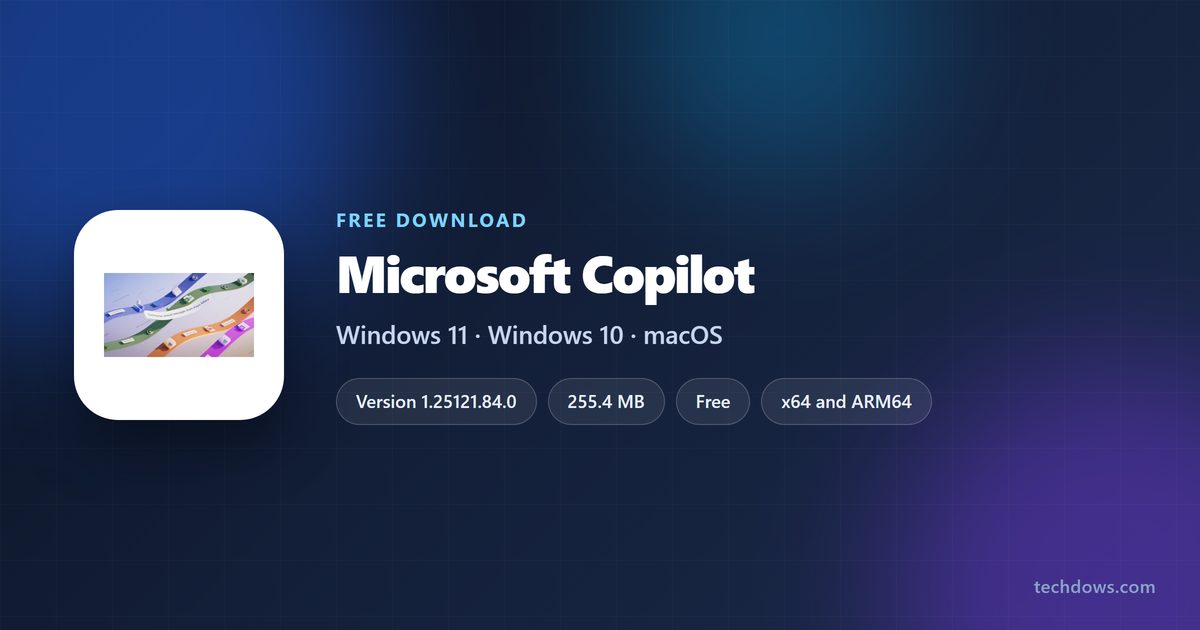
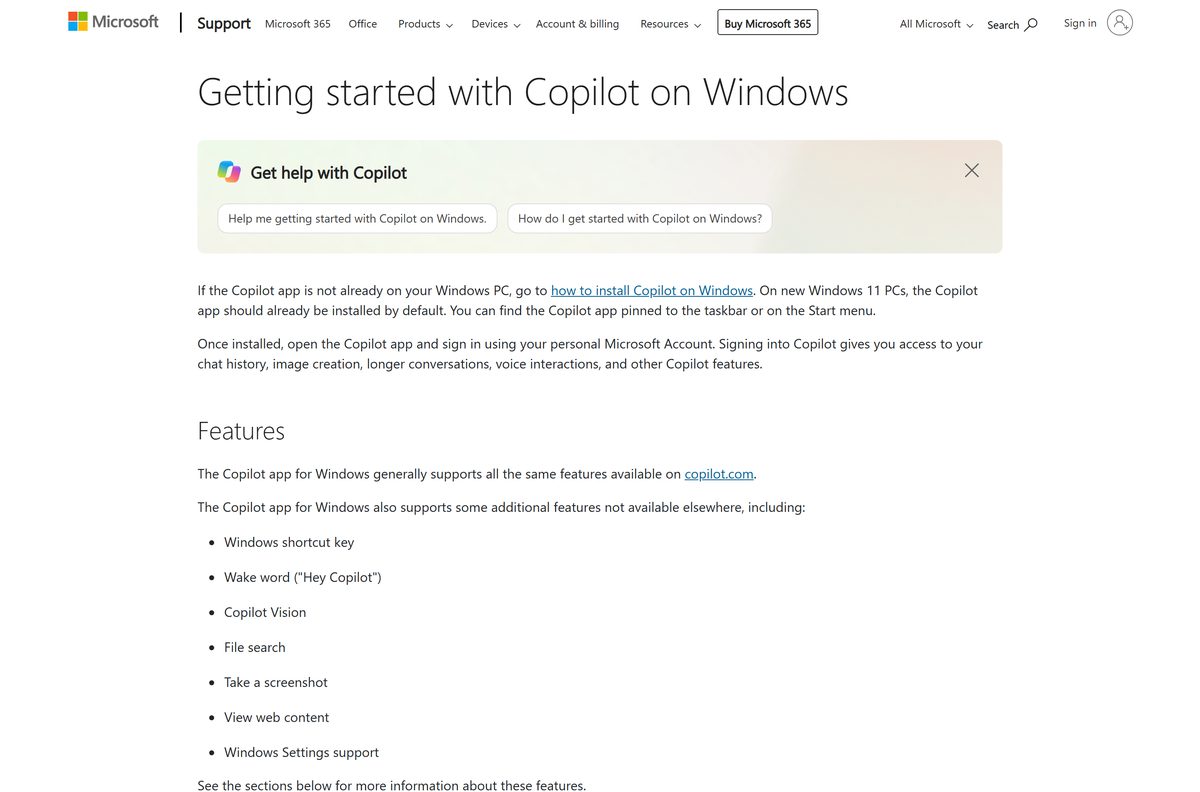
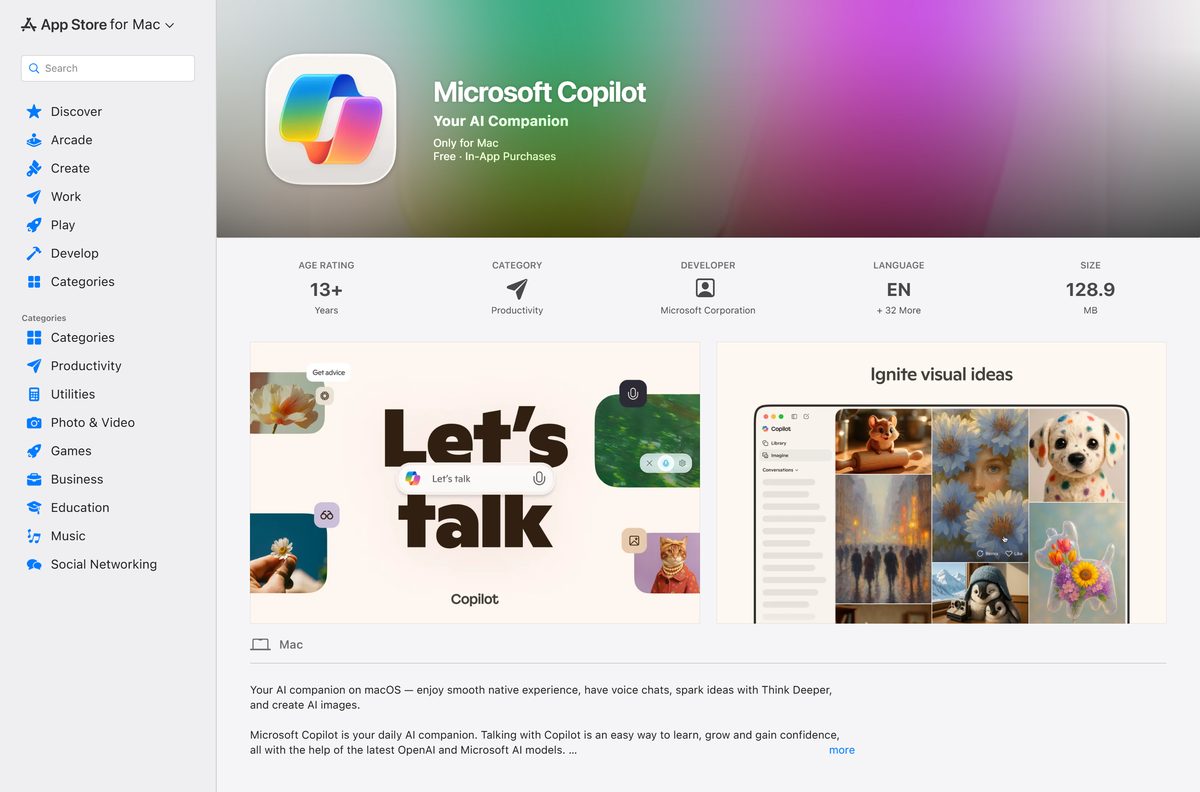
The Microsoft Copilot download is free, and on Windows 11 and Windows 10 it comes from the Microsoft Store listing published by Microsoft Corporation. Mac owners get a separate build from the Mac App Store.
Most new Windows 11 PCs already carry the app. Press Windows + C or the Copilot key to see whether it opens before you install anything.
This guide covers the Store package, the Mac App Store build, the winget command, the separate work app, what a Microsoft 365 plan adds, and fixes for a Copilot that will not start.
Which Microsoft Copilot download do you need?
Match the account you sign in with, then the device. The consumer app and the work app are different packages from different pages.
| Your setup | What to get | Size |
|---|---|---|
| Windows 11 or Windows 10 build 19041 or later, personal account | Microsoft Store listing, product 9NHT9RB2F4HD | 255.4 MB bundle |
| Mac running macOS Sonoma 14 or later | Mac App Store build, Apple ID 6738511300 | 123.0 MB |
| Work or school account on Microsoft Entra ID | Microsoft 365 Copilot app download page | 1.8 MB setup |
| Chromebook, Linux, or a locked-down PC | Copilot on the web | No install |
| 32-bit Windows 10 PC | Same Store listing, older x86 package | Serves 1.25094.120.0 |
That 255.4 MB is the combined x64 and ARM64 bundle. One PC pulls only its own architecture.
Download Microsoft Copilot for Windows 11, Windows 10 and Mac
Four official pages cover every route. Nothing else distributes this app.
- Microsoft Store listing, product 9NHT9RB2F4HD — 255.4 MB bundle · publisher Microsoft Corporation, free
- Mac App Store build for macOS Sonoma 14 or later — 123.0 MB · version 25.7.440902001, rated 12+
- Copilot in any browser — no download, same chat
- Microsoft 365 Copilot app for work and school accounts — Windows and Mac installers
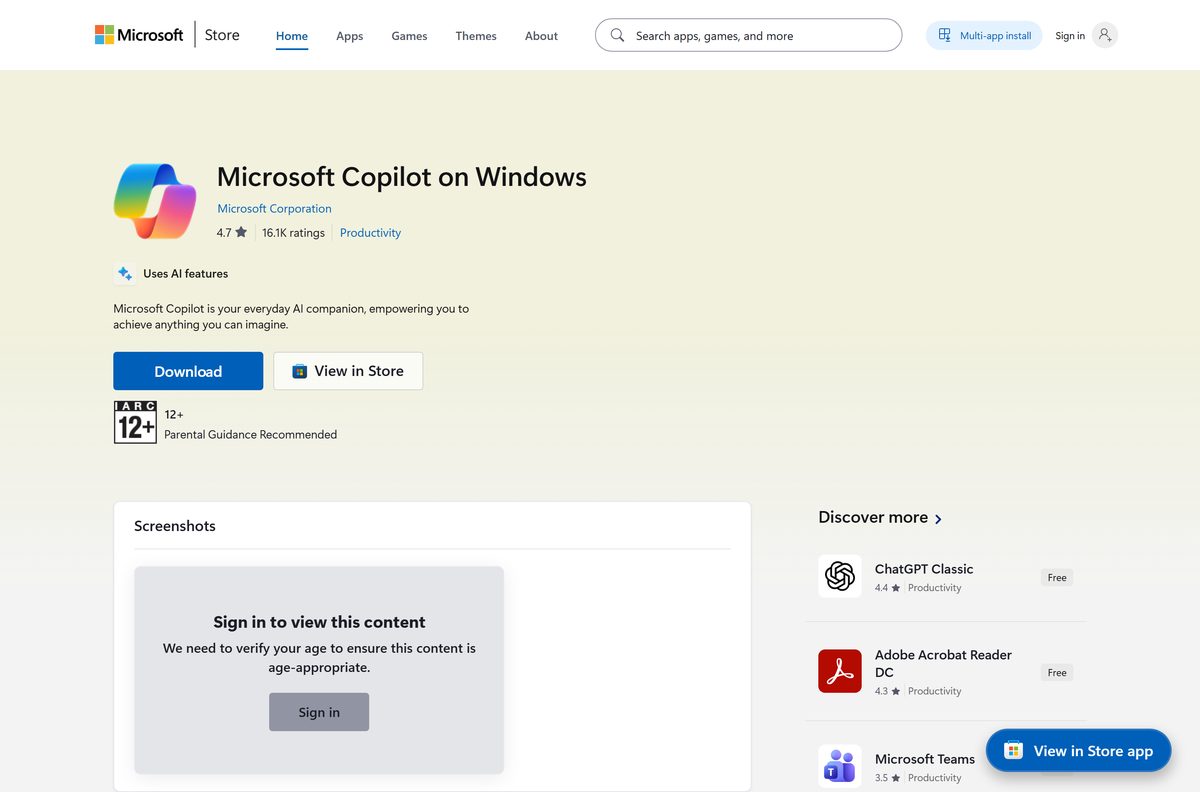
The US listing sits in Productivity and is rated 4.7 out of 5 from 459,999 ratings. Check the publisher line before you select Get.
How to install Microsoft Copilot on Windows 11 and 10
Use this route wherever the Microsoft Store works. Windows keeps the package updated afterwards.
- Press Windows + C first. If a prompt box appears, the app is already installed.
- Open Microsoft Store from the Start menu.
- Search for Microsoft Copilot, or open the listing for product 9NHT9RB2F4HD directly.
- Confirm the publisher reads Microsoft Corporation.
- Select Get, or Install when the app was on this PC before.
- Wait for the button to change to Open, then select it.
- Sign in with a personal Microsoft account to unlock chat history, image creation and voice.
- Right-click the taskbar icon and choose Pin to taskbar to keep it one click away.
The app reached Windows 11 PCs with the October 2024 security update and Windows 10 PCs in November 2024. A PC that skipped those updates installs it from the Store.
Install Microsoft Copilot with winget instead of the Store app
Skip the Store interface when scripting a new PC. The package still comes from the same source.
- Right-click Start and select Terminal.
- Run winget install 9NHT9RB2F4HD –source msstore .
- Accept the Microsoft Store source agreement when Terminal asks.
- Wait for the installer to report success.
- Launch the app with Windows + C and sign in.
Package identity is Microsoft.Copilot , and the family name is Microsoft.Copilot_8wekyb3d8bbwe .
Download the Microsoft 365 Copilot app for work and school accounts
Entra ID accounts need the other app. Microsoft publishes real installers for it, unlike the consumer package.
| Platform | File | Size | Requirement |
|---|---|---|---|
| Windows | UnifiedCopilotSetup.exe | 1.8 MB | Bootstrapper, needs an internet connection |
| Mac | Copilot 153.0.4234.38 package | 728.5 MB | macOS Sonoma 14 or later |
To block the consumer package across a fleet, add an AppLocker publisher rule for package name MICROSOFT.COPILOT , version * and above. Apply it before the Windows update that installs the app.
Which Microsoft Copilot download do you need for your Mac?
Open the Apple menu and select About This Mac to read your macOS version.
| Your Mac | What to get | Size |
|---|---|---|
| macOS Sonoma 14 or later, personal Microsoft account | Mac App Store build, Apple ID 6738511300 | 123.0 MB |
| macOS Sonoma 14 or later, work or school account | Microsoft 365 Copilot package | 728.5 MB |
| macOS Ventura 13 or older | Copilot on the web | No install |
The Mac build reached version 25.7.440902001 on 3 September 2026, and Apple first listed it on 26 February 2025.
Is Microsoft Copilot free?
The app costs nothing on either platform. Money buys higher usage limits.
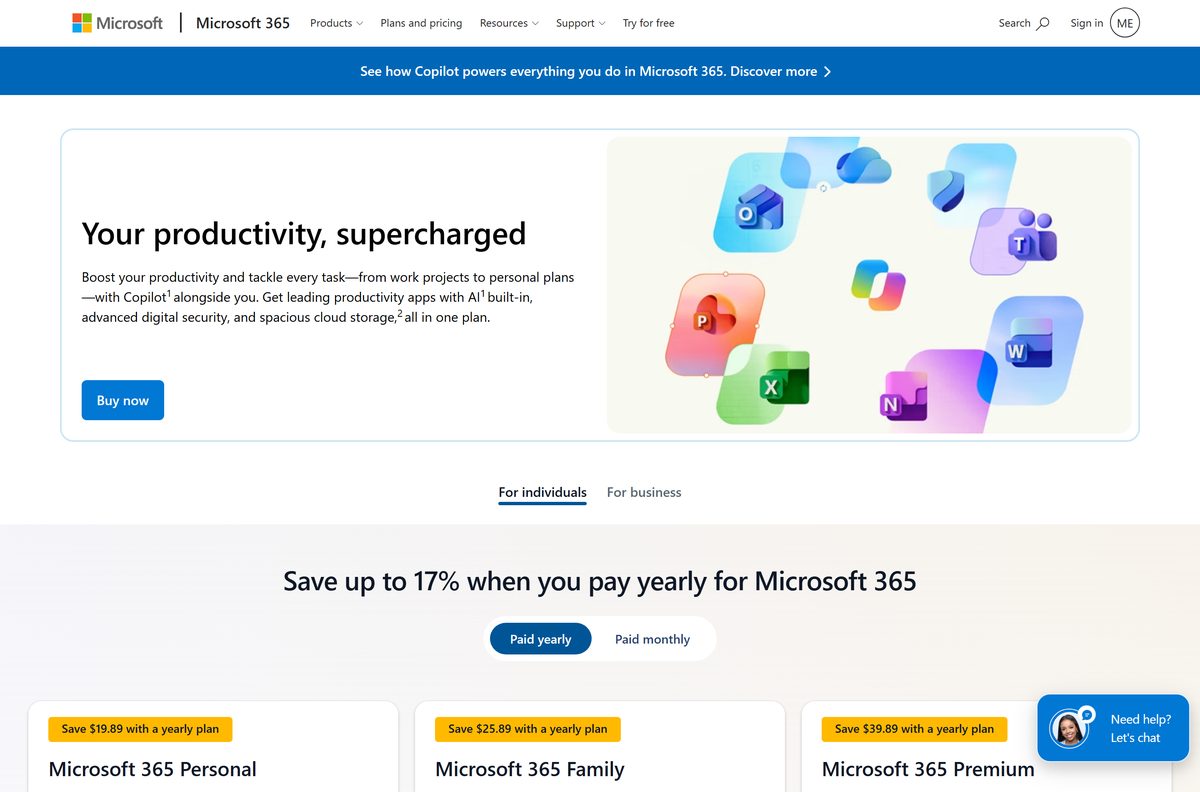
Yes. Both the Microsoft Store package and the Mac App Store build are free, and a personal Microsoft account is all the sign-in needs. Microsoft 365 Personal at $9.99 per month and Family at $12.99 per month raise chat, image and audio limits above the free tier. Premium at $19.99 per month adds extensive usage and agentic research tools. Those AI benefits reach the subscription owner only, even on Family.
Should you install Microsoft Copilot or the Microsoft 365 Copilot app?
The two apps share a name and almost nothing else. The account you sign in with settles it.
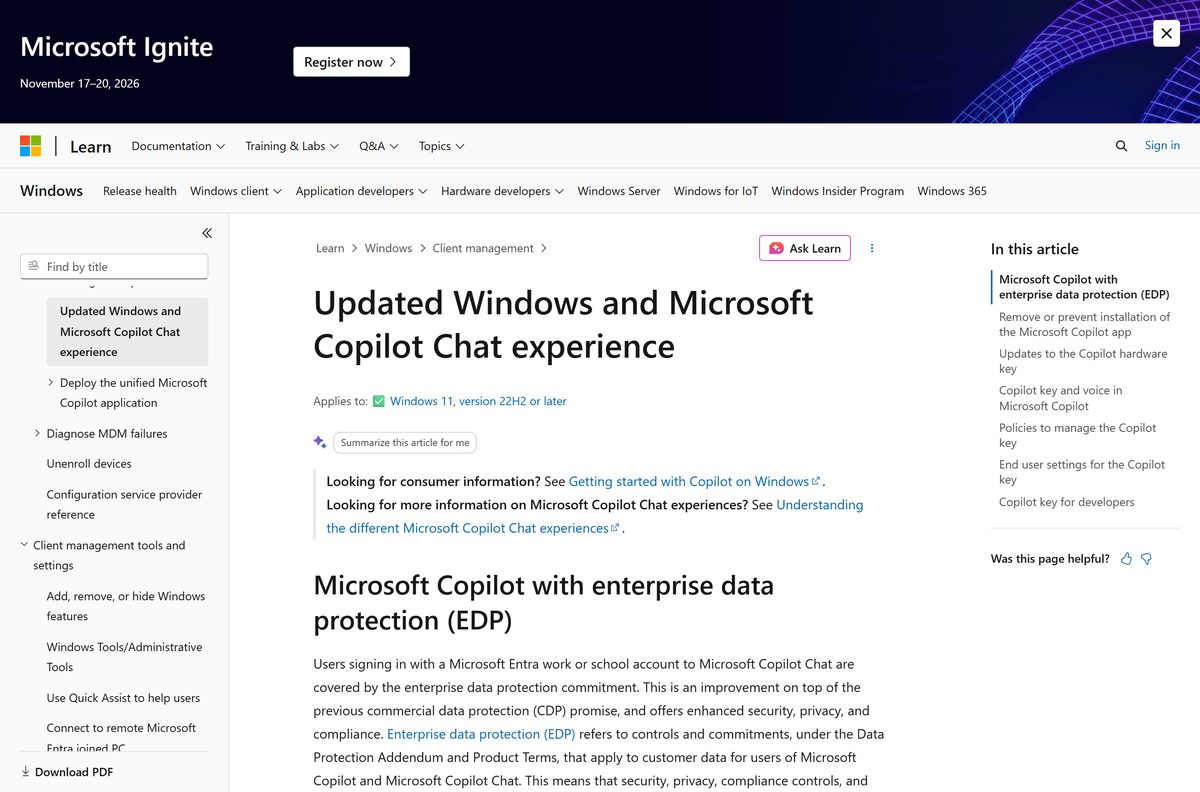
Install the consumer Microsoft Copilot app when you sign in with a personal Microsoft account, and the Microsoft 365 Copilot app when your account is a work or school one. The consumer app rejects Microsoft Entra ID sign-in and pushes those accounts to Copilot Chat in the default browser. The work app takes the Entra account and, with a Microsoft 365 Copilot licence, answers from Graph content the user already has permission to read.
How to check your Microsoft Copilot version and update it
Store packages update quietly in the background. Force the check when a feature you read about has not turned up.
- Open Microsoft Store and select Library in the left pane.
- Select Get updates and let the queue finish.
- Open Settings > Apps > Installed apps and find the Copilot entry.
- Select the three dots, then Advanced options, to read the installed version.
- Compare it with 1.25121.84.0, the newest package Microsoft’s catalog lists.
- On a Mac, open the App Store, select your name, then Update beside the entry.
Check your PC against the Microsoft Copilot system requirements
The app asks for nothing beyond a supported operating system and an internet connection.
| Item | Detail |
|---|---|
| Software | Microsoft Copilot |
| Developer | Microsoft Corporation |
| Latest version | 1.25121.84.0 on Windows, 25.7.440902001 on Mac |
| License | Free; paid Microsoft 365 plans raise usage limits |
| Download size | 255.4 MB combined x64 and ARM64 bundle; 123.0 MB on Mac |
| Installed size | About 329.1 MB on Windows |
| Supported OS | Windows 10 build 19041 or later, Windows 11, macOS Sonoma 14 or later |
| Architecture | x64 and ARM64 |
| Package family name | Microsoft.Copilot_8wekyb3d8bbwe |
| Official download source | Microsoft Store, product 9NHT9RB2F4HD |
| Mac download source | Mac App Store, Apple ID 6738511300 |
| Offline installer | No. Store delivery only |
| Last verified | 2026-09-22 |
Microsoft’s catalog lists 10.0.26100 as the highest Windows build tested. Package 1.25094.120.0 is the last with an x86 binary.
What Microsoft Copilot can read on your PC
The Windows app reaches further than the browser version. Each capability below needs your permission in the moment.
| Capability | What it covers |
|---|---|
| File search | DOCX, XLSX, PPTX, TXT, PDF and JSON files on the device and in OneDrive |
| Vision | Windows and apps you choose to share on screen |
| Screenshots | A region you capture, then ask questions about |
| Side pane | A browser panel that keeps the conversation while you read a page |
| Windows settings | Guidance on finding and changing a setting |
| Voice | Spoken chat started from the Copilot key or the Hey Copilot wake word |
Chat history, image creation and voice all need a signed-in personal Microsoft account.
How to make the Copilot key open Microsoft Copilot on Windows 11
Newer keyboards carry a dedicated key. Point it at the app when it opens something else.
- Open Settings > Personalization > Text input.
- Select Customize Copilot key on keyboard.
- Choose Custom in the dropdown.
- Pick the Copilot app from the app picker.
- Reinstall the app from the Microsoft Store when the picker comes up empty.
- Press the key once for the prompt box, and hold it to open the voice controller.
Keyboards without that key use Windows + C for the same prompt box.
Fix Microsoft Copilot not installing or opening on Windows 11 and 10
One symptom, one cause, one fix. Work down the group that matches what you see.
The app is missing from Start and the taskbar
An administrator policy removed it, or the PC was built from an image without it.
- Open the Microsoft Store listing for product 9NHT9RB2F4HD.
- Select Get and let the package download.
- A cloud icon on the button means the app is already tied to your account and only needs redownloading.
- Ask your IT team about the AppLocker rule when the install is refused on a managed PC.
The Store download stalls or fails
A stuck Store queue or a damaged Store cache.
- Press Windows + R, type wsreset.exe and press Enter.
- Wait for the Store to reopen by itself.
- Open Library and select Get updates so the queue drains.
- Retry the install from the listing.
Sign-in loops or sends you to a browser
The account is a work or school account, which the consumer app does not accept.
- Sign in with a personal Microsoft account instead.
- Install the Microsoft 365 Copilot app for the work account.
- Use Copilot Chat in the browser when the work app is blocked by policy.
The app opens and then closes
Damaged app data after an interrupted update.
- Open Settings > Apps > Installed apps and find the Copilot entry.
- Select the three dots, then Advanced options.
- Select Terminate, then Repair.
- Select Reset only when Repair changes nothing, because Reset clears the app data.
How to uninstall Microsoft Copilot
Removal takes seconds and leaves no service behind.
- Open Settings > Apps > Installed apps.
- Find the Copilot entry and select the three dots on the right.
- Select Uninstall and confirm.
- For a scripted removal, open Windows PowerShell and run $p = Get-AppxPackage -Name “Microsoft.Copilot” | Select-Object -ExpandProperty PackageFullName .
- Run Remove-AppxPackage -Package $p to complete it.
- On a Mac, drag the app from Applications to the Bin.
A Windows update can bring the package back. An AppLocker rule for MICROSOFT.COPILOT keeps it off a managed PC.
Which other ways can you reach Microsoft Copilot?
A desktop install is one route of four. Pick on the device in front of you.
| Route | Platforms | Price | Why pick it |
|---|---|---|---|
| Copilot on the web | Any browser | Free | Nothing to install, works on Linux and Chromebooks |
| Microsoft 365 Copilot app | Windows, Mac | Free app, licensed features | The only route that accepts a work or school account |
| App Store build for iPhone and iPad | iOS, iPadOS | Free | Carries the same chat to a phone |
| Google Play build | Android | Free | Same account, no PC needed |
Vision, device file search and the Copilot key belong to the Windows app.
Frequently asked questions
Is the Microsoft Copilot download free?
Yes. The Microsoft Store lists the Windows package at $0.00 and the Mac App Store lists the Mac build as free. A personal Microsoft account unlocks chat history, image creation and voice at no charge.
What is the official Microsoft Copilot download page?
The Microsoft Store listing for product 9NHT9RB2F4HD on Windows, and Apple ID 6738511300 on the Mac App Store. Both are published by Microsoft Corporation, and no other site distributes the app.
Does Microsoft Copilot work on Windows 10?
Yes. The current package requires Windows 10 build 19041 or later. Microsoft delivered the app to Windows 10 PCs in November 2024, a month after the Windows 11 rollout began.
How big is the Microsoft Copilot download?
Microsoft’s catalog reports 255.4 MB for the combined x64 and ARM64 bundle and about 329.1 MB installed. A single PC fetches only its own architecture, so the transfer is smaller than the bundle figure.
Is there a Microsoft Copilot offline installer?
No. The consumer app ships only as a Microsoft Store package on Windows and through the Mac App Store on macOS. The work app has an installer, but it is a 1.8 MB bootstrapper that downloads the rest.
Is Microsoft Copilot available for Mac?
Yes. The Mac App Store build reached version 25.7.440902001 on 3 September 2026, weighs 123.0 MB and needs macOS Sonoma 14 or later. Apple first listed it on 26 February 2025.
Does Microsoft Copilot run on ARM64 laptops?
Yes. The current Store package carries both x64 and ARM64 binaries, so Snapdragon PCs install the native build from the same listing. Only the older 1.25094.120.0 package still includes x86.
Why can I not sign in with my work account?
The consumer app rejects Microsoft Entra ID sign-in and redirects work or school accounts to Copilot Chat in the browser. Install the Microsoft 365 Copilot app instead for those accounts.
Is Microsoft Copilot safe to install?
Yes, when it comes from the Microsoft Store listing published by Microsoft Corporation or the Mac App Store. Both stores sign and deliver the package, so a copy from a mirror is not the genuine app.
What is the latest Microsoft Copilot version?
Microsoft’s catalog listed 1.25121.84.0 for Windows on 22 September 2026. The Mac build runs on its own numbering and sat at 25.7.440902001 after the 3 September 2026 update.
What does a Microsoft 365 subscription add?
Personal at $9.99 monthly and Family at $12.99 monthly raise chat, image and audio limits above the free tier. Premium at $19.99 monthly adds extensive usage and agentic research tools for the subscription owner.
How do I open Copilot on Windows?
Press the Copilot key or Windows + C for the prompt box, or select the taskbar or Start menu pin. Holding the key opens the voice controller, and the opt-in Hey Copilot wake word starts a voice chat hands-free.