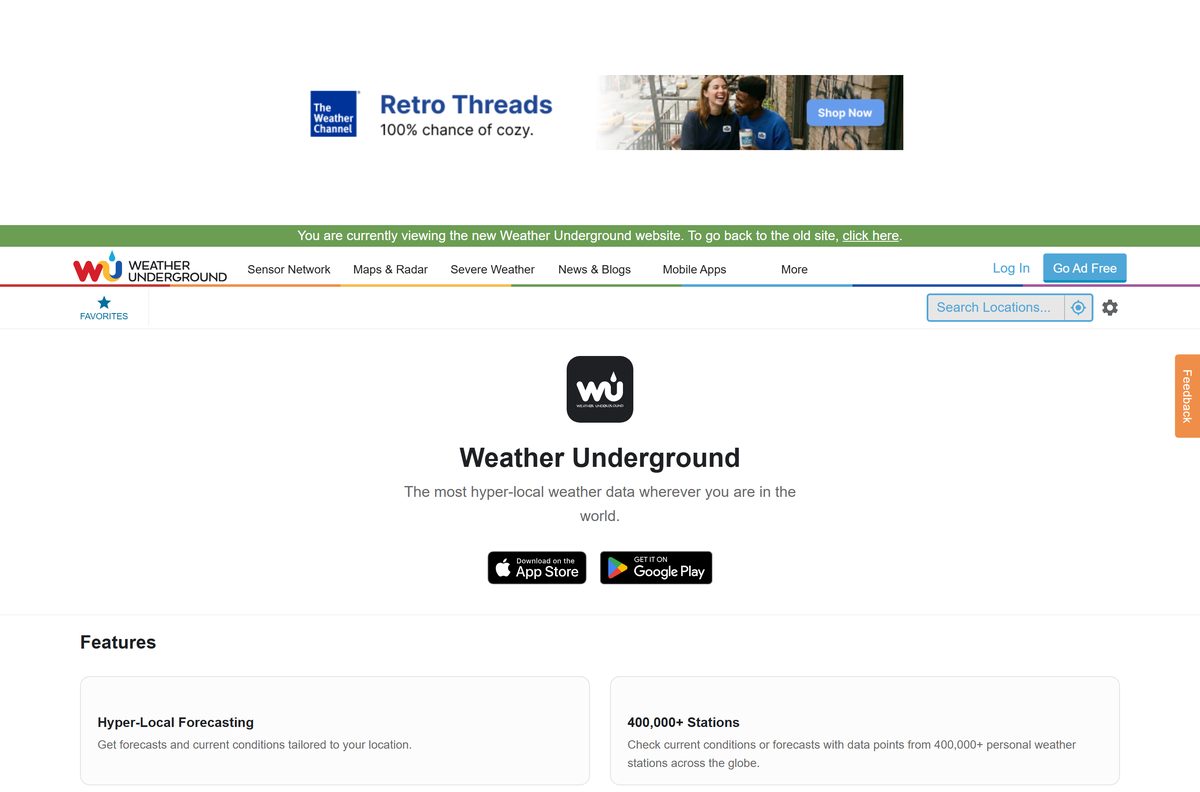
A Weather Underground download takes about a minute on any device. On a phone, you get the free WU app from the App Store or Google Play. On a Windows 11 or Windows 10 PC or a Mac, you install wunderground.com as a desktop app from Chrome, Edge or Safari.
The app and the website pull hyperlocal conditions from more than 250,000 personal weather stations, so the desktop app shows the same neighborhood readings as your phone.
This guide covers which download fits each device, the official links, install steps for Windows and Mac, what Premium adds, and fixes for the most common install and sign-in problems.
Which Weather Underground download do you need?
Match your device to a row. Phone rows install from a store, and desktop rows install from the browser.
| Your device | What to install | Size |
|---|---|---|
| iPhone or iPad on iOS 14.0 or later | Weather Underground on the App Store | 94.6 MB |
| Android phone or tablet | Weather Underground on Google Play | Play states no size |
| Windows 11 or Windows 10 PC | wunderground.com, installed as an app in Chrome or Edge | Nothing to download |
| Mac on macOS Sonoma 14 or later | wunderground.com, added to the Dock from Safari | Nothing to download |
WunderMap, the interactive radar and weather station map, opens from the Today page of the same web app.
Download Weather Underground from the official sources
Weather Underground, LLC, part of The Weather Company, publishes the phone apps and runs the website. Use these links and nothing else.
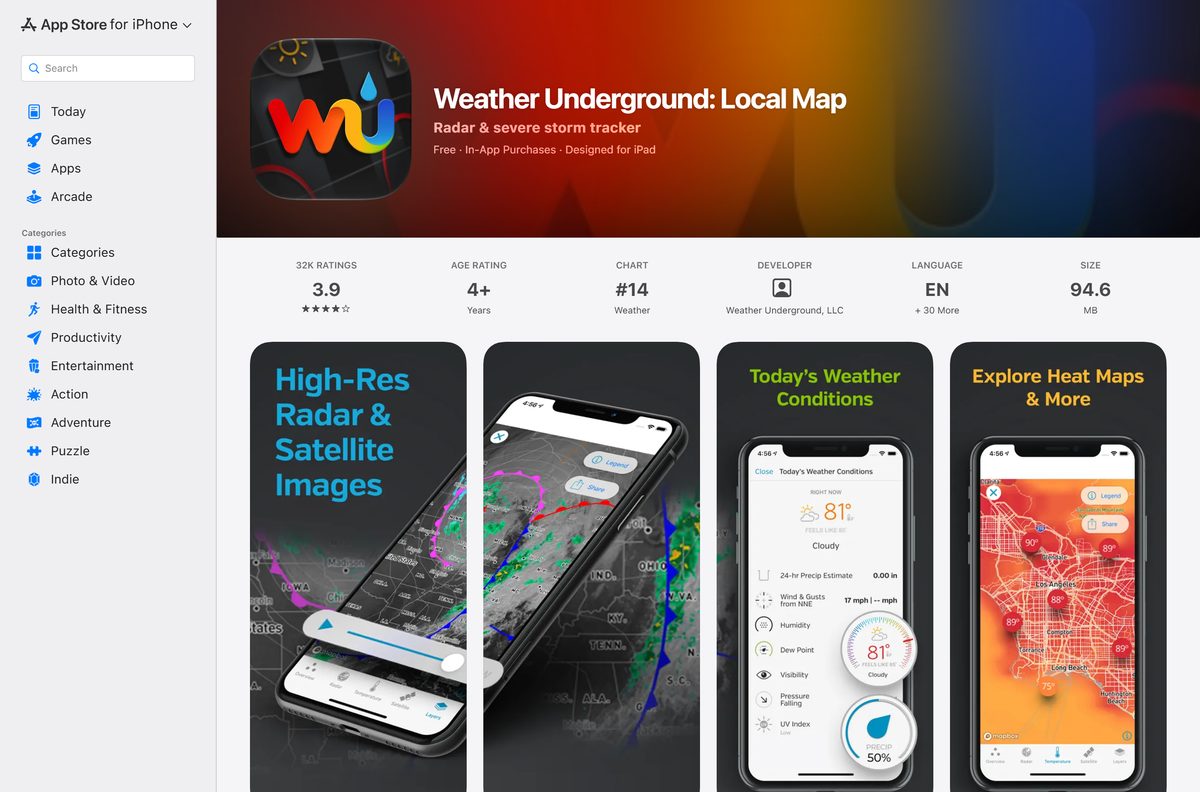
- Weather Underground: Local Map on the App Store — 94.6 MB · seller Weather Underground, LLC, iOS 14.0 or later
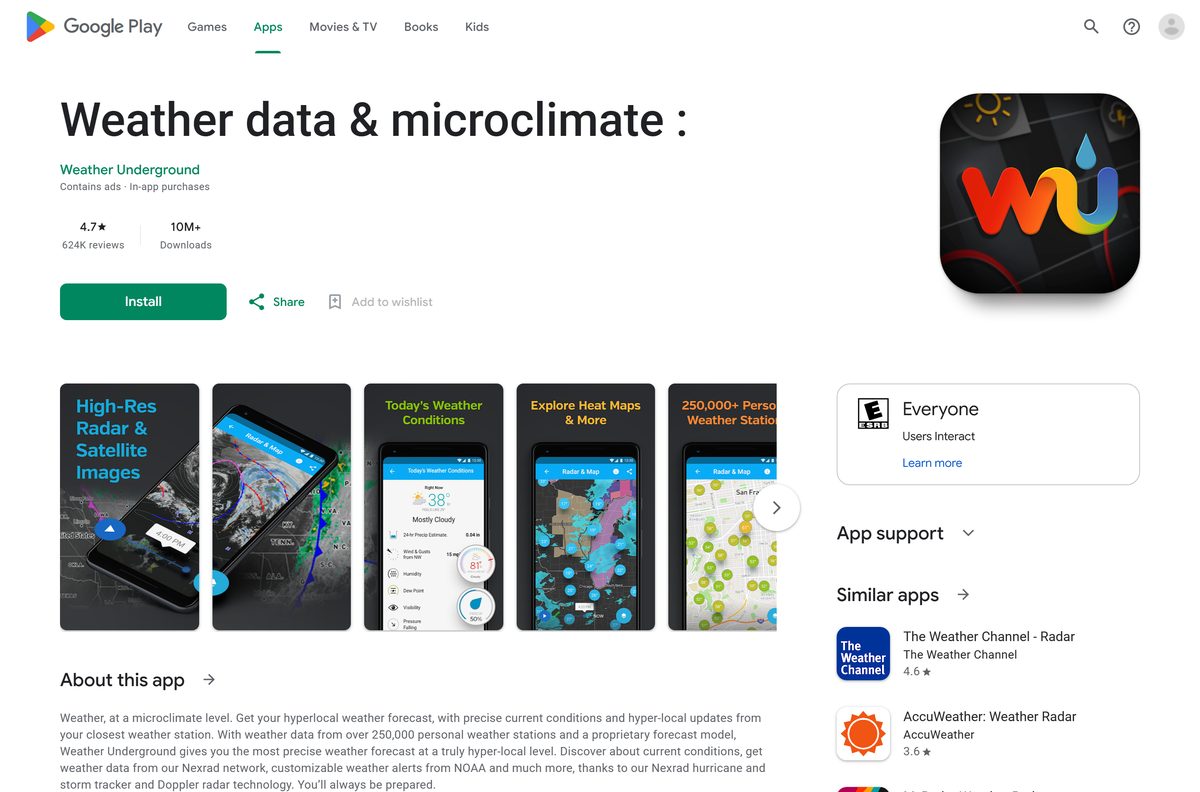
- Weather Underground on Google Play — 10M+ downloads, 4.7 stars
- Weather Underground mobile apps page — the official page that links to both stores
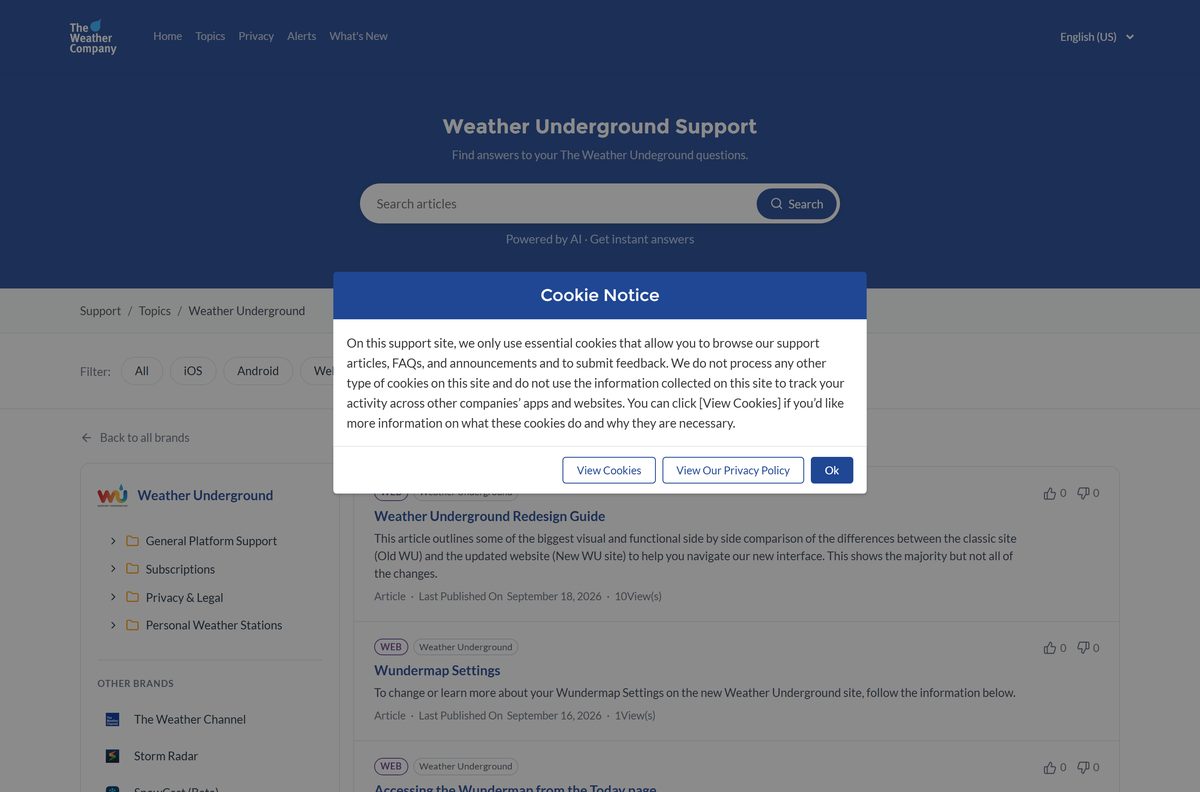
- Weather Underground support — iOS, Android, web and subscription help
The Google Play listing is titled for its keywords rather than the brand, but the developer line reads Weather Underground.
Check the Weather Underground requirements
The desktop route has no hardware floor of its own. The browser you use sets the minimum.
| Field | Value |
|---|---|
| App | Weather Underground (WU) |
| Developer | Weather Underground, LLC (The Weather Company) |
| Latest version | 6.21 on iPhone and iPad (30 June 2025); web-based and auto-updating on PC and Mac |
| Price | Free with ads; optional annual Premium subscription |
| iPhone and iPad | iOS 14.0 or later, 94.6 MB |
| Android | Phones and tablets through Google Play |
| Windows | Windows 11 and Windows 10 through wunderground.com in Chrome or Edge |
| Mac | wunderground.com in a browser; the Safari web app needs macOS Sonoma 14 or later |
| Architecture | No desktop build; runs in the browser on any processor it supports |
| Offline installer | None |
| Official source | wunderground.com, the App Store and Google Play |
| Last verified | 2026-09-25 |
How to install Weather Underground on Windows 11 and 10 with Chrome
Chrome turns wunderground.com into a windowed app that opens from the taskbar. It runs without tabs or an address bar.
- Open Chrome and go to wunderground.com.
- Search for your city or ZIP code so the app opens on your local forecast.
- Select More, the three-dot button at the top right.
- Select Cast, save, and share, then Install page as app.
- Rename the app to Weather Underground if you want, then select Install.
- Right-click the new window’s taskbar icon and select Pin to taskbar.
Allow location access when the site asks, and the app opens on the closest personal weather station.
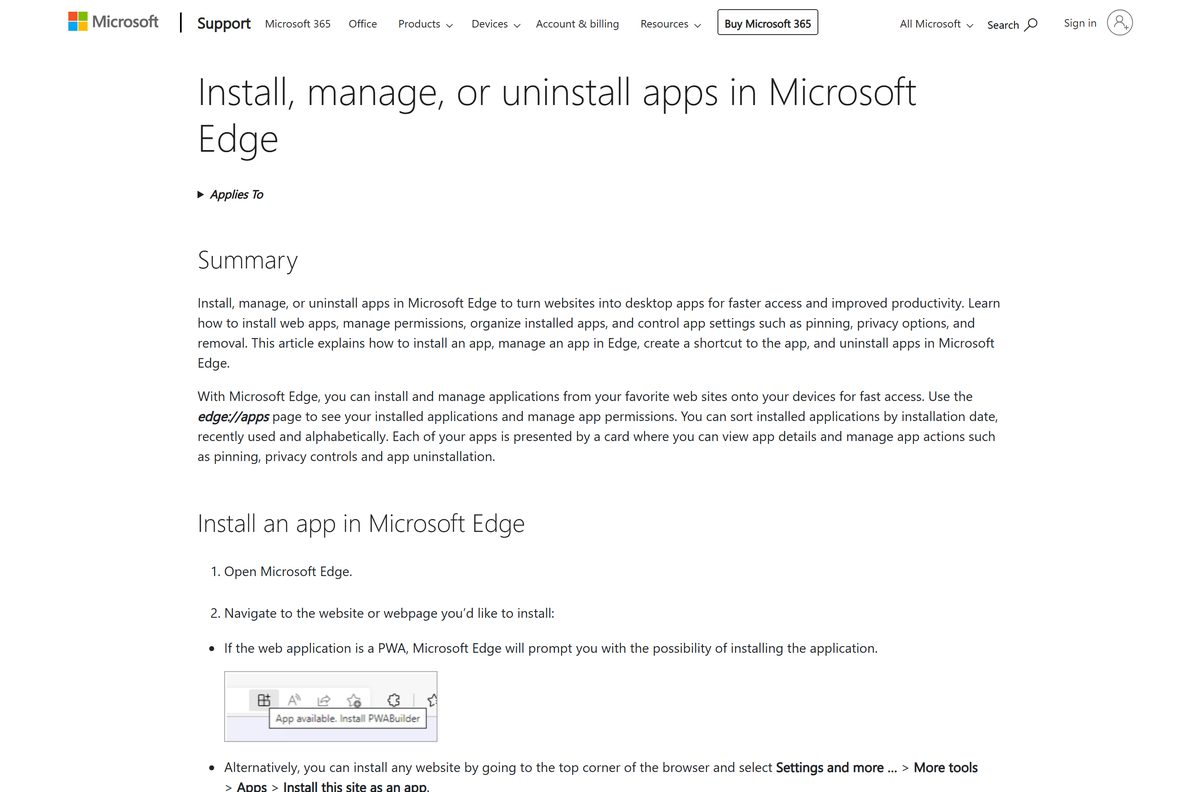
Install Weather Underground on Windows with Microsoft Edge instead of the Store
A Microsoft Store search for Weather Underground returns no app from Weather Underground or The Weather Company. Edge builds the same windowed app with nothing extra to download.
- Open Microsoft Edge and go to wunderground.com.
- Select Settings and more, the three-dot button at the top right.
- Select More tools, then Apps, then Install this site as an app.
- Name the app and select Install.
- Go to edge://apps and select Details on the Weather Underground card.
- Select Pin to taskbar or Pin to Start.
Skip Store apps that use the Weather Underground name under a different publisher. MSN Weather from Microsoft is the built-in Store alternative.
Which Weather Underground download do you need for your Mac?
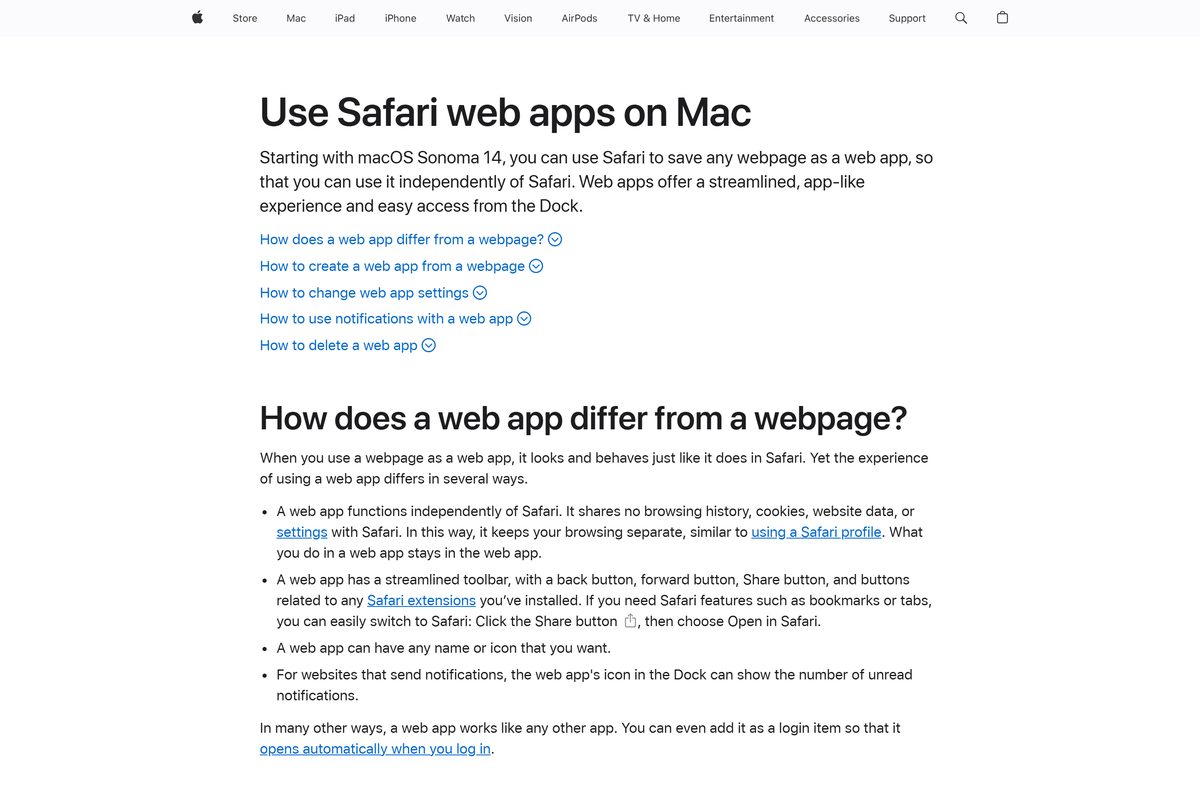
The App Store version of Weather Underground runs on iPhone and iPad only. On a Mac, wunderground.com runs as a web app.
| Your Mac | What to do | Source |
|---|---|---|
| macOS Sonoma 14 or later | Safari: File > Add to Dock on wunderground.com | Apple |
| Older macOS with Chrome | Chrome: More > Cast, save, and share > Install page as app | |
| Any Mac, no install | wunderground.com in a normal browser tab | Weather Underground |
| You also check the weather on an iPhone | Weather Underground on the App Store, 94.6 MB | Apple App Store |
To add the Safari app, open wunderground.com, choose File > Add to Dock, type a name and click Add. Safari saves it to the Applications folder in your home folder, and it also opens from Spotlight.
Is Weather Underground free?
Yes. The Weather Underground app and wunderground.com are free with ads, and Premium is an optional annual subscription. Both store listings mark the app as free with in-app purchases, and Google Play adds a Contains ads label. Premium removes all ads from the app, adds Smart Forecasts that tell you when your chosen outdoor conditions arrive, and extends hourly forecasts to 15 days. The free app already covers hourly and daily forecasts up to 10 days, radar, satellite and severe weather alerts.
Premium renews automatically. Cancel it in your App Store or Google Play account settings at least 24 hours before the period ends to avoid the next charge.
Should you use the WU phone app or the website on your computer?
Use the phone app for alerts on the go, and wunderground.com on your computer for WunderMap, history and station data on a larger screen. The phone app sets severe weather alerts for your exact position and holds the Premium features you pay for. The website runs the redesigned Weather Underground layout, with a Compact mode that fits more data onto smaller screens and light or dark themes that follow your browser. Both read from the same personal weather station network.
A Premium purchase made in the App Store or Google Play is billed through that store account.
How to check your Weather Underground version and update it
The web app on a PC or Mac has no version number. It loads the current wunderground.com every time it opens.
- On an iPhone, open the App Store listing for Weather Underground and scroll to What’s New to see the current version.
- Tap your profile picture in the App Store and tap Update next to Weather Underground.
- On Android, open Google Play, tap your profile picture, then Manage apps & device, and update Weather Underground.
- On a PC or Mac, keep Chrome, Edge or Safari up to date, because the web app runs inside the browser.
Turn on automatic app updates in the store settings, and the phone app stays current without any checks.
How to sign in with one account across WU and weather.com
In the United States, a Weather Underground member account also works on weather.com and The Weather Channel apps. Sign in once per device with the same email.
- Open wunderground.com/login in the browser or web app.
- Enter your Email and Password, then select Log In.
- If you created the account with Google and have no password, select Forgot Password? to set one.
- Without an account, select Sign up under the login form.
- Sign in with the same email in the Weather Underground phone app.
To change the email on an account that holds a subscription, follow the support article on updating your email address and subscription.
Fix Weather Underground not installing or loading
The Microsoft Store has no Weather Underground app
The Weather Company publishes no Weather Underground package for Windows.
- Open wunderground.com in Edge or Chrome.
- Install the page as an app with the steps above.
- Ignore Store results from other publishers that carry the Weather Underground name.
The iPhone app will not install
Weather Underground needs iOS 14.0 or later.
- Open Settings > General > About to check the iOS version.
- Update through Settings > General > Software Update.
- On an iPhone that cannot update, use wunderground.com in Safari instead.
Add to Dock is missing in Safari
Safari web apps need macOS Sonoma 14 or later.
- Open the Apple menu and select About This Mac to check the macOS version.
- Update macOS if the Mac supports Sonoma or later.
- On an older Mac, install wunderground.com as an app from Chrome instead.
The web app switched to dark mode on its own
The redesigned wunderground.com follows your browser’s light or dark setting.
- Check whether Windows or macOS is set to a dark appearance, because the browser passes that setting to the site.
- Switch the system or browser appearance to light if you want the light theme.
- Reopen the Weather Underground web app to apply the new theme.
You cannot log in on weather.com or the phone app
An account created with Google has no password set.
- Open wunderground.com/login and select Forgot Password?.
- Set a password from the email you receive.
- Log in again with that email and the new password.
How to uninstall Weather Underground and cancel Premium
Uninstalling the app does not cancel a Premium subscription. Cancel it in the store account that bills you.
- In Chrome, open the Weather Underground app window, select More, then Uninstall, and select Remove.
- In Edge, go to edge://apps, select Details on the Weather Underground card, then Uninstall, and confirm.
- On a Mac, open the Applications folder in your home folder in Finder and drag the web app to the Trash.
- On an iPhone or Android phone, press and hold the Weather Underground icon and choose the remove or uninstall option.
- To cancel Premium on an iPhone or iPad, open your Apple account’s subscription settings and cancel Weather Underground.
- On Android, open your Google Play account settings, go to subscriptions and cancel Weather Underground.
Cancel at least 24 hours before the renewal date, or the next year is charged.
Which weather app should you use on Windows instead?
If you want a native Windows app rather than a web app, these are the Store options from established publishers.
| App | Publisher | Best for |
|---|---|---|
| wunderground.com as a web app | Weather Underground | Personal weather station data and WunderMap on a PC |
| MSN Weather | Microsoft Corporation | A free native Windows app with no setup |
| MyRadar | ACME AtronOmatic | Animated radar on the desktop |
Install wunderground.com as a web app if you want the same station readings on your PC and your phone.
Frequently asked questions
Is Weather Underground free to download?
Yes. The Weather Underground app is free on the App Store and Google Play, and wunderground.com is free in any browser. Ads pay for the free version. Premium is an optional annual subscription that removes all ads from the app.
What is the official Weather Underground download page?
The official page is wunderground.com/download, which links to Weather Underground: Local Map on the App Store and the Weather Underground app on Google Play. On a PC or Mac, install wunderground.com as an app from your browser.
Can I download Weather Underground on Windows 11?
Yes, as a web app. Open wunderground.com in Edge, select Settings and more, then More tools, Apps and Install this site as an app. Weather Underground then opens from the Start menu and the taskbar.
How big is the Weather Underground download?
The iPhone and iPad app is 94.6 MB on the App Store. Google Play shows no size for the Android app. The desktop route downloads no installer, because wunderground.com runs inside the browser.
Is there a Weather Underground .exe or offline installer for PC?
No. Weather Underground publishes no .exe, .msi or .dmg, and the Microsoft Store has no Weather Underground app. Install wunderground.com as an app from Edge or Chrome, which needs an internet connection to load forecasts.
Is there a Weather Underground app for Mac?
Yes, as a web app. On macOS Sonoma 14 or later, open wunderground.com in Safari and choose File, then Add to Dock. The App Store version runs on iPhone and iPad only.
Does Weather Underground run on ARM64 or 64-bit PCs?
Yes. The desktop version is wunderground.com running in Chrome, Edge or Safari, so it works on any 64-bit Intel, AMD or ARM64 Windows PC and on Apple silicon or Intel Macs that run those browsers.
What is the latest version of Weather Underground?
The iPhone and iPad app is at version 6.21, released on 30 June 2025. Google Play lists the Android app as updated on 21 August 2026. The website and desktop web app update automatically.
What does Weather Underground Premium include?
Premium removes all ads from the app, adds Smart Forecasts that alert you when your ideal outdoor conditions arrive, and extends hourly forecasts to 15 days. It is an annual subscription billed through the App Store or Google Play.
Is the Weather Underground app safe?
Yes, when it comes from the App Store listing sold by Weather Underground, LLC or the Google Play listing from Weather Underground. The app uses your location for local forecasts and alerts, and it can use location in the background.
Why won’t Weather Underground install?
On an iPhone, the app needs iOS 14.0 or later. On Windows, there is no Store app to install, so use Edge or Chrome to install wunderground.com. On a Mac, Safari’s Add to Dock needs macOS Sonoma 14 or later.