The Stellarium download for Windows 11, Windows 10 and Mac is a free installer from stellarium.org. Install it and your screen shows a realistic 3D sky with the stars, planets and Milky Way you would see from your own location.
Stellarium is open source, with separate builds for 64-bit Windows, Windows on ARM, macOS and Linux.
Below: which file to pick, install steps for Windows and Mac, the Qt5 or Qt6 choice, updates, fixes and a clean uninstall.
Which Stellarium download do you need?
On Windows, open Settings > System > About and read System type and Windows specifications. On a Mac, open the Apple menu and choose About This Mac. Match what you see to a row below.
| Your computer | File to download | Build |
|---|---|---|
| Windows 11 or 10, x64-based processor | stellarium-26.2-qt6-win64.exe | x86_64, Qt6 |
| Windows 11 or 10, ARM-based processor | stellarium-26.2-qt6-arm64.exe | ARM64, Qt6 |
| Windows 7 or 8.1, or an older graphics card | stellarium-26.2-qt5-win64.exe | x86_64, Qt5 |
| Mac with Apple silicon or Intel, macOS 11 or later | Stellarium-26.2-qt6-macOS.zip | Universal, Qt6 |
| Linux PC | stellarium-26.2-qt5-x86_64.AppImage | amd64 AppImage, snap or source |
Every build needs a 64-bit operating system. There is no 32-bit Windows version.
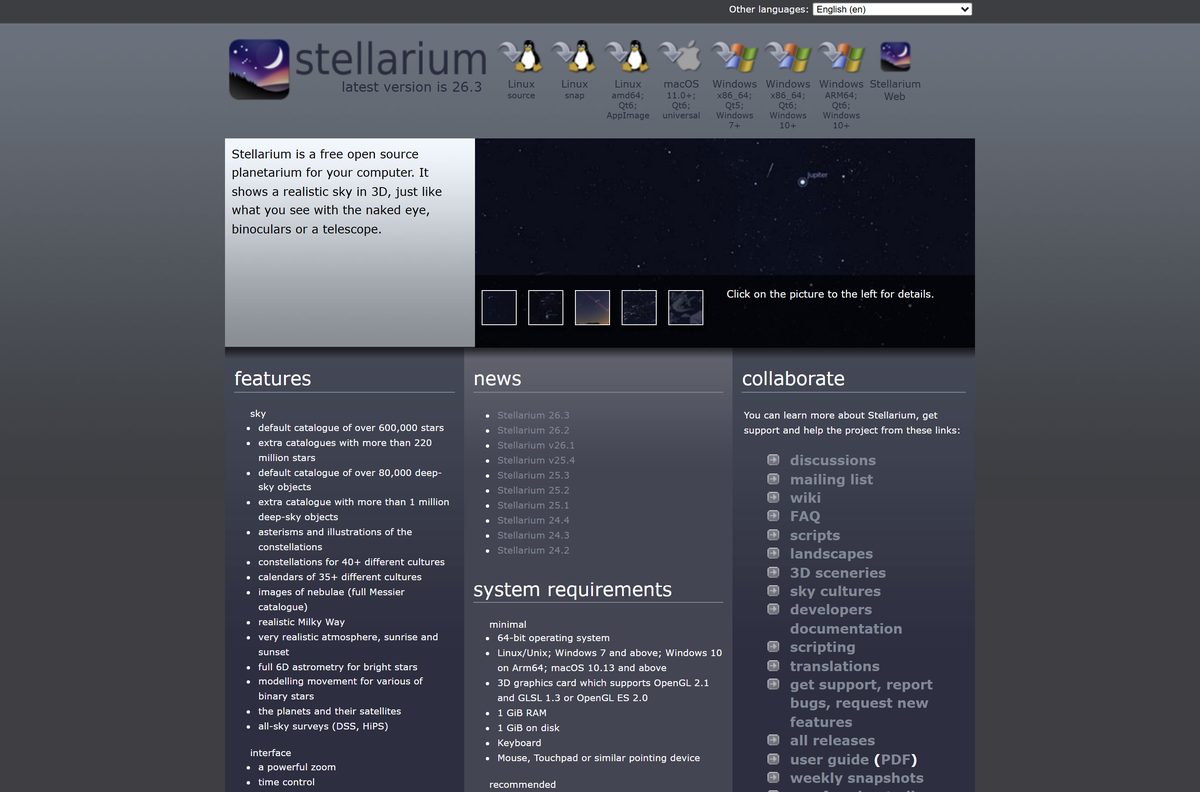
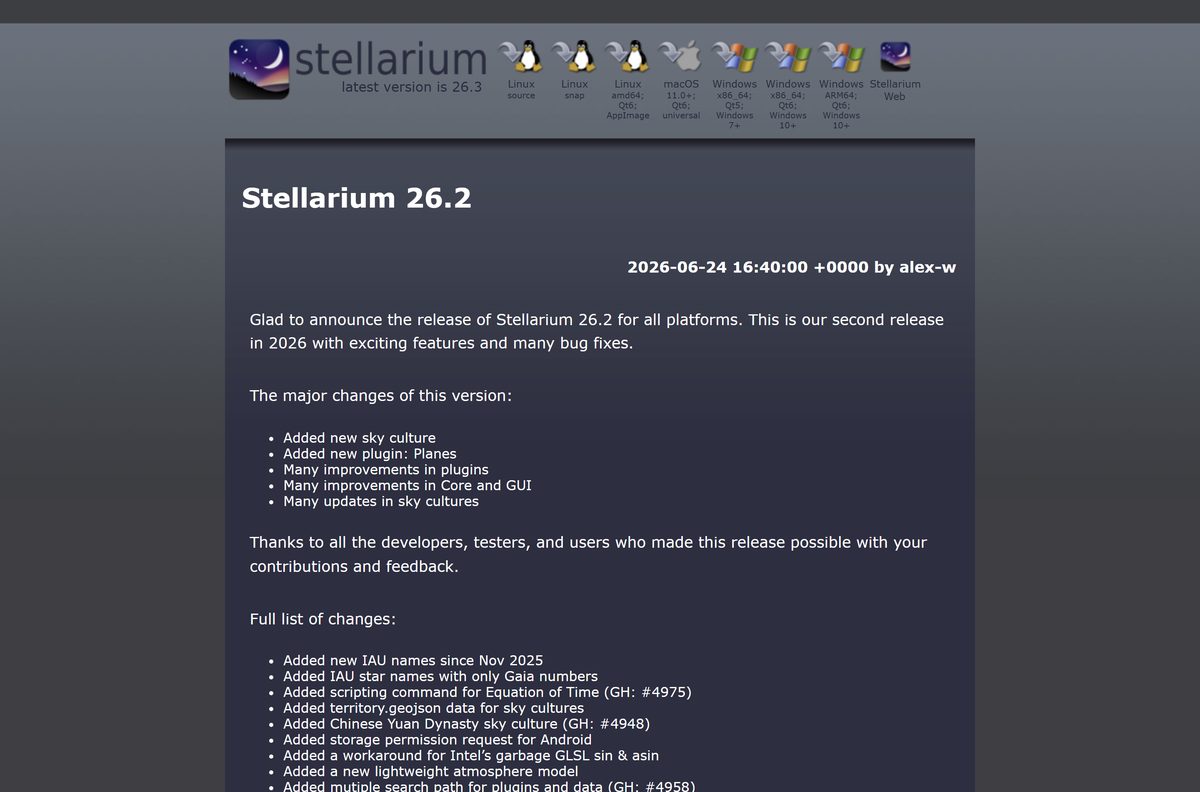
Download Stellarium for Windows 11 and 10 from stellarium.org
The download buttons sit at the top of the Stellarium home page, above the feature list. Each button fetches the file from the project’s release repository on GitHub.
- Stellarium home page and downloads — Windows, macOS and Linux builds of the current release
- Stellarium 26.2 release notes — full list of changes, published 24 June 2026
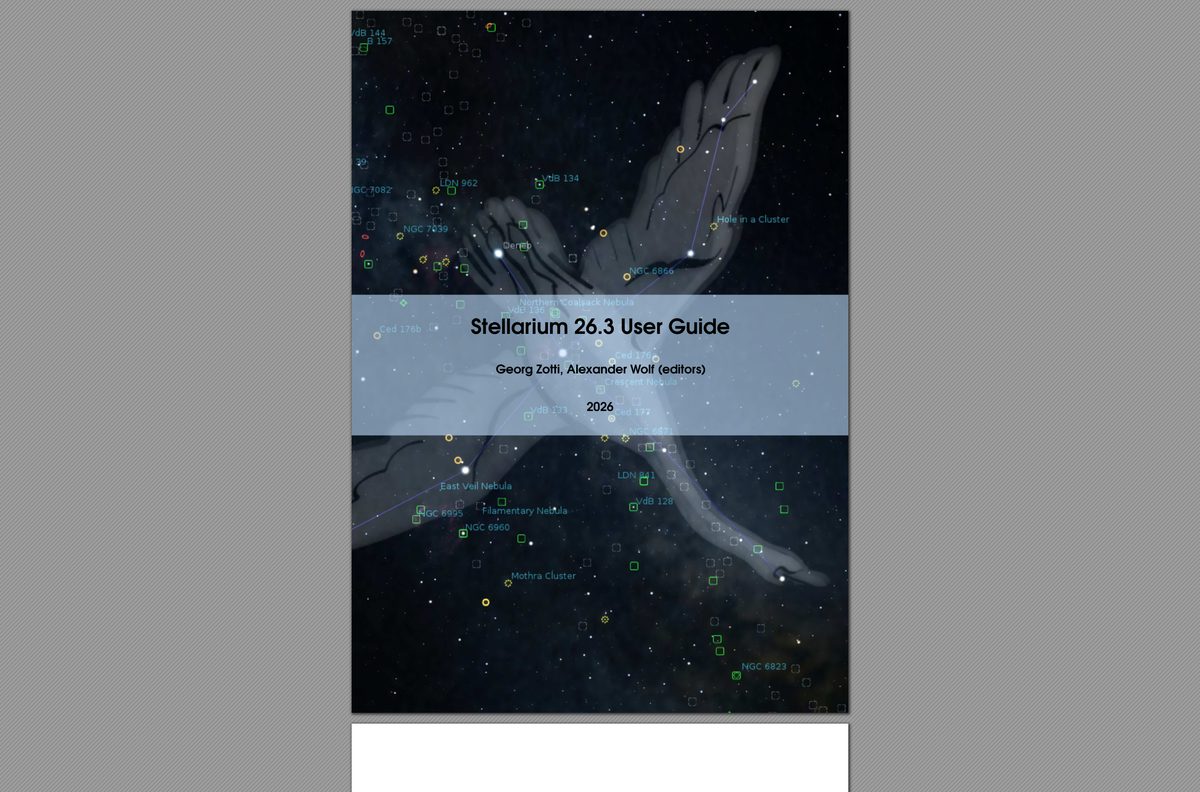
- Stellarium User Guide — installation, first tour, plugins and scripting
Download portals often repackage Stellarium with their own installer. The files linked from stellarium.org are the ones the developers publish.
How to install Stellarium on Windows 11 and 10
- Open stellarium.org in your browser.
- Click the Windows button marked x86_64; Qt6; Windows 10+, or the ARM64 button on an ARM PC.
- Save the .exe file to your Downloads folder.
- Double-click the file and click Yes at the User Account Control prompt.
- Accept the license agreement and click Next.
- Keep the default install folder and click Next through the remaining pages.
- Click Install, then Finish when setup completes.
- Open Stellarium from the Start menu and set your location in the Location window.
If Microsoft Defender SmartScreen shows Windows protected your PC, click More info, check that the file name matches the build you picked, then click Run anyway.
Which Stellarium download do you need for your Mac?
Stellarium ships one universal build for macOS. It runs natively on both Apple silicon and Intel Macs.
| Your Mac | What to do | Download |
|---|---|---|
| macOS 11 Big Sur or later, any chip | Download the .zip, open it and drag Stellarium into Applications | Stellarium-26.2-qt6-macOS.zip |
| macOS says the app cannot be opened | Open System Settings > Privacy & Security and click Open Anyway | Apple: Safely open apps on your Mac |
| No install wanted, any device with a browser | Use Stellarium Web, linked from the home page | stellarium.org |
After Open Anyway, macOS saves Stellarium as an exception and opens it normally from then on.
Which Stellarium Windows build should you install: Qt6 or Qt5?
Install the Qt6 build on Windows 11 and Windows 10. Pick the Qt5 build only on Windows 7 or 8.1. The Qt6 builds require Windows 10 or later and include the only native ARM64 version. The Qt5 build keeps Windows 7 support for older machines. All three builds come from the same 26.2 release.
If the Qt6 build shows a black window on an old graphics card, uninstall it and try the Qt5 build.
Is Stellarium free?
Install Stellarium on Windows, Mac and Linux without paying. The desktop app has no paid tier, trial or activation key. Stellarium is a free, open-source project. Development runs on donations from individuals and organisations, which are voluntary and unlock nothing extra.
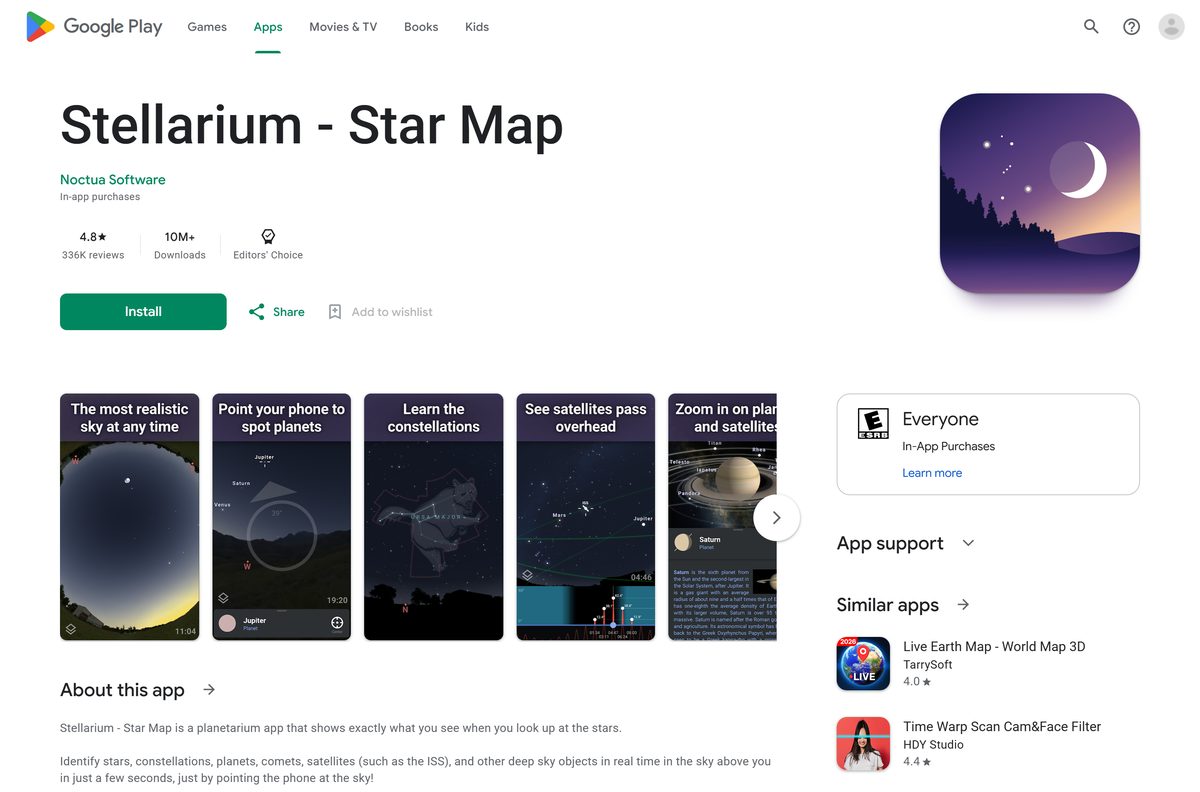
The Android app Stellarium – Star Map from Noctua Software is a separate product. It is free to install and sells an optional Stellarium Plus upgrade inside the app.
Any site asking for money or a serial number for the desktop planetarium is not selling the official program.
How to check your Stellarium version and update it
Stellarium does not replace itself automatically. Check your copy against the version shown on the home page.
- Open Stellarium and move the mouse to the left edge of the screen to show the side toolbar.
- Click the Help button and read the version number in the window.
- Compare it with the latest version line on stellarium.org.
- If yours is older, download the new build for your computer.
- Close Stellarium and run the new installer over the old copy.
Read the release notes first to see which plugins and sky cultures changed.
Check the Stellarium system requirements before you install
| Field | Value |
|---|---|
| Software | Stellarium |
| Developer | Stellarium developers, coordinated by Fabien Chéreau |
| Latest version | 26.2 |
| Released | 24 June 2026 |
| License | Free and open source |
| Windows | Windows 10 and 11 (Qt6), Windows 7 and later (Qt5), Windows on ARM64 |
| macOS | macOS 11.0 or later, universal build |
| Linux | AppImage (amd64), snap, source code |
| Architecture | 64-bit only: x86_64, ARM64, Apple silicon and Intel |
| Graphics, minimum | OpenGL 2.1 and GLSL 1.3, or OpenGL ES 2.0 |
| Graphics, recommended | OpenGL 3.3 or later |
| RAM | 1 GiB minimum, 4 GiB or more recommended |
| Disk space | 1 GiB minimum, 10 GiB recommended |
| Offline installer | Yes |
| Official source | stellarium.org |
| Last verified | 2026-09-25 |
The extra catalogues with more than 220 million stars are what push the recommended disk space to 10 GiB.
Fix Stellarium not installing or not starting
The installer refuses to run on Windows 7 or 8.1
The Qt6 builds require Windows 10 or later.
- Download stellarium-26.2-qt5-win64.exe from stellarium.org.
- Run it and follow the same setup steps.
The installer will not run on a Windows on ARM laptop
The x86_64 file was downloaded instead of the native ARM build.
- Open Settings > System > About and confirm System type says ARM-based processor.
- Download stellarium-26.2-qt6-arm64.exe from stellarium.org and run it.
Stellarium opens to a black window or closes at once
The graphics driver does not provide OpenGL 2.1 or later.
- Download the latest driver from your graphics card maker’s website and install it.
- Restart the PC and open Stellarium again.
- If the window stays black, uninstall Stellarium and install the Qt5 build instead.
The Mac says Stellarium cannot be opened
Gatekeeper blocks apps it cannot verify.
- Open System Settings and click Privacy & Security.
- Scroll down and click Open Anyway next to the Stellarium message.
- Click Open when the warning appears again.
How to uninstall Stellarium
- Close Stellarium.
- On Windows, open Settings > Apps > Installed apps.
- Search for Stellarium, click the three-dot menu and choose Uninstall.
- Confirm with Uninstall, then Yes at the User Account Control prompt.
- On a Mac, open Applications in Finder and drag Stellarium to the Trash.
- Empty the Trash to finish removing it.
Reinstalling later from stellarium.org gives you a fresh copy of the same free program.
Choose another way to run Stellarium
The desktop program has the full plugin set, telescope control and dome projection. The other two options trade features for convenience.
| Option | Best for | Link |
|---|---|---|
| Stellarium desktop | Windows, Mac and Linux PCs; telescope control, scripting, 3D sceneries and extra catalogues | stellarium.org |
| Stellarium Web | Any browser, including Chromebooks, with nothing to install | Linked from stellarium.org |
| Stellarium – Star Map | Android phones pointed at the sky; free with an optional Plus upgrade | Google Play |
Install the desktop version on a PC or Mac. Add the Android app if you want to identify objects outdoors.
Frequently asked questions
Is Stellarium free?
Yes. The Stellarium desktop planetarium for Windows, macOS and Linux is free and open source. There is no paid edition, trial or licence key. Only the separate Android app sells an optional Stellarium Plus upgrade.
What is the official Stellarium download page?
The official page is stellarium.org. The download buttons at the top of the home page list the Windows, macOS and Linux builds of the current release, and the user guide is linked from the same page.
What is the latest version of Stellarium?
The latest version is Stellarium 26.2, released on 24 June 2026. It adds a Chinese Yuan Dynasty sky culture, a Planes plugin, star trail visualization and a Byzantine calendar, plus many bug fixes.
Does Stellarium work on Windows 11?
Yes. The Qt6 builds run on Windows 10 and Windows 11, including Windows 11 on ARM64. The Qt5 build also runs on Windows 11 and supports older PCs back to Windows 7.
How much space does Stellarium need?
Stellarium needs at least 1 GiB of free disk space and 1 GiB of RAM. The recommended setup is 10 GiB of disk space and 4 GiB of RAM or more, which leaves room for the extra star catalogues.
Is there a Stellarium offline installer?
Yes. The Windows .exe and the macOS .zip from stellarium.org are complete packages. Copy the file to a USB drive and it installs on a computer that has no internet connection.
Can I download Stellarium for Mac?
Yes. stellarium.org offers a universal macOS build that runs natively on Apple silicon and Intel Macs. The current release needs macOS 11.0 or later and comes as a .zip file.
Is Stellarium available for 64-bit and ARM64 Windows?
Yes. Stellarium ships x86_64 builds for standard 64-bit PCs and a native ARM64 build for Windows on ARM laptops. There is no 32-bit build, because Stellarium needs a 64-bit operating system.
Is Stellarium safe to download?
Yes, when you download it from stellarium.org. The project is open source and its installers are linked straight from the official home page. Avoid download portals that wrap the file in their own installer.
Why won’t Stellarium install or start?
The usual causes are the wrong build for your Windows version or an outdated graphics driver. Use the Qt5 build on Windows 7 or 8.1, the ARM64 build on ARM PCs, and update your GPU driver for OpenGL support.
Is there a Stellarium app for Android?
Yes. Stellarium – Star Map is on Google Play from Noctua Software. It is free to install, names stars and planets when you point your phone at the sky, and offers an in-app Stellarium Plus upgrade.