The Pokémon TCG Live download for PC is a free 186 MB installer from The Pokémon Company International. It runs on Windows 11 and Windows 10, and a separate installer covers Macs on macOS Monterey 12 or later.
The same free game is on the App Store for iPhone and iPad and on Google Play for Android. One Pokémon Trainer Club account carries your cards and decks across every device.
Below: which file to pick, the official links, install steps for each platform, system requirements, updates, fixes and removal.
Which Pokémon TCG Live download do you need?
Each platform has one official download. Match your device to a row and use that link.
| Your device | Download | Size |
|---|---|---|
| Windows 11 or Windows 10 PC | PokemonTCGLiveInstaller.msi | 186 MB |
| Mac on macOS Monterey 12 or later | PokemonTCGLiveInstaller_Mac.dmg | 201 MB |
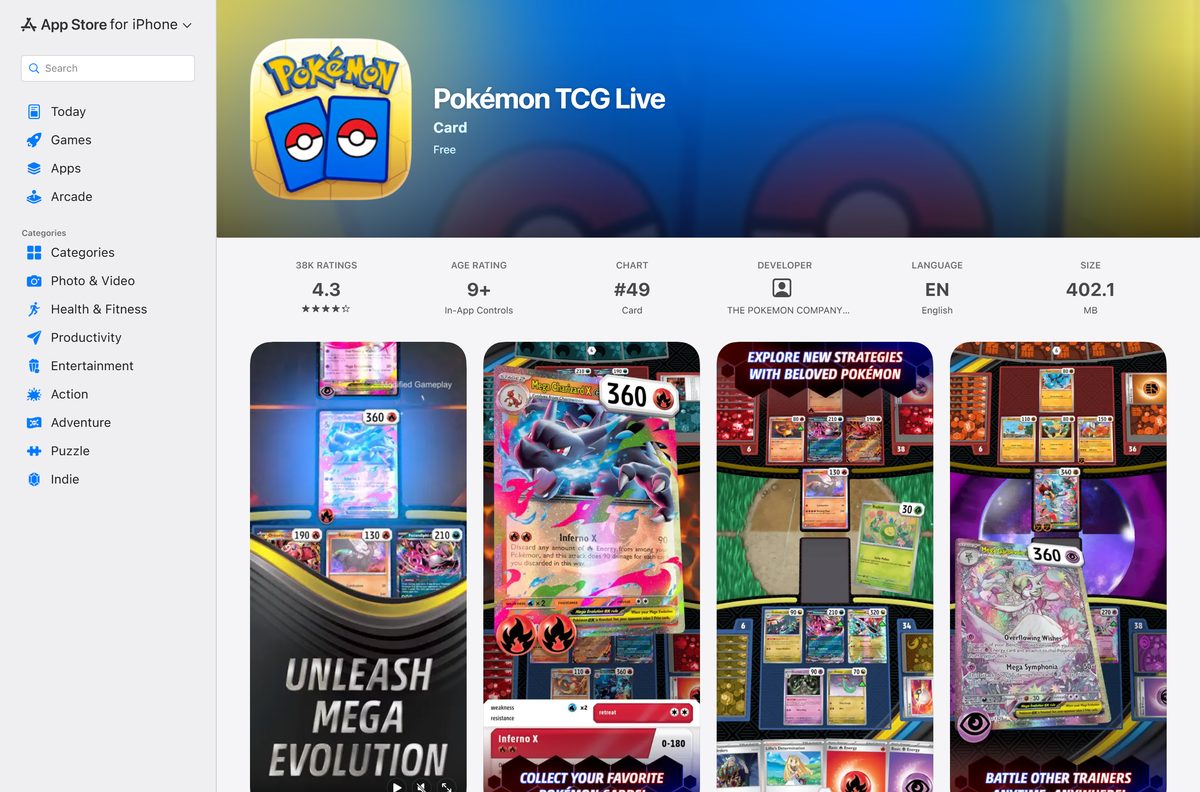
| iPhone or iPad on iOS 15.0 or later | App Store listing | 402.1 MB |
| Android phone or tablet on Android 9 or later | Google Play listing | Shown on the listing |
The PC and Mac installers are small, but the official requirements ask for 3 GB of free space.
Get the official Pokémon TCG Live download links
The Pokémon TCG site hosts the PC and Mac installers and links to both mobile stores. Every store listing names The Pokémon Company International as the developer.
- Pokémon TCG Live official page — Links to every platform and lists the requirements
- Windows installer (MSI) — 186 MB · Windows 10 or later
- Mac installer (DMG) — 201 MB · macOS Monterey 12 or later
- Pokémon TCG Live on the App Store — 402.1 MB · iPhone and iPad, iOS 15.0 or later
- Pokémon TCG Live on Google Play — Android 9 or later
Both installer files sit on installer.studio-prod.pokemon.com. A setup file from any other domain is not published by The Pokémon Company.
How to install Pokémon TCG Live on Windows 11 and 10
The Windows version installs from an MSI package. Keep 3 GB free on your system drive before you start.
- Open the Pokémon TCG Live page and select the Windows download.
- Save PokemonTCGLiveInstaller.msi to your Downloads folder.
- Double-click the file to start the installer.
- Select Yes if User Account Control asks for permission.
- Follow the installer prompts until setup finishes.
- Launch Pokémon TCG Live from the Start menu.
- Wait for any first-launch update to finish.
- Log in with your Pokémon Trainer Club account, or create one.
The game accepts keyboard and mouse or a touchscreen, so Windows tablets and touch laptops work too.
Which Pokémon TCG Live download do you need for your Mac?
Macs install the game from the DMG on the Pokémon TCG site, not from the Mac App Store. The App Store listing requires iOS 15.0 and targets iPhone and iPad.
| Your Mac | What to do | Link |
|---|---|---|
| macOS Monterey 12 or later | Download the DMG, open it and follow the installer window | PokemonTCGLiveInstaller_Mac.dmg |
| macOS Big Sur 11 or older | Update macOS first, or play on an iPhone, iPad or Windows PC | App Store listing |
To check your macOS version, open the Apple menu and select About This Mac. The Mac needs 3 GB of RAM and 3 GB of free space.
Install Pokémon TCG Live on iPhone, iPad or Android
The mobile versions install from each device’s own store. Use the same Trainer Club login to keep your collection.
iPhone or iPad
The App Store version needs iOS or iPadOS 15.0 or later.
- Open the App Store listing.
- Tap Get, then confirm with Face ID, Touch ID or your password.
- Tap Open and log in with your Pokémon Trainer Club account.
Android
Google Play installs and updates the Android build.
- Open the Google Play listing.
- Tap Install.
- Tap Open and log in with your Pokémon Trainer Club account.
The official minimum is an iPhone XS, a 7th-generation iPad, a Galaxy S8 or a Galaxy Tab S3.
Is Pokémon TCG Live free?
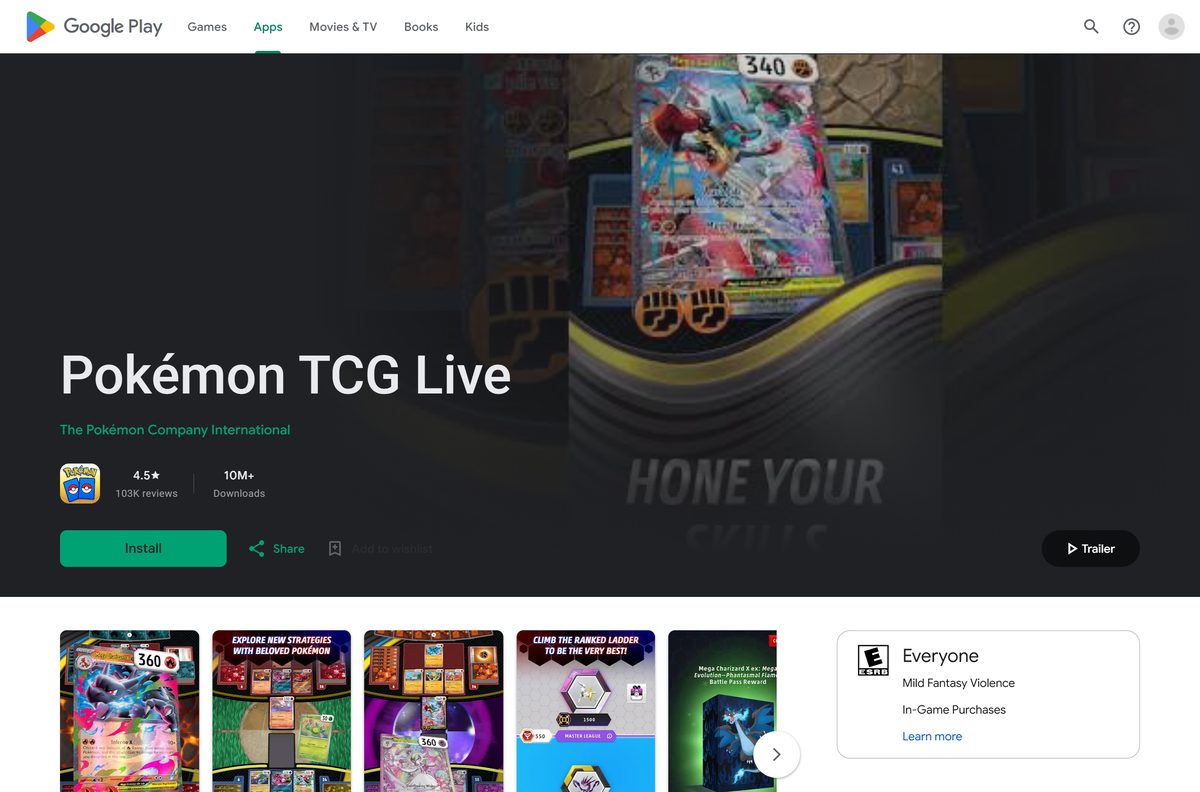
Yes. The Pokémon Company describes the game as a way to learn the card game at no cost, and the App Store lists it as Free.
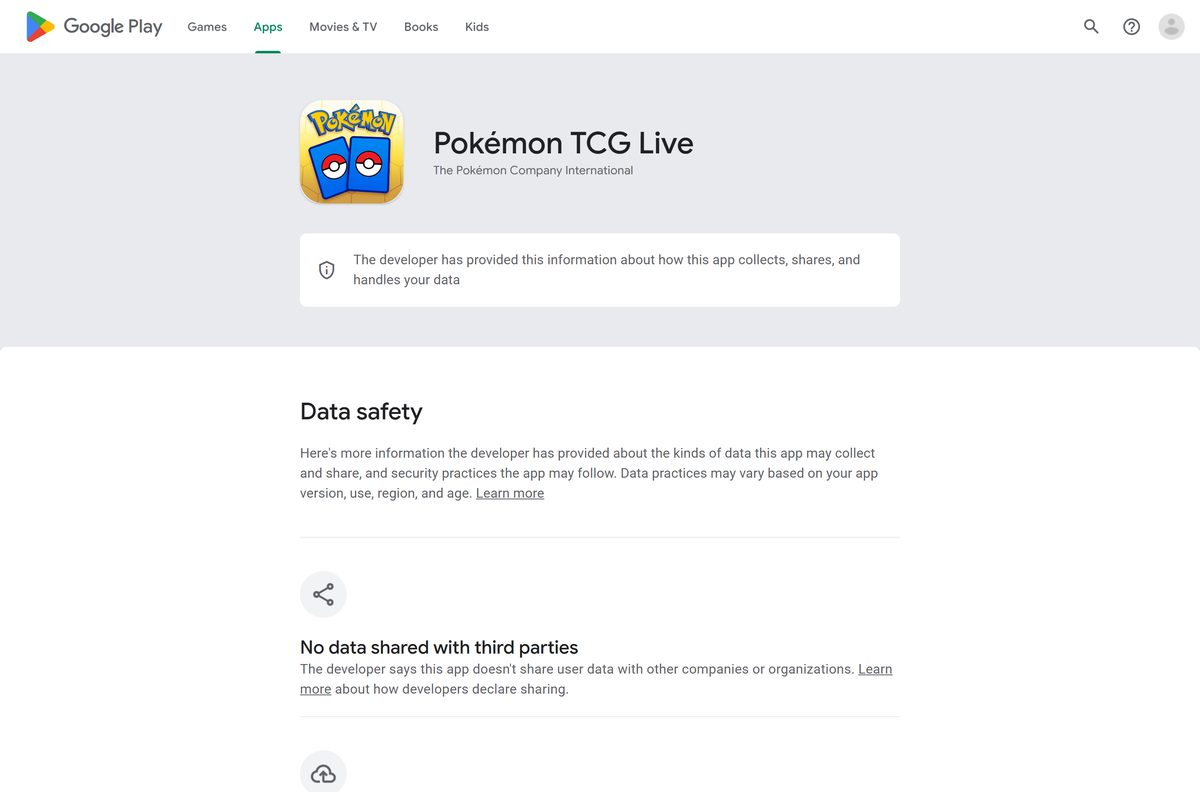
Download Pokémon TCG Live free from the official page or your device’s store. Starter decks, Battle Pass rewards and booster packs come through play. Code cards from physical Pokémon TCG booster packs add more packs, and Google Play’s content label notes In-Game Purchases.
A site that charges for the game or sells a paid installer is not an official source.
Should you play Pokémon TCG Live on PC or on a phone?
Every version shares one collection through your Trainer Club account, so the choice comes down to screen and controls.
Play on a Windows PC or Mac for ranked matches and deck building, and use the phone app for quick games. A larger screen shows the full board and deck editor clearly. The mobile apps carry the same cards and decks, so you can switch devices without losing progress.
Check the Pokémon TCG Live system requirements
These are the official specs for Windows and Mac. Meet the recommended figures for smoother play.
| Field | Windows | Mac |
|---|---|---|
| Developer | The Pokémon Company International, Inc. | The Pokémon Company International, Inc. |
| Latest version | 1.42.1 (September 2026) | 1.42.1 (September 2026) |
| Price | Free | Free |
| Operating system | Windows 10 or later; 64-bit recommended | macOS Monterey 12 or later |
| Processor (minimum) | Intel Pentium D or AMD Athlon 64 X2 | Intel Core 2 Duo |
| Processor (recommended) | Intel Core 2 Duo 2.2 GHz or AMD Athlon 64 X2 2.6 GHz | Intel Core i3 or better |
| Memory | 3 GB RAM; 4 GB recommended | 3 GB RAM; 4 GB recommended |
| Graphics (minimum) | NVIDIA GeForce 8600 GT or ATI Radeon HD 2600XT | NVIDIA GeForce 8600M GT or ATI Radeon HD 2600 Pro |
| Storage | 3 GB available space | 3 GB available space |
| Display | 1024 x 768 minimum | 1024 x 768 minimum |
| Network | Broadband connection required | Broadband connection required |
| Installer | MSI, 186 MB | DMG, 201 MB |
| Last verified | 2026-09-25 | 2026-09-25 |
On Windows, open Settings, select System, then About to see Installed RAM and System type. Mobile needs iOS 15.0 or Android 9 with 3 GB of RAM.
How to update Pokémon TCG Live
Version 1.42.1 reached the App Store in September 2026, and the PC and Mac installers were refreshed the same week.
- Close Pokémon TCG Live completely.
- On Windows or Mac, download the current installer from the official page and run it over your copy.
- On iPhone or iPad, open the App Store, tap your account icon, and tap Update next to Pokémon TCG Live.
- On Android, open Google Play, tap your profile, select Manage apps & device, then Update all.
- Launch the game and log in again.
Your cards and decks live on your Trainer Club account, so reinstalling never resets your collection.
Fix Pokémon TCG Live not installing or loading on Windows
Most problems trace back to space, blocked files or the connection. Find your symptom and follow its fix.
The installer will not start
Windows blocked the downloaded MSI or the download is incomplete.
- Delete the old file and download PokemonTCGLiveInstaller.msi again from the official page.
- Right-click the file, select Properties, tick Unblock if it appears, and select OK.
- Run the installer again and select Yes at the permission prompt.
The game stops while loading or updating
The drive is short of space or the connection dropped.
- Free at least 3 GB on the install drive.
- Switch to a stable broadband or wired connection.
- Restart the game and let it finish loading.
The game crashes or shows a black screen
The graphics driver is old or the PC is below the minimum spec.
- Update your NVIDIA, AMD or Intel graphics driver from the vendor’s site.
- Compare your PC against the requirements table above.
- Uninstall the game, restart, and reinstall from a fresh MSI.
You cannot log in
The Trainer Club credentials or the network are the problem.
- Check your Trainer Club username and password on the Pokémon website.
- Turn off any VPN or proxy and try again.
- Restart the game once your connection is stable.
How to uninstall Pokémon TCG Live
Removing the game deletes local files only. Your cards and decks stay on your Pokémon Trainer Club account.
Windows 11 or 10
Windows lists the game under installed apps.
- Open Settings, then Apps, then Installed apps.
- Find Pokémon TCG Live and select the three dots beside it.
- Select Uninstall and confirm.
Mac
The app lives in the Applications folder.
- Quit Pokémon TCG Live.
- Open Finder, then Applications.
- Drag Pokémon TCG Live to the Trash and empty it.
iPhone, iPad or Android
Mobile apps uninstall from the home screen.
- Touch and hold the Pokémon TCG Live icon.
- Tap Remove App on iPhone or Uninstall on Android.
- Confirm the removal.
Pick between Pokémon TCG Live and Pokémon TCG Pocket
The Pokémon Company publishes two digital card games, and they suit different players.
| Game | Platforms | Best for |
|---|---|---|
| Pokémon TCG Live | Windows, Mac, iPhone, iPad, Android | Full Pokémon TCG rules, Standard and Expanded play, and codes from physical packs |
| Pokémon TCG Pocket | Mobile, including Android on Google Play | Card collecting and play on a phone |
Pick Pokémon TCG Live if you play the physical card game or want to learn it, since it follows the same rules.
Frequently asked questions
Is Pokémon TCG Live free?
Yes. Pokémon TCG Live is free on Windows, Mac, iPhone, iPad and Android. Starter decks, Battle Pass rewards and booster packs come through play, and codes from physical booster packs add more.
Where is the official Pokémon TCG Live download page?
The official page is tcg.pokemon.com/en-us/tcgl. It hosts the Windows MSI and Mac DMG installers and links to the App Store and Google Play listings published by The Pokémon Company International.
Does Pokémon TCG Live work on Windows 11?
Yes. The official minimum is Windows 10, and the same MSI installer runs on Windows 11. The recommended setup is 64-bit Windows with 4 GB of RAM and a GeForce 240 GT or Radeon HD 4850.
How big is the Pokémon TCG Live download?
The Windows installer is 186 MB and the Mac installer is 201 MB. The official requirements ask for 3 GB of free space, and the App Store lists the iPhone and iPad version at 402.1 MB.
Is there a Pokémon TCG Live offline installer?
The Windows MSI and Mac DMG are full installer files you can keep and reuse. The game itself still needs a broadband internet connection to play, including practice matches and tutorials.
Can you play Pokémon TCG Live on a Mac?
Yes. Download the DMG installer from the official Pokémon TCG Live page. It needs macOS Monterey 12 or later, 3 GB of RAM and 3 GB of free space. The Mac App Store does not carry it.
Does Pokémon TCG Live need 64-bit Windows?
The official requirements list Windows 10 as the minimum and 64-bit Windows 10 as recommended. Check System type under Settings, System, About to see which version your PC runs.
Is it safe to download Pokémon TCG Live?
Yes, from tcg.pokemon.com, the App Store or Google Play. The PC and Mac installers are served from installer.studio-prod.pokemon.com. Skip setup files and APKs offered on other sites.
What is the latest version of Pokémon TCG Live?
Version 1.42.1 reached the App Store in September 2026. Google Play updated the Android build on September 21, 2026, and the PC and Mac installers were refreshed on September 22, 2026.
Do you need an account to play Pokémon TCG Live?
Yes. You log in with a Pokémon Trainer Club account on every platform. The same account keeps your cards, decks and progress in sync across PC, Mac and mobile.
Can you play Pokémon TCG Live on an iPad?
Yes. The App Store version runs on iPad with iPadOS 15.0 or later. The official minimum is a 7th-generation iPad, and a 10th-generation iPad is recommended.
Why won’t Pokémon TCG Live install on my PC?
The usual causes are a blocked or incomplete MSI, less than 3 GB of free space, or an old graphics driver. Download a fresh installer from the official page, free up space, and update your driver.